 NEWS
NEWS
Apple’s Canceled Copland Operating System Can Now Be Tested in Your Browser
 09/24/2026
 40
40
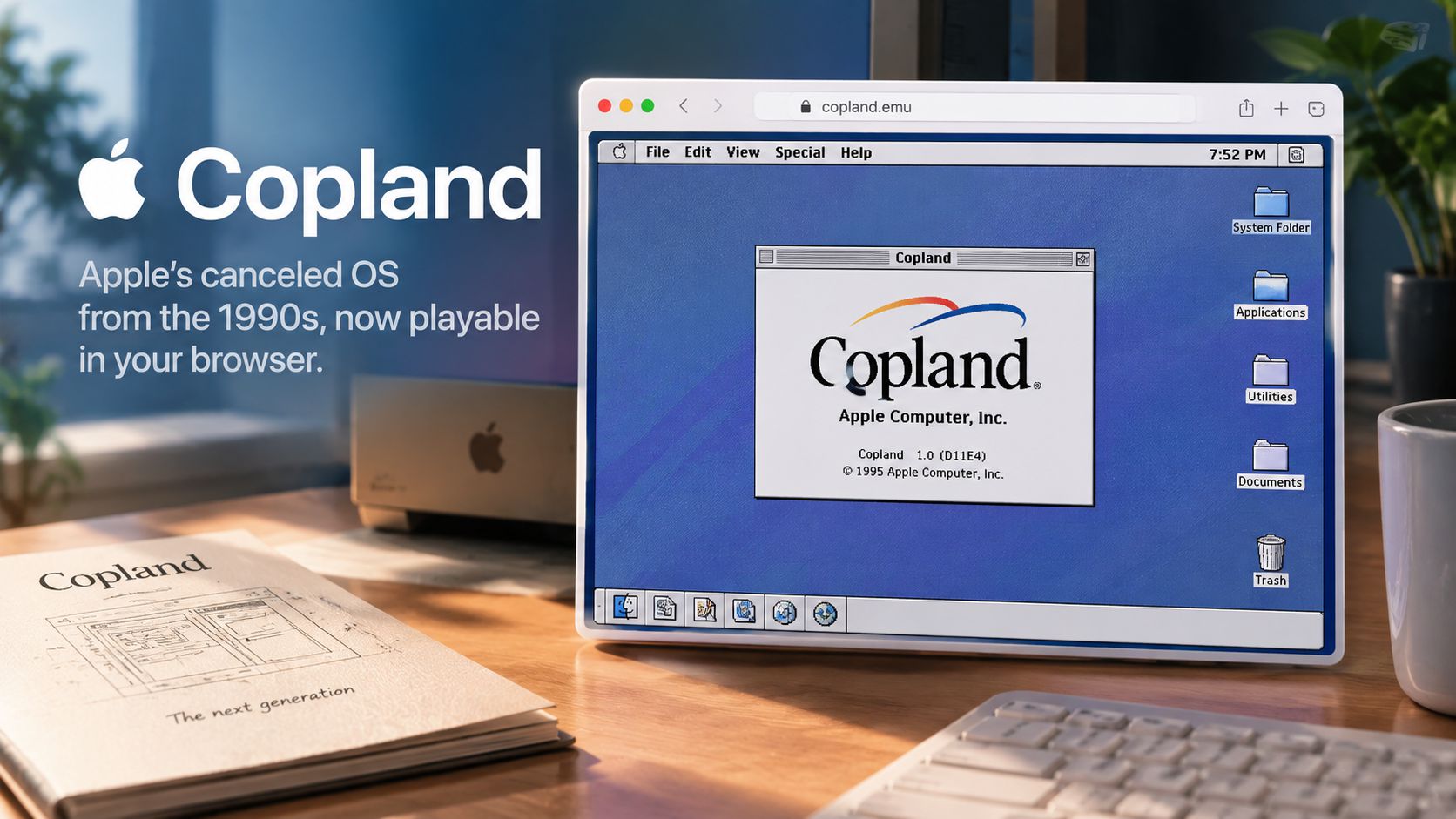
Image generated by AI (Concept illustration)
Apple’s most famous unreleased operating system from the 1990s, codenamed Copland, has been made playable directly inside web browsers thanks to a breakthrough in vintage hardware emulation.
Copland was originally conceived in the mid-1990s to replace System 7 with modern features like protected memory and preemptive multitasking. However, due to scope creep and severe development bottlenecks, Apple canceled the project in August 1996. The cancellation prompted Apple to purchase Steve Jobs' NeXT in 1997, which eventually laid the technical groundwork for Mac OS X.
Vintage computing researcher Michael Steil achieved the feat by modifying DingusPPC, an open-source PowerPC emulator. By applying 11 targeted code patches, Steil successfully booted Copland’s final pre-release beta (build D11E4) and packaged it into a zero-install, web-accessible demo.
What This Means for Tech & Apple Enthusiasts
• Zero setup required: Users do not need physical vintage PowerPC hardware, disk images, or local virtualization software to try Copland.
• Direct browser access: The operating system runs entirely inside modern desktop web browsers via emulated WebAssembly.
• A look at Apple history: Visitors can directly interact with the experimental UI, Chicago-style system menus, and prototype window management concepts that preceded OS X.
3uTools' View: Copland is one of the most legendary "what-if" chapters in Apple history. Experiencing it firsthand provides a fascinating look into the technical hurdles Apple faced before acquiring NeXT and bringing back Steve Jobs.
Source: MacRumors










