NEWS

Apple Could Launch AI-Powered Home Security Camera in 2027

09/07/2026

69

Apple Could Launch AI-Powered Home Security Camera in 2027


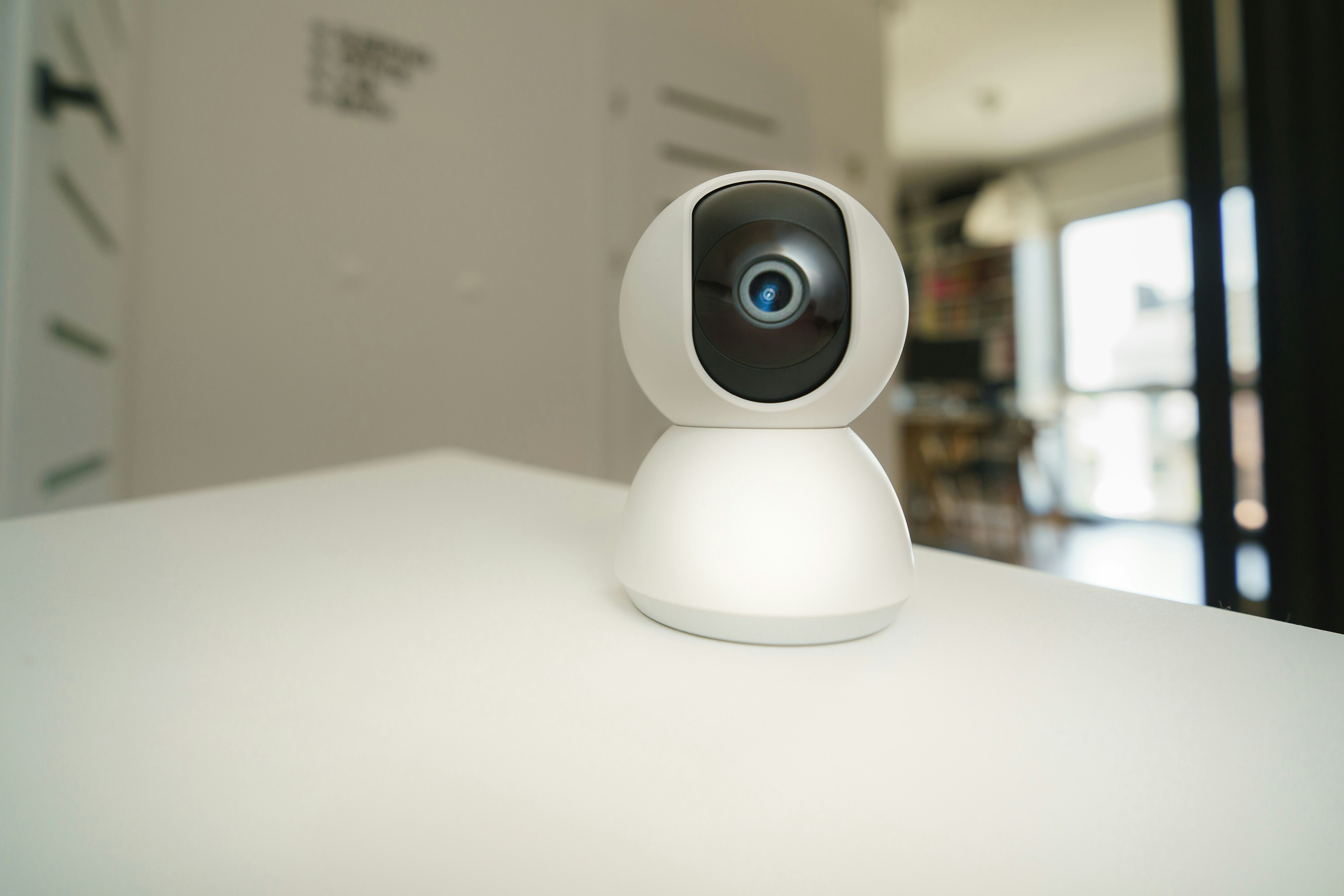
Apple may be preparing to enter the home security camera market with a new AI-powered device and monitoring service as early as 2027, according to a Bloomberg report.


The camera is reportedly being designed with a strong focus on privacy. Rather than relying primarily on conventional video footage, Apple could use AI to analyze activity and the surrounding environment. The device is also expected to work with Apple's broader smart home ecosystem.


Apple is already expanding its home security capabilities. In iOS 27, the Home app can generate written summaries for motion alerts and organize highlights from multiple cameras. Apple also offers HomeKit Secure Video, which uses end-to-end encryption and iCloud to securely store and stream footage from compatible cameras.


The rumored camera could also work alongside Apple's upcoming smart home hub, which is expected to arrive later this year. Earlier reports suggested the camera could be wireless and support Siri integration.


Apple has not officially confirmed the camera or a 2027 launch date, so the details may change.


Apple's combination of AI, privacy and smart home integration could make its rumored security camera an interesting addition to the Apple ecosystem. If the company can reduce its reliance on continuous video recording, privacy could become one of its biggest advantages.


Windows
Mac OS
iOS
Linux
3uTools
Win 64-bit For this device
V9.08 2026-08-18
Download
Win 32-bit For this device
V9.08 2026-08-18
Download
3uTools
Intel Chip How to Identify Chip Type
V9.06 2026-08-20
Download
Apple Silicon
V9.06 2026-08-20
Download
How to Identify Chip Type
1.  Click the Apple icon in the top-left corner of the screen and select About This Mac.
2.  Check the Processor or Chip field to determine if it is "Intel" or "Apple".
Please use the 3uTools PC client to install the iOS client:
1、 Install either the Windows or Mac version of 3uTools on your computer
2、 Open the PC client and connect your device to the computer via USB cable
3、 After the connection is successful, wait for the computer to automatically install the mobile app for the device, or locate “Install Mobile App” on the computer and manually click to install.
3uTools
deb file
V9.02 2026-08-19
Download
rpm file
V9.02 2026-08-19
Download
Windows
Windows
iOS
iOS
Android
Android
TV
TV
3uAirPlayer
Win 64-bit For this device
V6.0.7 2026-08-25
Download
Win 32-bit For this device
V6.0.7 2026-08-25
Download
Scan to get "3uAirPlayer" App
Requires iOS 15.0 or later
Scan to get "3uAirPlayer" App
Requires Android 7.0 and up
3uAirPlayerTV
 
TV System Requirements: Android 7.0 or later
Download the TV installation package, copy it to a USB drive, insert it into your TV or set-top box, then select the file from the home screen to install.