 NEWS
NEWS
Before Apple: Steve Jobs’ Early Science Project Sells for $34,375
 09/01/2026
 844
844
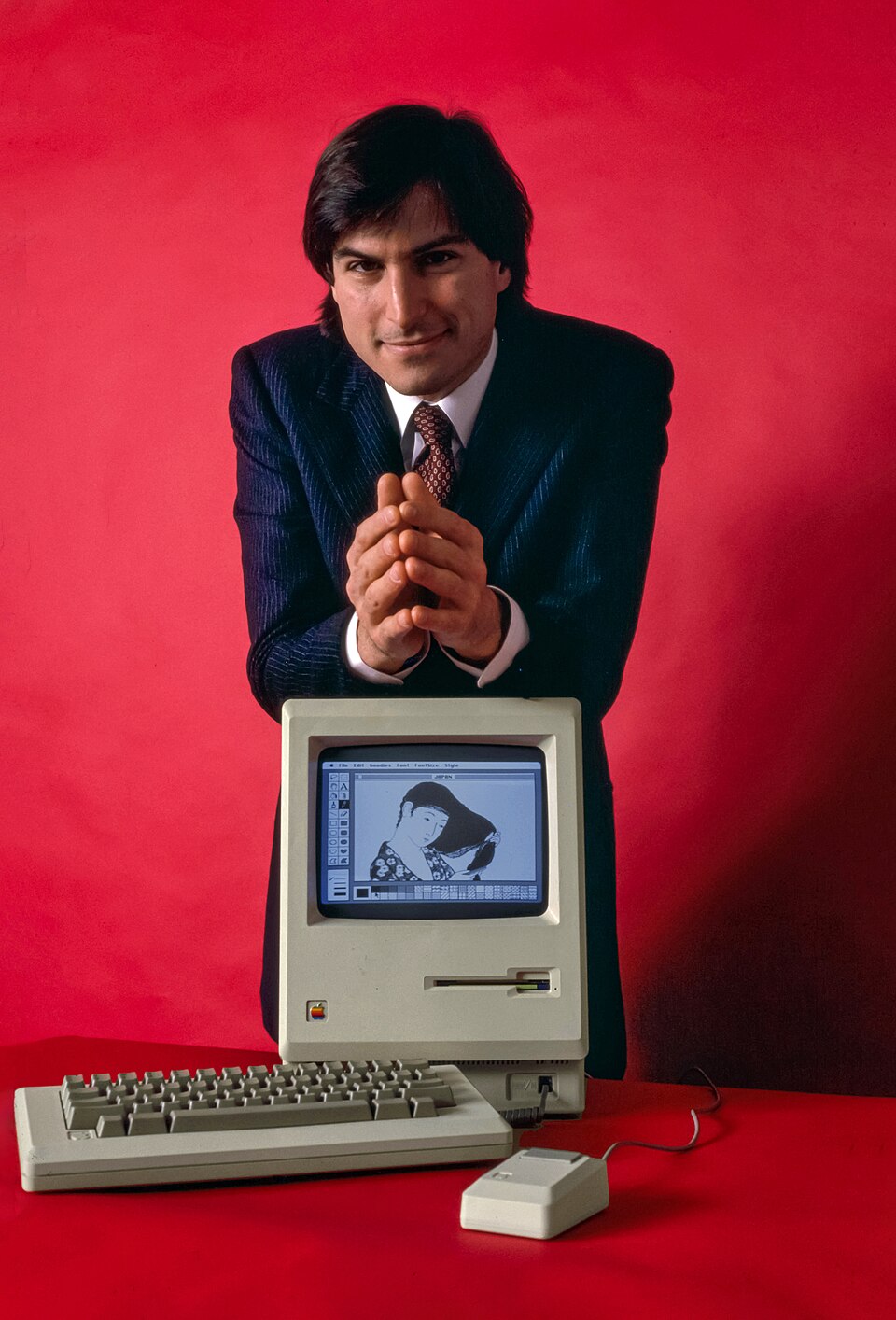
A science project created by Apple co-founder Steve Jobs when he was in the eighth grade has sold at auction for $34,375, offering a rare look at his interest in electronics years before Apple was founded.
According to MacRumors, Jobs completed the project while attending Cupertino Jr. High School. Titled “What Is the SCR?”, the project focused on the silicon-controlled rectifier, or SCR, an electronic component used to control electrical current in circuits.
The auction lot included a large plywood display board and a 10-page written report. Dated February 29, 1968, the report identified the project as a science assignment completed by Steve Jobs.
The display board explained several aspects of the silicon-controlled rectifier, including its structure, characteristics, and circuit applications. It also featured a physical model illustrating the alternating P-type and N-type semiconductor layers that make up the component.
The project was not limited to written explanations. One section included instructions for judges to connect a circuit and an oscilloscope to see the demonstration in operation. A note also reminded them to unplug the equipment after testing it, adding a small but interesting detail to this hands-on school project.
The item came from John Chovanec, Jobs’ stepbrother, and is one of several personal and historical items connected to Jobs that have later appeared at auction.
Steve Jobs memorabilia has continued to attract strong interest from collectors. Items from his early years, including Apple-related posters, personal belongings, and rare computer artifacts, have sold for significant amounts, reflecting the lasting fascination with Apple’s history and its co-founder.
3uTools’ View
This school project offers a fascinating look at Steve Jobs’ interest in technology long before Apple became a global company. From early electronic components to today's iPhone, iPad, and Mac, Apple technology has changed dramatically—but the curiosity to understand how technology works remains the same.
Source: Macrumors










