 NEWS
NEWS
Apple Reportedly Tested Apple Pencil Support for iPhone Ultra
 08/31/2026
 922
922
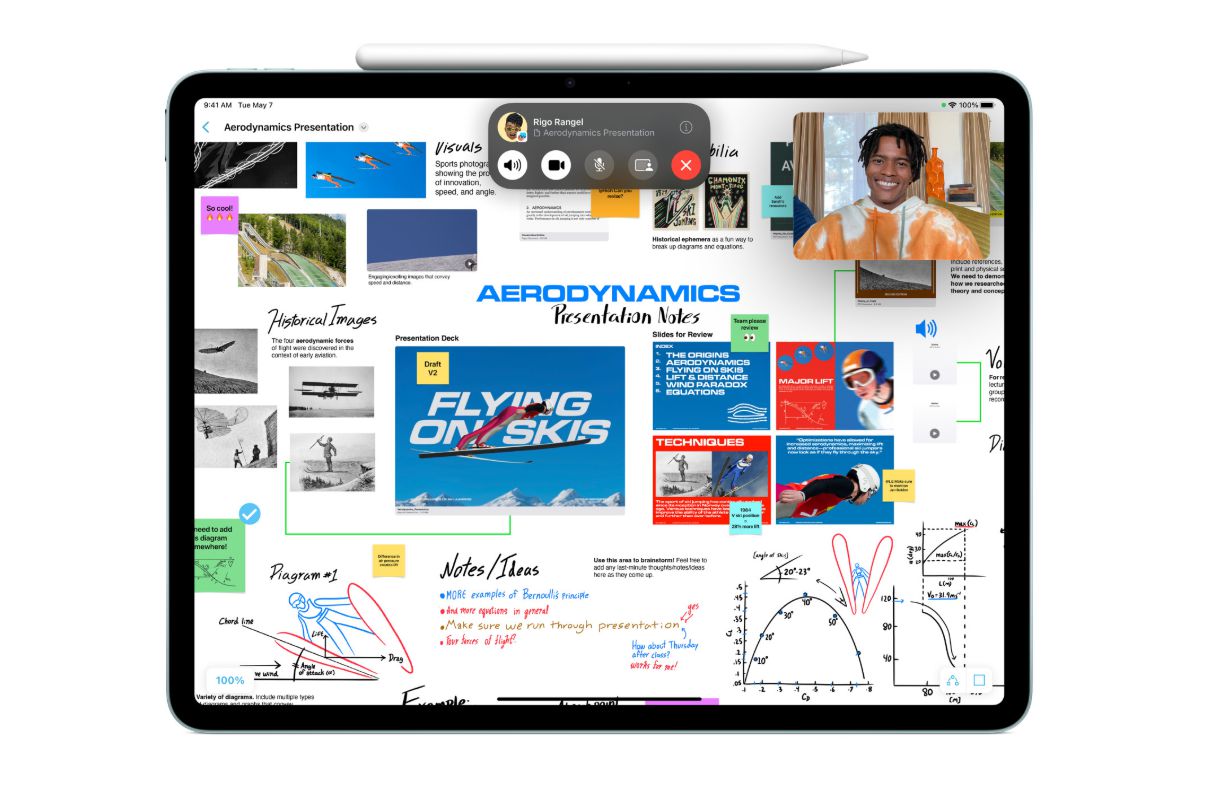
Image source: apple.com
Apple is widely expected to introduce its first foldable iPhone soon, and a new report suggests the company has also explored a dedicated Apple Pencil accessory for the device.
According to 9to5Mac, citing Bloomberg’s Mark Gurman, Apple considered launching a new Apple Pencil designed specifically for the rumored iPhone Ultra. Unlike the current Apple Pencil models made for iPad, this version would reportedly have been shorter and thicker to better match the size and shape of a foldable iPhone.
The accessory was also said to support magnetic attachment, allowing it to stick to the side of the iPhone Ultra for storage and charging, similar to how Apple Pencil works with certain iPad models.
However, the report indicates that Apple is unlikely to release this new Pencil in the near future. One possible reason is that attaching a stylus to the side of a foldable iPhone could make the device less comfortable to hold. Another concern is the durability of the inner foldable display, which is generally more delicate than a standard smartphone screen. Repeated stylus use could potentially leave visible marks or increase wear on the screen.
Apple may also be cautious about positioning the iPhone as a stylus-based device. Since the launch of the original iPhone, Apple has emphasized finger-based touch interaction as a core part of the iPhone experience. Introducing Apple Pencil support for iPhone would represent a notable shift in that long-standing approach.
3uTools’ View:
Apple Pencil support on a foldable iPhone would be a practical feature for many users. Once unfolded, a larger iPhone screen could be useful for taking notes, marking up documents, sketching, signing files, or handling light productivity tasks. This is one reason stylus support has become an important feature on some competing foldable smartphones.
Still, Apple’s hesitation makes sense. For a first-generation foldable iPhone, the company will likely focus on core hardware issues first, such as display durability, hinge design, battery life, thickness, and overall user experience. Adding a Pencil accessory too early could create extra challenges, especially if the inner display is not yet durable enough for regular pen input.
If Apple does bring Apple Pencil support to iPhone Ultra in the future, it will probably need to be more than just a smaller version of the current iPad accessory. A truly useful experience would require deeper iOS integration, including quick notes, handwriting recognition, document markup, hover features, and apps optimized for the foldable screen.
For now, Apple Pencil support for iPhone Ultra sounds like a feature Apple has explored, but not one that is ready for the first release. It may become more likely once Apple’s foldable iPhone platform becomes more mature.
Source: 9to5mac










