 NEWS
NEWS
Apple’s big Home Product Overhaul Leaked in New Report
 08/19/2026
 573
573
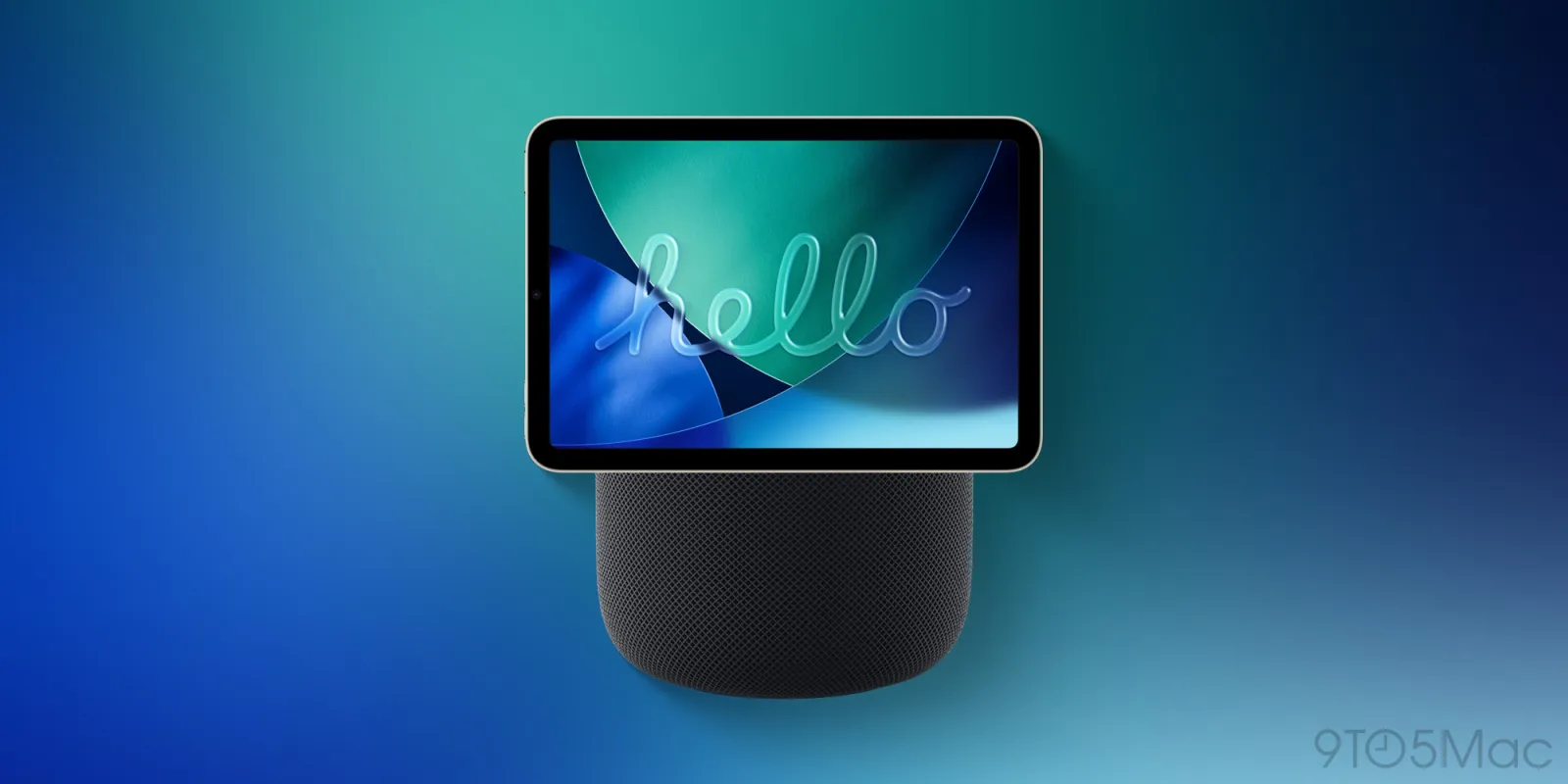
Rumors indicate Apple has long been working toward a big overhaul of its Home product lineup, and a new leak offers a list of products to expect.
macOS code leak references many unreleased Home devices
Apple’s biggest launch event of the year is only weeks away. And new Home products are expected to be unveiled alongside iPhone 18 Pro and iPhone Ultra, new Apple Watch models, and more.
Rumors indicate a new Apple TV 4K, HomePod mini 2, and the long-awaited HomePad are coming. But there are several other Home products that could launch soon too.
Yesterday, MacRumors discovered that the newly released macOS 26.7 RC includes references to a number of unreleased products.
Among them are codenames tied to Home devices. Per Juli Clover:
●HomePad (J490 and J491): “J490 is believed to be the version of the home hub with a base, while J491 is the version that’s meant to be mounted on a wall.”
●HomePod mini 2 (B525): HomePod mini has B520 codename, so this is likely the mini 2.
●Home Accessory (J229): Likely the rumored security camera product.
●HomeAccessory17,2 and HomeAccessory17,3: New mentions of unknown Home devices.
●ATVRemote1,5: Next generation of the Siri Remote, expected with new Apple TV 4K.
Additional Home products rumored to be in the works include a video doorbell and tabletop robotic home hub. It’s unclear whether their codenames are in the macOS 26.7 leak or not.
Beyond products, MacRumors also found a “Pebble” reference, believed to be the homeOS codename. And there’s an “audio_accessory_visual_reasoning” string, which could relate to the HomePad.
Finally, four colors for an unspecified Home accessory were found: Rose Pink, Silver, Space Gray, and Starlight.
Source: 9to5mac










