
NEWS

New Apple Watch models launch next month, here’s what’s coming

08/17/2026

87

New Apple Watch models launch next month, here’s what’s coming

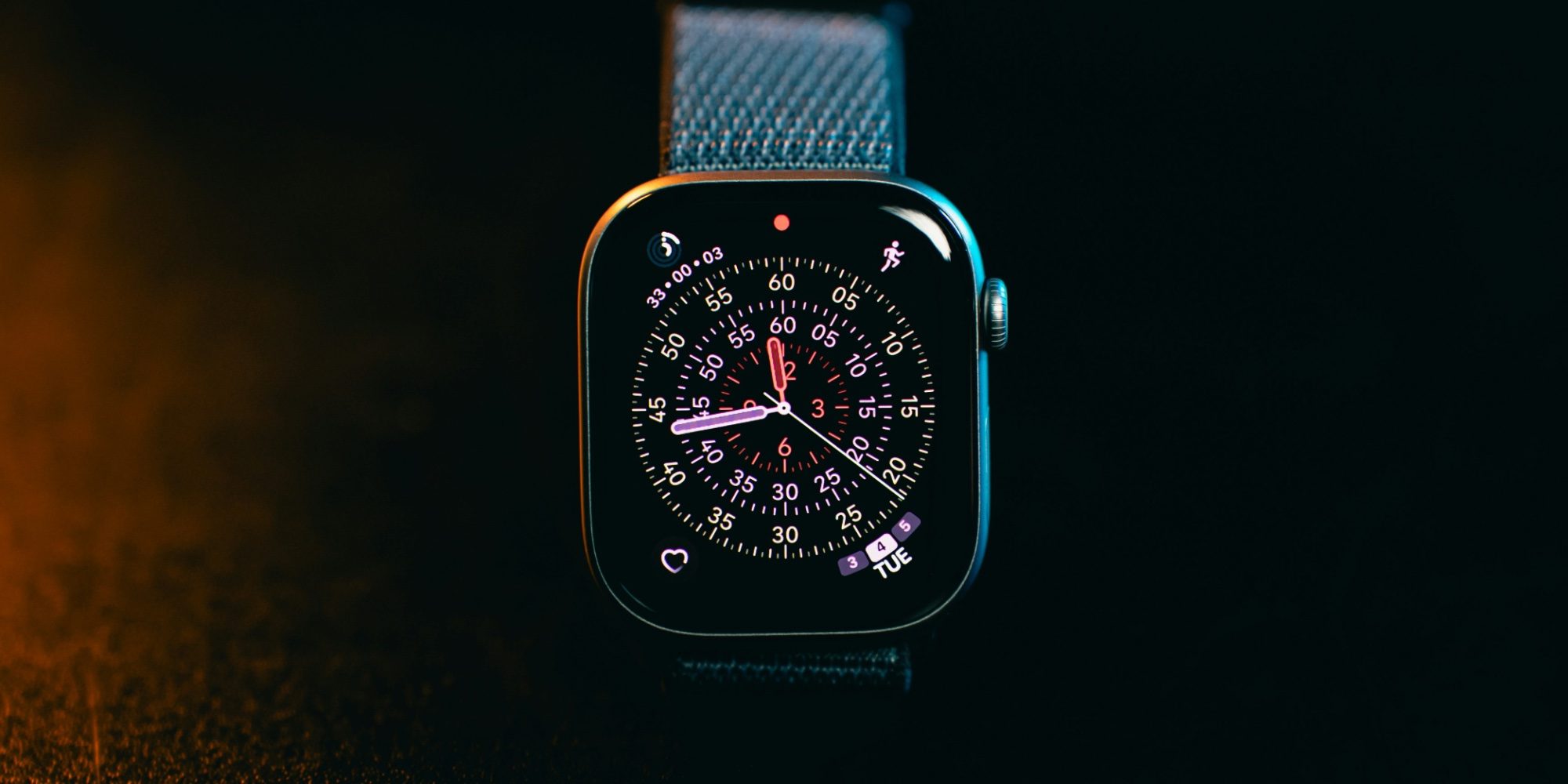
September brings Apple’s big iPhone launch event, where new Apple Watch models will be introduced too. Here’s what to expect from Apple Watch Ultra 4 and Apple Watch Series 12.

Apple Watch Ultra 4 and Apple Watch Series 12 coming with new chip, health features, more
New Apple Watch models launch next month, here’s what’s coming

If you’re interested in the new iPhone models being unveiled next month, there are a myriad of leaks that offer a great summary of what to expect from iPhone 18 Pro and iPhone Ultra.

But new Apple Watch models will launch alongside those iPhones, and reporting on what’s coming is a lot more scarce.

We’re expecting two new Watch models at the September event:

  • Apple Watch Ultra 4
  • Apple Watch Series 12

Mark Gurman reported recently at Bloomberg that both models will get “a long-awaited bump in chips and speed.”

Current Watch models feature an S10 chip, but overall performance hasn’t actually changed much since 2023’s S9. With watchOS 27 introducing Siri AI, a more powerful S11 chip could arrive at just the right time.

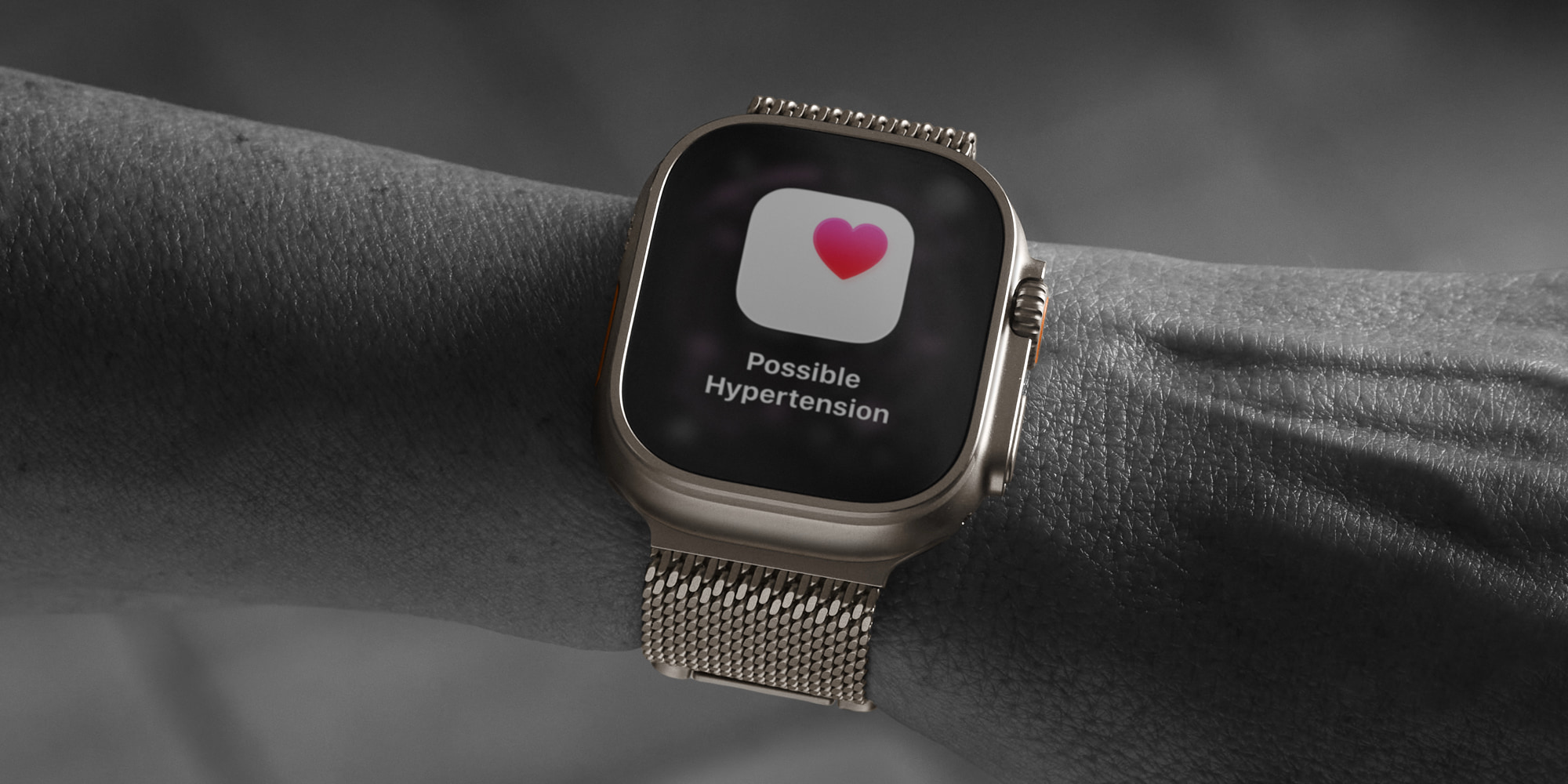
Digitimes claims Apple Watch Ultra 4 is getting a “major redesign,” but Gurman believes big design changes aren’t coming until at least next year. He does say, however, that Apple might bring back a ceramic case option for this year’s models.
New Apple Watch models launch next month, here’s what’s coming

Source: 9to5mac

Windows
Mac OS
iOS
Linux
3uTools
Win 64-bit For this device
V9.07 2026-07-17
Download
Win 32-bit For this device
V9.07 2026-07-17
Download
3uTools
Intel Chip How to Identify Chip Type
V9.05 2026-07-25
Download
Apple Silicon
V9.05 2026-07-25
Download
How to Identify Chip Type
1.  Click the Apple icon in the top-left corner of the screen and select About This Mac.
2.  Check the Processor or Chip field to determine if it is "Intel" or "Apple".
Please use the 3uTools PC client to install the iOS client:
1、 Install either the Windows or Mac version of 3uTools on your computer
2、 Open the PC client and connect your device to the computer via USB cable
3、 After the connection is successful, wait for the computer to automatically install the mobile app for the device, or locate “Install Mobile App” on the computer and manually click to install.
3uTools
deb file
V9.02 2026-08-12
Download
rpm file
V9.02 2026-08-12
Download
Windows
Windows
iOS
iOS
Android
Android
TV
TV
3uAirPlayer
Win 64-bit For this device
V6.0.6 2026-06-26
Download
Win 32-bit For this device
V6.0.6 2026-06-26
Download
iOS Device Mirroring (No App Required)
1、 Install 3uAirPlayer on the Windows PC
2、 Open Control Center and select Screen Mirroring
3、 From the list, choose your PC to start mirroring
4、 Or connect your iOS device to the PC via USB to begin mirroring
Scan to get "3uAirPlayer" App
3uAirPlayerTV
 
TV System Requirements: Android 7.0 or later
Download the TV installation package, copy it to a USB drive, insert it into your TV or set-top box, then select the file from the home screen to install.





