 NEWS
NEWS
Apple adds new MacBook Air configs, iPhone 16 Plus models, more to refurb store
 08/17/2026
 688
688

Apple has expanded its Certified Refurbished Store this week with a handful of new MacBook Air and MacBook Pro configurations. It also includes unique iPhone 16 Plus models, Apple Watch, and more.
Apple’s Certified Refurbished Store is a great way to save up to 15% on Apple gear.
- Quality products at great prices
- Rigorous refurbishment process prior to sale
- Covered by Apple’s one-year limited warranty
- Covered by Apple’s 14-day returns policy
- AppleCare product can be purchased
- Engraving and gift wrap not available for refurbished products
Inventory on Apple’s Certified Refurbished Store can change quickly. That’s why we post this story: so you know what’s in stock and can quickly make a purchase before those products disappear.
MacBook Pro and MacBook Air
MacBook Pro
- 14-inch M5 MacBook Pro with 1TB storage and 24GB memory, Nano-texture display: $1,999 (Reg. $2,349 new)
- 16-inch M5 Pro MacBook Pro with 4TB storage and 64GB memory: $4,669 (Reg. $5,499 new)
- 14-inch M5 Max MacBook Pro with 8TB storage and 48GB memory: $6,799 (Reg. $7,999 new)
- 14-inch M5 MacBook Pro with 2TB storage and 24GB memory: $2,419 (Reg. $2,699 new)
MacBook Air
- 13-inch M5 MacBook Air with 512GB storage and 1TB SSD: $1,099 (Reg. $1,299)
- 13-inch M5 MacBook Air with 1TB SSD and 24GB memory: $1,529 (Reg. $1,799 new)
- 15-inch M5 MacBook Air with 512GB and 16GB memory: $1,269 (Reg. $1,499 new)
- 15-inch M5 MacBook Air with 2TB SSD and 24GB memory: $2,119 (Reg. $2,499 new)
Apple Watch
- Apple Watch Series 11 GPS + Cellular, 46mm Gold Titanium Case: $639 (Reg. $749 new)
- Apple Watch SE 3 GPS+Cellular, 44mm Midnight Aluminum Case: $279 (Reg. $329 new)
- Apple Watch Series 11 GPS, 46mm Silver Aluminum Case: $369 (Reg. $429 new)
- Apple Watch Series 11 GPS + Cellular, 46mm Jet Black Aluminum Case: $449 (Reg. $529 new)
Apple TV 4K
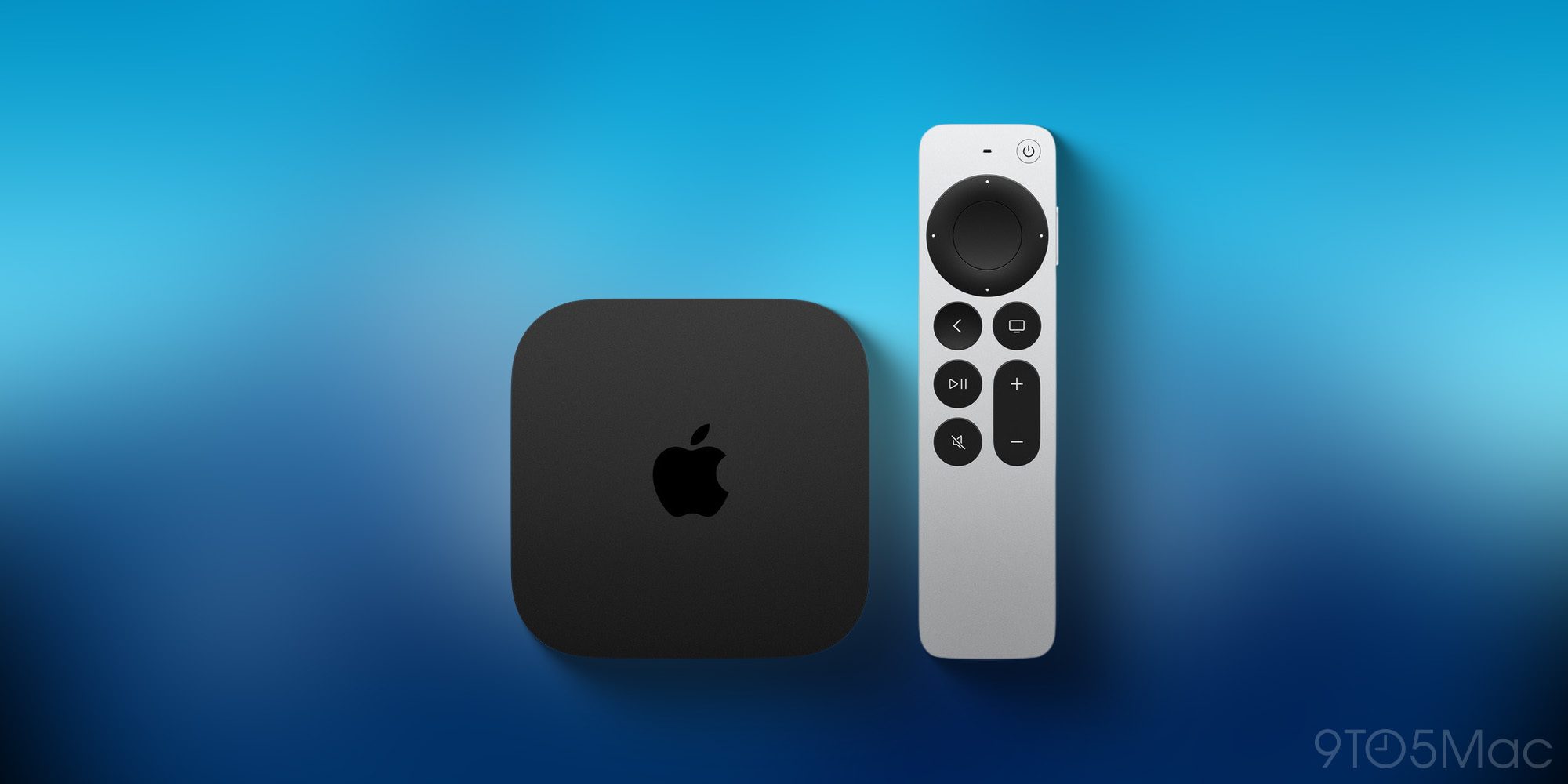
The Apple TV is incredibly popular via the Apple refurb store, and it sells out fast. The base model sold out within days last week, and only the higher-end version with Ethernet is available this week:
- Apple TV 4K 128GB (3rd Generation) Wi-Fi + Ethernet: $209 (Reg. $249)
iPhone 16 Plus
- iPhone 16 Plus 128GB – White (Unlocked): $699 (Reg. $829 new)
- iPhone 16 Plus 256GB – Black (Unlocked): $789 (Reg. $929 new)
- iPhone 16 Plus 512GB – White (Unlocked): $959 (Reg. $1,129 new)
- This model is no longer sold by Apple in new condition. The only way to get an iPhone 16 Plus with 512GB of storage is in the refurb store.
Source: 9to5mac










