 NEWS
NEWS
iPhone Ultra sounds truly deserving of the ‘Ultra’ name
 08/06/2026
 612
612
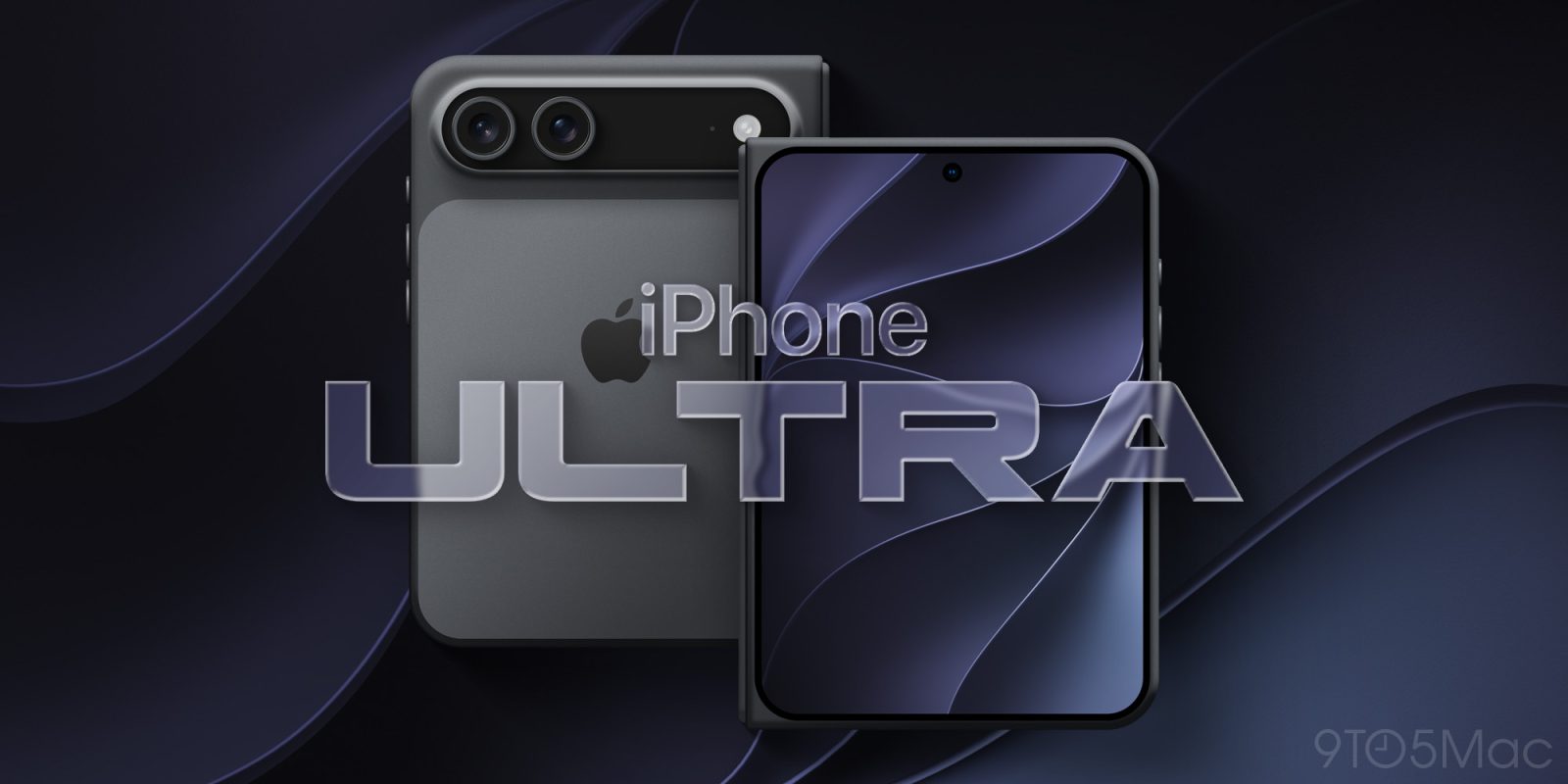
Apple’s first foldable iPhone is coming very soon, and based on rumors about the product, it sounds very much deserving of the ‘iPhone Ultra’ name. Here’s why.
Software experience, more than hardware specs, will justify ‘iPhone Ultra’ name

When Apple launches a brand new product, it’s always fun to speculate what the name might be. The foldable iPhone has commonly been called ‘iPhone Fold,’ but I’ve long believed Apple will go a different naming direction, like iPhone Ultra or iPhone Duo.
Rumors indicate iPhone Ultra will be the name. And while I was initially unsure how ‘Ultra’-worthy the device will be, I now think Apple—and new CEO John Ternus—will have a strong pitch.
My main arguments against the Ultra name involve hardware features. iPhone Ultra will lack the Telephoto camera that iPhone 18 Pro offers, and battery life might be worse than iPhone 18 Pro Max. Justifying ‘Ultra’ when certain features don’t match the ‘Pro’ line seems tough.
But the more I’ve thought about it, the more ‘Ultra’ feels right for the foldable.
That’s in large part because of the software experience iPhone Ultra will provide.
iPhone Ultra will offer the largest screen ever on an iPhone. That will make it excellent for all the things people love doing with their iPhones today:
- video
- social media
- games
- productivity
Landscape layouts in apps will feel great on iPhone Ultra. And you’ll be able to multitask with side-by-side apps too.
At the same time, the device will be compact and fit nicely in a pocket. And for messaging, checking notifications, and other quick tasks, the outer display will be great.
I’m excited by the keyboard typing experience too. Having a wide outer display should make it easier to type accurately, with less frustration over typos.
Source: 9to5mac










