 NEWS
NEWS
These Apple products are likely getting more expensive next month
 08/05/2026
 463
463
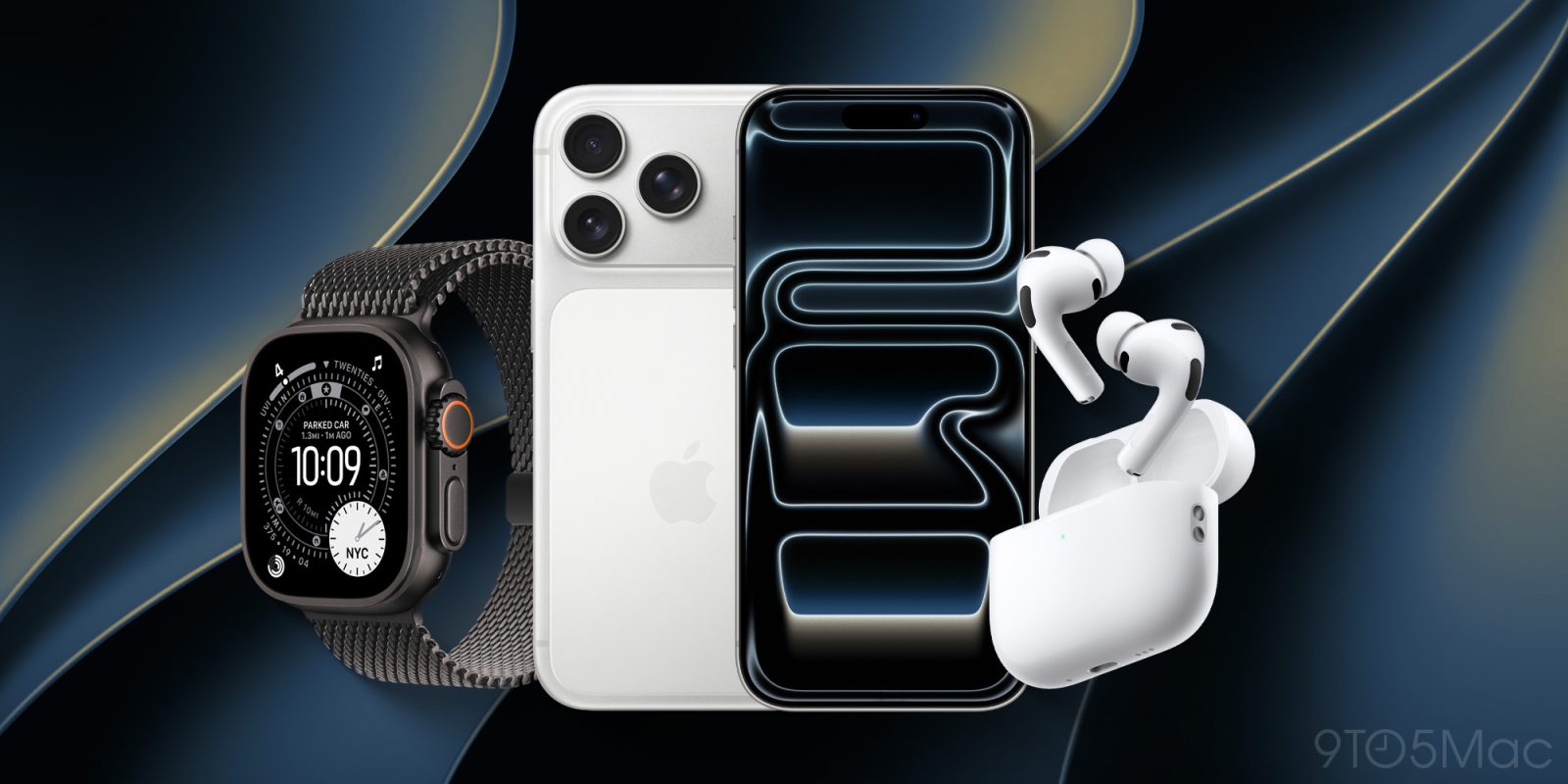
Apple recently raised prices across much of its product lineup, but even more increases are expected next month for iPhone and more.
iPhone prices expected to increase with iPhone 18 line, and Apple Watch and AirPods could be impacted too
Earlier this summer, Apple raised prices across a wide range of products.
Macs, iPads, Apple TVs, HomePods, and Vision Pro all got more expensive at once.
CEO Tim Cook had warned that price increases were coming. But their widespread arrival across so many products was jarring nonetheless.
The only flagship products spared in that initial wave of increases were:
- iPhone
- Apple Watch
- AirPods
At the time, Apple hinted that more increases lay ahead. And analysts believed the few products spared initially would be hit with higher prices before long.
Now, price increases are widely expected for the iPhone as part of the September iPhone 18 event.
iPhone 18 Pro is rumored to start in the $1,299-1,399 range, compared to $1,099 for iPhone 17 Pro.
Apple usually drops the price of older iPhone models when new ones arrive. This year though, it’s expected that older models will either stay the same price or increase slightly.
Apple Watch Series 12 and Ultra 4 are also candidates for price hikes, as the current AI-fueled memory crisis will impact Watch components too.
Finally, AirPods could potentially get more expensive as well. That’s less likely than iPhone and Apple Watch increases, since AirPods should be minimally impacted by rising memory and storage costs.
But if Apple intends to raise prices across its full lineup of products, including AirPods, the September event is where we’ll likely learn that.
Source: 9to5mac










