 NEWS
NEWS
AirPods With Cameras Could Arrive Sooner Than Expected
 08/04/2026
 564
564
Apple's first camera-equipped AirPods could launch as soon as next month, according to Bloomberg's Mark Gurman.
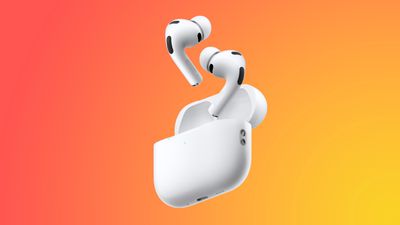
Apple has reportedly spent years working on camera-equipped AirPods under the code name "B798," as part of a broader AI wearables push that also encompasses smart glasses and a wearable AI pendant. That model had been on track for a 2026 release before slipping to 2027.
In his latest "Power On" newsletter, Gurman said that a separate camera AirPods project, code named "B790," has been progressing alongside B798. He noted this isn't unusual for Apple, saying the company "famously creates competing versions of the same product internally." He added that the B790 hardware is closer to production. Pieces of it have turned up in iOS 27's code, and it is reportedly listed internally as a candidate to ship before the year is out.
It is not the first sign of B790's existence. Developer Sam Henri Gold found traces of the same codename buried in the second iOS 27 developer beta last month. Gurman did not mention what separates the B790 hardware from the more advanced B798 model, and it's still an open question whether Apple will ultimately ship both.
Rather than taking photos or video, the sensors in Apple's camera AirPods are expected to hand Siri a live view of a wearer's surroundings, tying into existing Visual Intelligence tools. Because a camera-equipped model is expected to cost more than the current $249 AirPods Pro 3, Gurman previously said Apple is weighing "AirPods Ultra" branding rather than calling them "AirPods Pro 4."
If the B790 model does arrive this year, a September debut alongside new iPhones is the most likely scenario, while the fuller featured B798 version remains slated for late 2027.
Source: Macrumors










