 NEWS
NEWS
iPhone 18 Launch Could Be Repeat of Unusual 2020 Release
 07/28/2026
 537
537
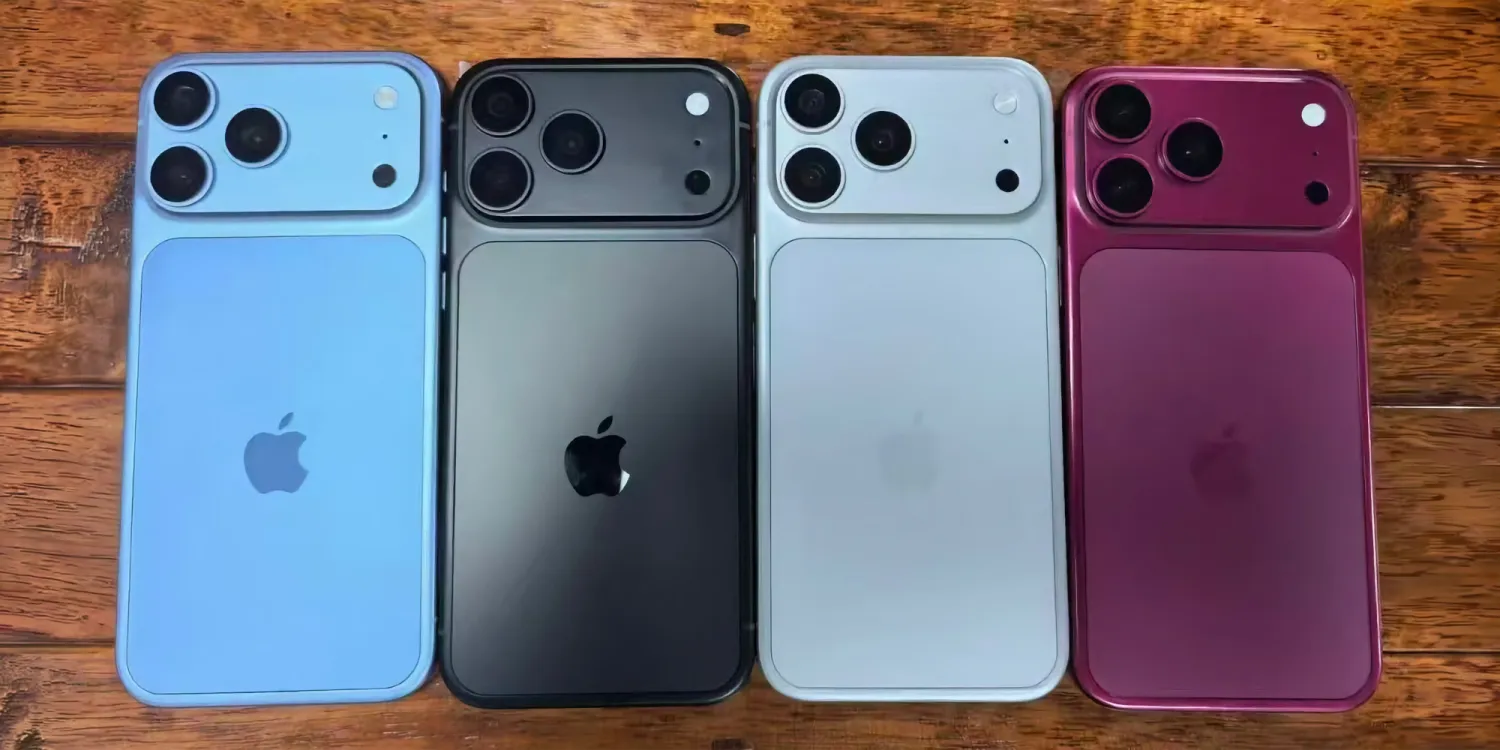
Apple’s unveiling of iPhone 18 models this fall is expected in September, as usual, but there are several ways this year’s launches will reflect the anomaly of COVID-era 2020’s iPhone releases.
How this fall’s iPhone event could differ from Apple’s launch norms
Apple has many highly successful products, but the iPhone remains its crown jewel. It accounts for a huge chunk of the company’s overall revenue.
As such, Apple understandably tries to stay consistent with iPhone launches. By maintaining a predictable schedule for new iPhones, it can better keep Wall Street and customers happy.
Normally that means Apple announces new iPhones in early September—typically four new models—and ships them all later in September.
But 2020 was an anomaly for COVID-related reasons.
In 2020 the fall iPhone lineup wasn’t announced until October, and only two new models shipped initially, with the other two delayed until November.
This year, rumors indicate we’ll see some similar abnormalities in Apple’s launch plans.
While a September launch event is still expected, Apple might not ship all of its new iPhone models together.
Like in 2020, only two models might be available initially: iPhone 18 Pro and iPhone 18 Pro Max.
iPhone Ultra, the highly anticipated foldable model, should be unveiled in September but is rumored by some to have a slightly delayed launch date. It might not arrive until a few weeks after the Pro models.
Apple may also differ from its norms in total iPhone model count.
If rumors of iPhone 18 and iPhone Air 2 being pushed to spring 2027 prove true, then we’ll only see three new models debut this fall. That would make for the smallest fall iPhone lineup since 2019.
Whether it’s for strategic reasons, or because of the challenges associated with the global memory crisis, or mass-producing a brand new foldable, Apple’s fall 2026 could bring several echoes of 2020.
Source: 9to5mac










