 NEWS
NEWS
Apple’s Scrapped Mac Pro Plans Reportedly Included a New Intel Model
 07/20/2026
 495
495
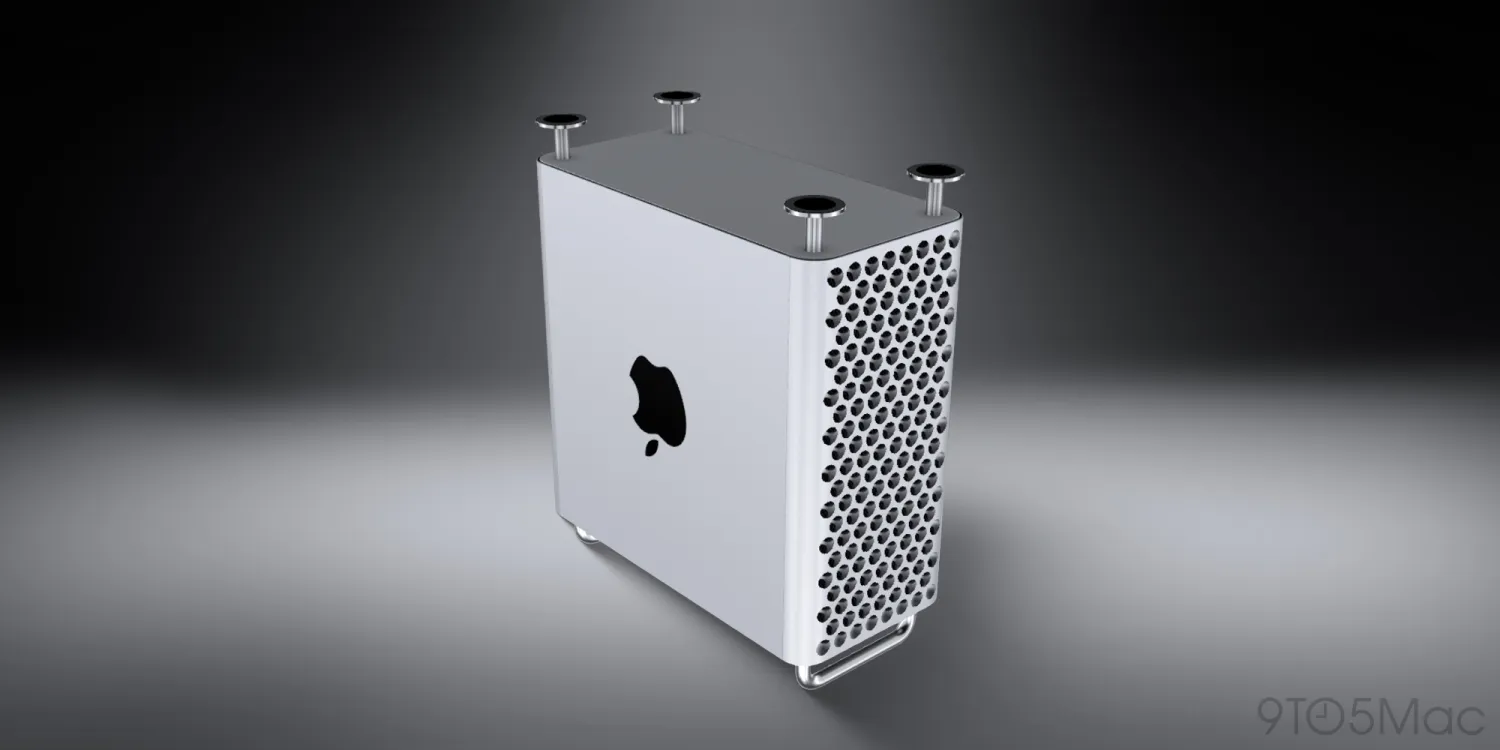
In March, Apple announced it was discontinuing the Mac Pro and confirmed that it had no plans to offer future Mac Pro hardware.
A new report from Bloomberg today offers more context on Apple’s Mac Pro strategy, with a surprising tidbit on something Apple was working on …
Inside Apple’s scrapped Mac Pro plans
In the latest edition of his Power On newsletter, Mark Gurman explains that ditching the Mac Pro “wasn’t always the plan” inside Apple. Gurman reiterates a previously reported point: Apple’s initial idea was to position a so-called “Extreme” chip above the “Ultra” chip.
“I’m told Apple had developed both M2 Extreme and M3 Extreme chips before winding down those projects due to cost and demand concerns,” the report explains.
In terms of specific Mac Pro hardware that was in development, Gurman says Apple had two models in development (codenamed J170 and J190) that were never released.
Perhaps the most interesting tidbit in the report is that one of those was powered by Intel:
●As for new Mac Pro hardware, there were two additional models developed by Apple that never saw the light of day: J170 and J190. The former was a new Intel Corp. Mac Pro (yes, even when Apple was making its own silicon) to address certain uses. The latter was an M3 Ultra version that was supposed to launch alongside the M3 Ultra Mac Studio in early 2025. As for the future, I don’t anticipate Apple bringing back the Mac Pro anytime soon — if ever. New Mac Studios with M5 Ultra chips, meanwhile, are coming as early as this fall.
Apple ultimately discontinued the Mac Pro in March, removing it from its website and pointing buyers to the Mac Studio instead. The writing had been on the wall for a while, but it was still a sad end to an era for fans of the Mac Pro hardware.
What do you think of Apple’s decision to shutter the Mac Pro lineup instead of moving ahead with “Extreme” chips in the Apple Silicon era? Let us know down in the comments.
Source: 9to5mac










