 NEWS
NEWS
iOS 27 adds an all-new app to your iPhone’s Home Screen
 07/17/2026
 776
776
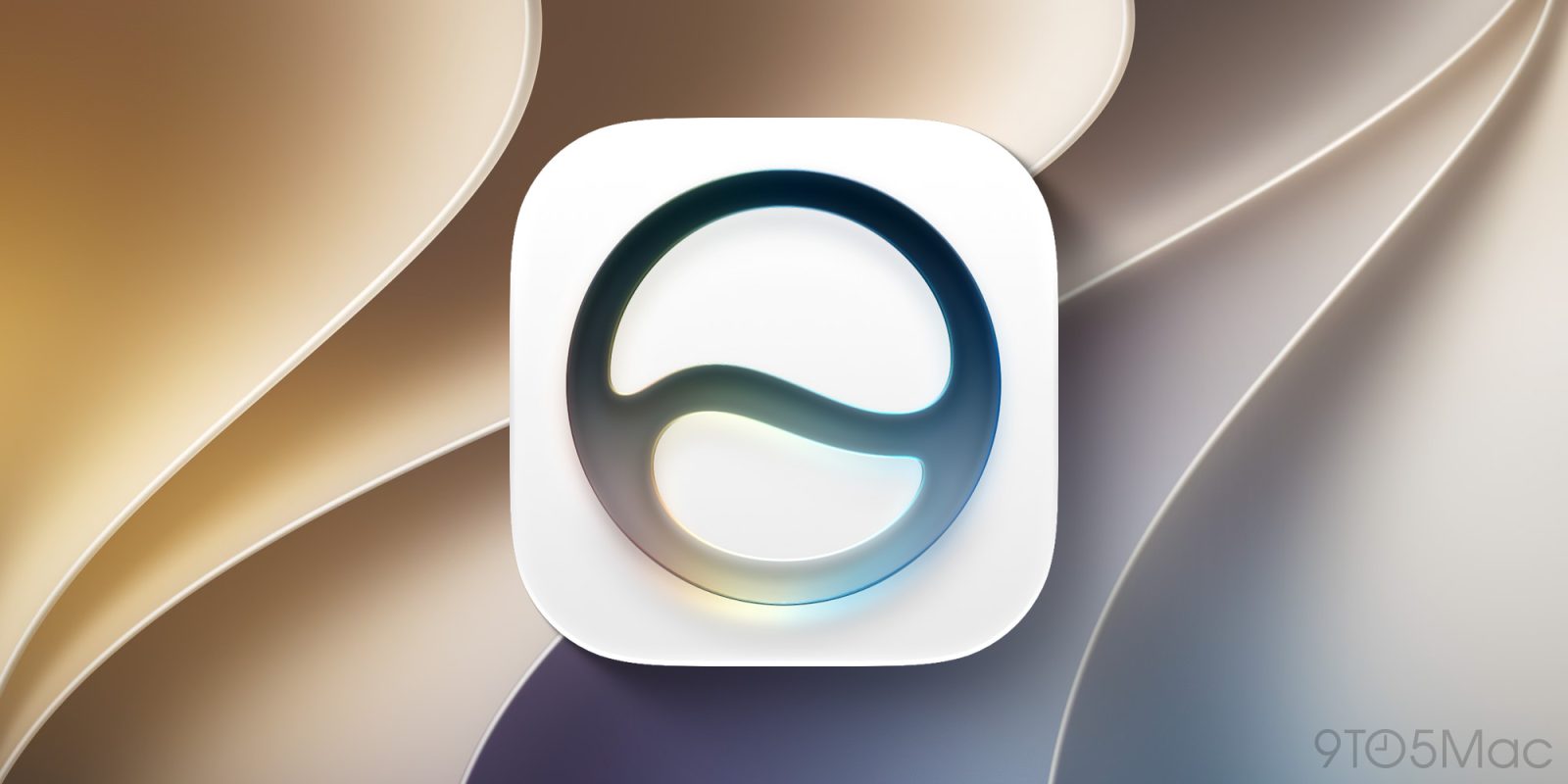
Apple released the iOS 27 public beta this week, with a ton of new Siri and Apple Intelligence features. One of the biggest changes here is the addition of an all-new Siri app. This marks the first time that Siri has been pre-installed as a standalone app for iPhone users …
The Siri app in iOS 27
When you update to iOS 27 later this year, you’ll see the new Siri icon appear on your iPhone’s Home Screen. This app is also coming to the Mac with macOS 27, Vision Pro with visionOS 27, iPad with iPadOS 27, and Apple Watch with watchOS 27.
The Siri app in iOS 27 lets you revisit all your conversations with Siri and easily start new ones. The Siri app syncs with iCloud, so you can continue conversations across all of your Apple devices. It features a chat-style interface with a stream of your previous conversations. You can also upload photos and files to the Siri app for analysis.
The Siri app ties into the new Siri AI and Apple Intelligence capabilities introduced in iOS 27. This includes access to broad world knowledge, personal context of everything on your iPhone, and much more. Siri AI can also recognize what’s on your screen and answer questions about it.
With access to that personal context, Siri AI can reference things like your messages, emails, photos, and more to answer your specific questions.
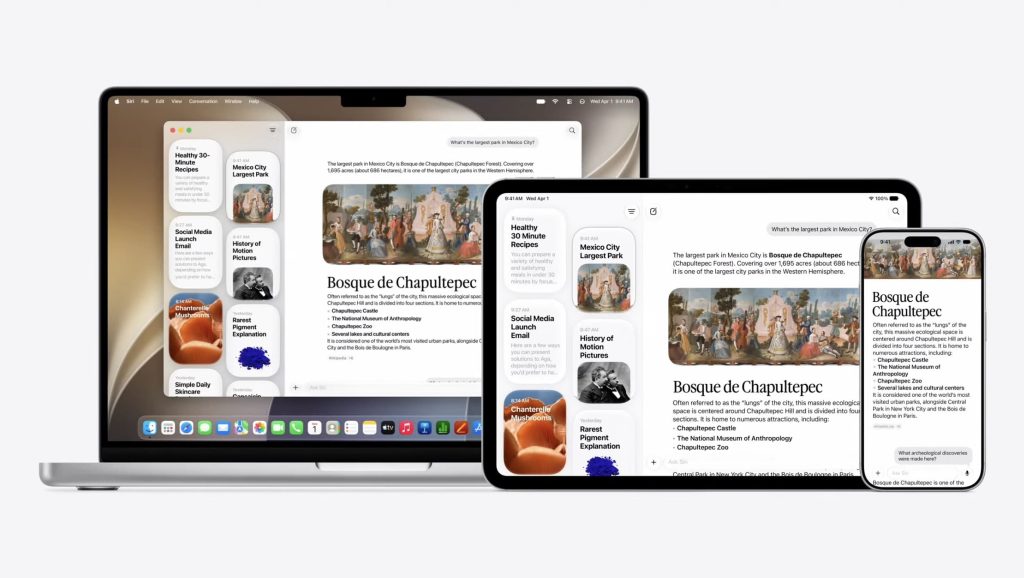
Siri app compatibility in iOS 27
The Siri app, however, won’t be coming to all iPhone models. It will be available on devices that support Apple Intelligence, which covers the iPhone 15 Pro and newer:
- iPhone 15 Pro
- iPhone 15 Pro Max
- iPhone 16
- iPhone 16 Plus
- iPhone 16 Pro
- iPhone 16 Pro Max
- iPhone 17
- iPhone 17e
- iPhone Air
- iPhone 17 Pro
- iPhone 17 Pro Max
Source: 9to5mac










