 NEWS
NEWS
Apple Closes Unlocked iPhone Loophole for T-Mobile and Verizon Financing
 07/16/2026
 914
914
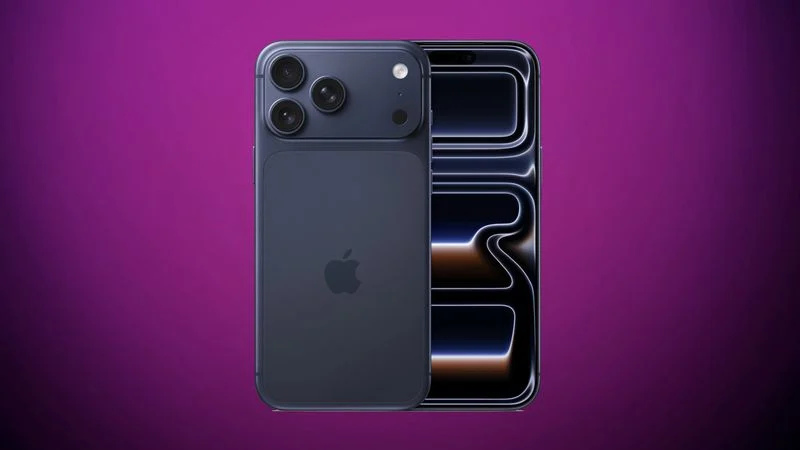
Carrier-financed iPhones purchased from Apple will soon be locked to the carrier, ending a workaround customers used to purchase an unlocked iPhone on a payment plan.
Until the rule change, buying an iPhone from Apple and opting for financing through Verizon or T-Mobile meant you would get an iPhone not locked to either carrier's network. That's no longer the case, and now iPhones financed through Verizon or T-Mobile will not be able to be used with a different network. AT&T-financed smartphones were always locked to the AT&T network.
Apple's new policy was highlighted on Reddit after a user saw a new "Will my iPhone be unlocked?" FAQ item.
In most cases, yes. An iPhone purchased from Apple is unlocked. Once your new iPhone is activated, it remains unlocked, which means you can use it with any carrier that provides service for iPhone. However, if you choose to finance an iPhone through the AT&T Installment Plan, T-Mobile Equipment Installment Plan, or Verizon Device Payment Program, your iPhone will be locked to the carrier until paid in full.
An unlocked smartphone means it can be used with any carrier, while a locked smartphone is limited to the carrier it was purchased through. Locked smartphones can be problematic when traveling internationally, because activating a second eSIM for another network is blocked.
Apple hasn't said why it's making the change, but buyers were able to use carrier trade-ins and promotional discounts to get an unlocked iPhone. Some buyers may have purchased iPhones and sold them off without making the carrier payments, and carrier locking is a standard practice to prevent unpaid devices from being resold.
Apple's checkout process still says iPhones financed through T-Mobile and Verizon are unlocked, so the new policy may not have gone into effect yet.
iPhones purchased outright or with Apple Card Monthly Installments remain unlocked from the time of purchase. When iPhones purchased through carrier plans are paid off, they are unlocked.
Source: Macrumors










