 NEWS
NEWS
Apple Watch among wearables exempted from EU user-replaceable battery rules
 07/15/2026
 743
743
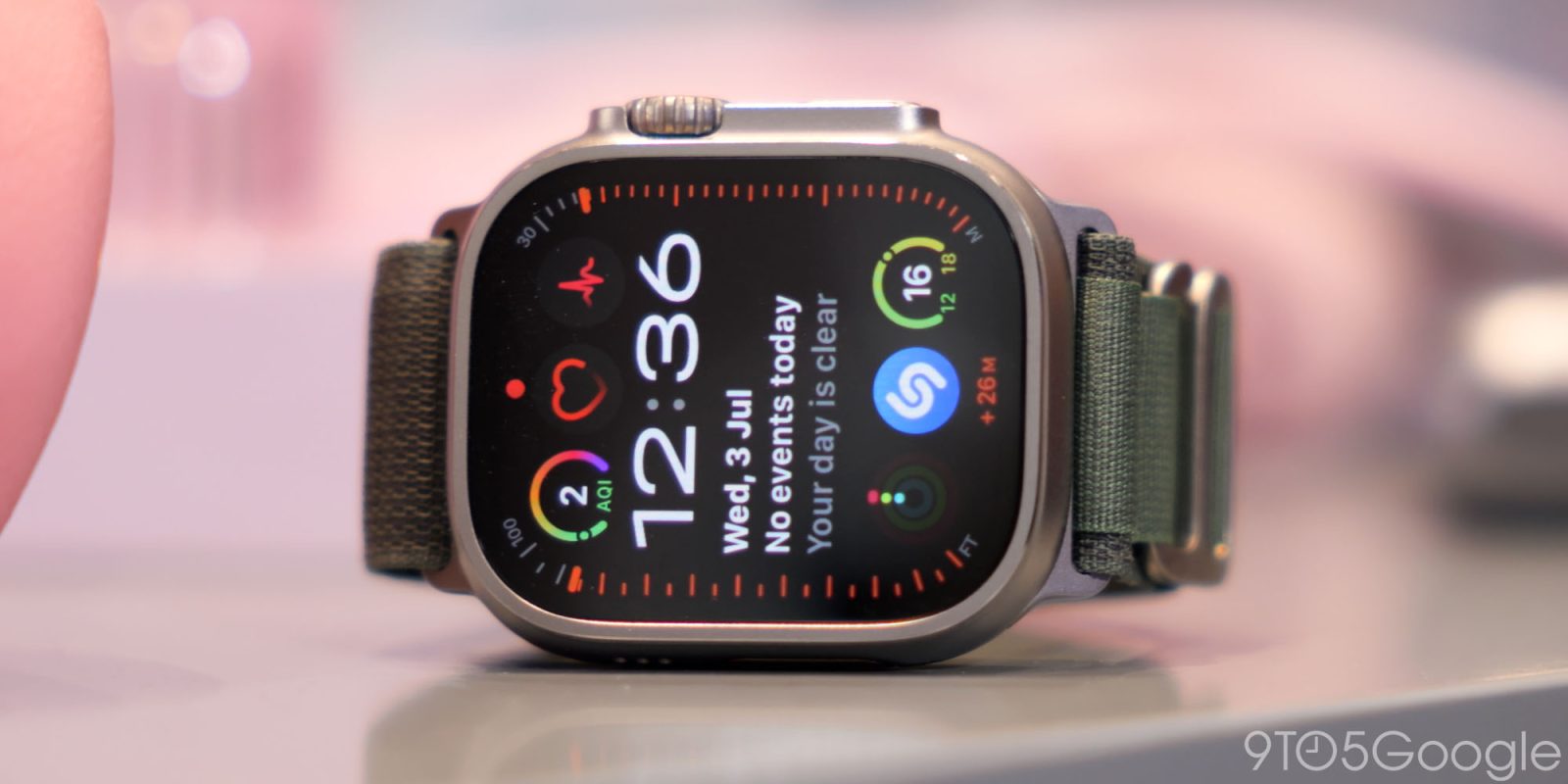
The European Commission has revised its battery regulations to exempt devices such as the Apple Watch from requirements that batteries be removable and replaceable by users. Here are the details.
Apple Watch and other wearables gain exemption from EU battery rules
As spotted by Politico, the European Union has relaxed battery rules for certain wearable devices after U.S. officials criticized restrictions on products such as Meta’s smart glasses.
Under the bloc’s Batteries Regulation, portable batteries built into products must generally be removable and replaceable by users throughout the device’s lifetime.
The European Commission has now adopted an exemption covering certain wearable devices whose safety, durability, or water resistance could be compromised by user access to the battery, including devices that are too small for safe battery replacement or rely on compact, sealed enclosures.
That includes smartwatches, smart glasses, fitness trackers, and other small wearable devices.
Although the Commission has adopted the exemption, it must still undergo scrutiny by the European Parliament and the Council of the EU.
From the European Commission’s website:
After its adoption by the Commission, the delegated act is transmitted to the European Parliament and the Council of the EU for their scrutiny. It will enter into force 20 days after its publication in the Official Journal of the EU, if the European Parliament or the Council fail to object to it.
Today’s change comes after the U.S. ambassador to the EU criticized the battery rules, which reportedly held up the European rollout of Meta’s new smart glasses. Commenting on the change to Politico, however, a European Commission spokesperson pushed back on the idea that the bloc had caved to pressure:
A Commission spokesperson said in a statement that it “has not given in to anyone’s pressure,” adding that its proposals “follow a broad public consultation with consumer associations, industry stakeholders and the Member States.” The spokesperson added that the proposal for the exemption “is not about regulating one specific product” but “to ensure safer consumer and industrial products in cases where opening a device could create safety risks or where technical limits make consumer access unrealistic.”
Be that as it may, today’s news removes a potential regulatory hurdle for Apple in Europe, allowing the Apple Watch to keep its sealed battery design without requiring a major redesign for the EU market.
Source: 9to5mac










