 NEWS
NEWS
Apple & Broadcom renew partnership through 2031
 07/07/2026
 625
625
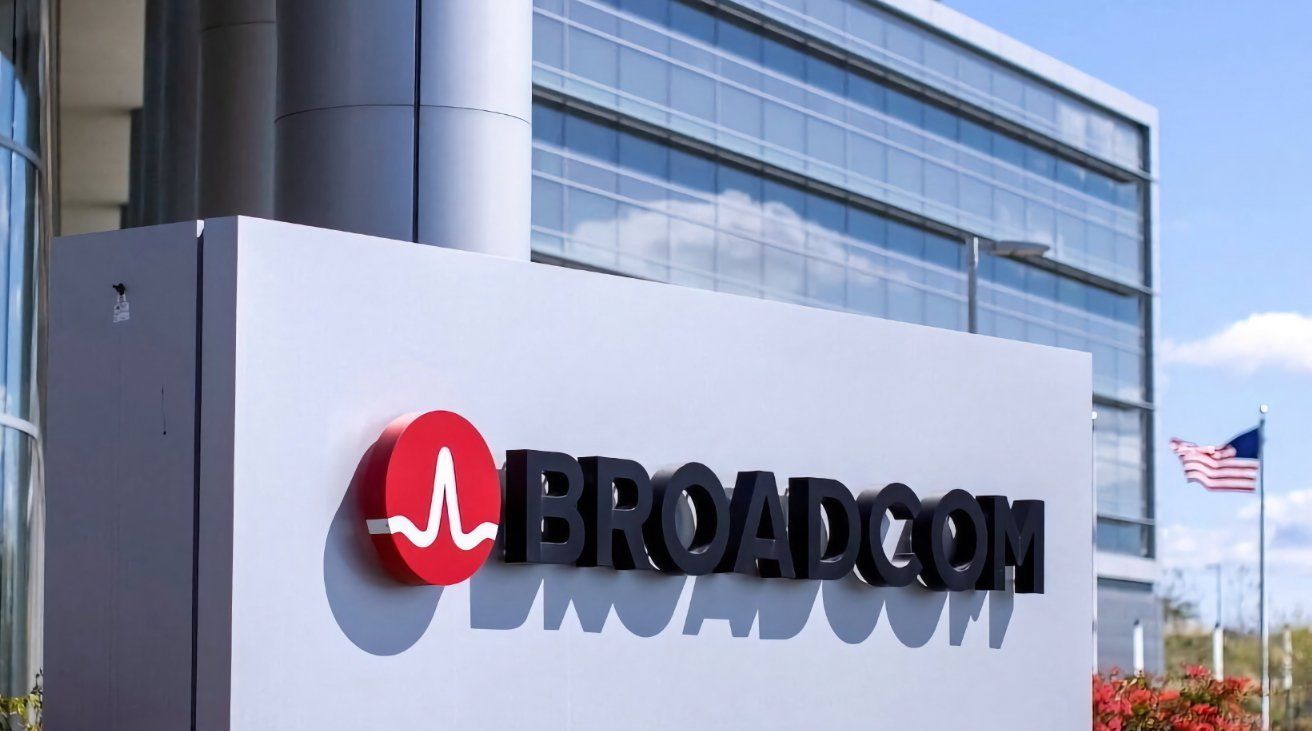
Apple has used Broadcom as a supplier for its iPhone and other hardware for quite some time. However, as threats like the global memory crisis demonstrate, supply chains often aren't as stable as they could be.
On July 6, Broadcom confirmed to Reuters that it had agreed to an extension of its partnership with Apple. The deal means Broadcom will be developing and supplying custom chips for Apple through to 2031.
The deal is good news for both sides, in different ways. For Apple, it ensures that it will be getting the chips it wants for a while longer, without being affected too badly by outside forces.
On Broadcom's side, it's also a case of guaranteeing stability. Apple accounts for approximately 20% of Broadcom's annual revenue, meaning it won't suddenly have a hole in its finances if Apple went away.
Locked-in supplies
The deal follows Apple's usual pattern of securing long-term supply contracts with suppliers. It ensures that supplies of key components will continue to flow, without worry of shortages or price changes.
While Apple has been moving towards developing its own chips, such as the A1 modem, it still needs Broadcom for other elements. This includes wireless and radio frequency components.
With Apple's in-house shift of component design, it has led to a situation for the company's suppliers that they risk losing Apple as a customer. With the deal, Broadcom doesn't have as much to worry about anymore.
Back in 2024, there were rumors of Apple ditching Broadcom's Wi-Fi chips in favor of its own chip. This resulted in the N1, Apple's first custom Wi-Fi chip included in the iPhone 17.
Despite Apple's efforts to make its own chips, the Broadcom deal doesn't necessarily mean that Apple is delaying its wireless projects.
Broadcom has made a wide variety of components for Apple, including touchscreen controllers and wireless charging modules. It can just as easily be tasked with making other chip components for Apple.
A continuing partnership
This is far from the only deal Apple and Broadcom have signed, but it is arguably one of the most important in recent times.
In 2024, Apple and Broadcom decided to work together on new processor designs, with the aim of making AI processors for use in servers.
A year earlier, in 2023, the pair signed a multi-billion-dollar deal for 5G components. This included items like a Film Bulk Acoustic Resonator (FBAR) filter, which reduces noise and separates out signal bands, all for improved 5G connectivity.
That deal was part of a 2021 commitment from Apple to invest $430 billion into the U.S. economy over five years.
The lengthy relationship between the two firms, going back as far as early iPhones has resulted in many deals over time. There's a good chance that there will be more to come.
Source: Appleinsider










