NEWS

iOS 27 gives the Camera app on iPhone a brand new mode

Just now

34

iOS 27 gives the Camera app on iPhone a brand new mode

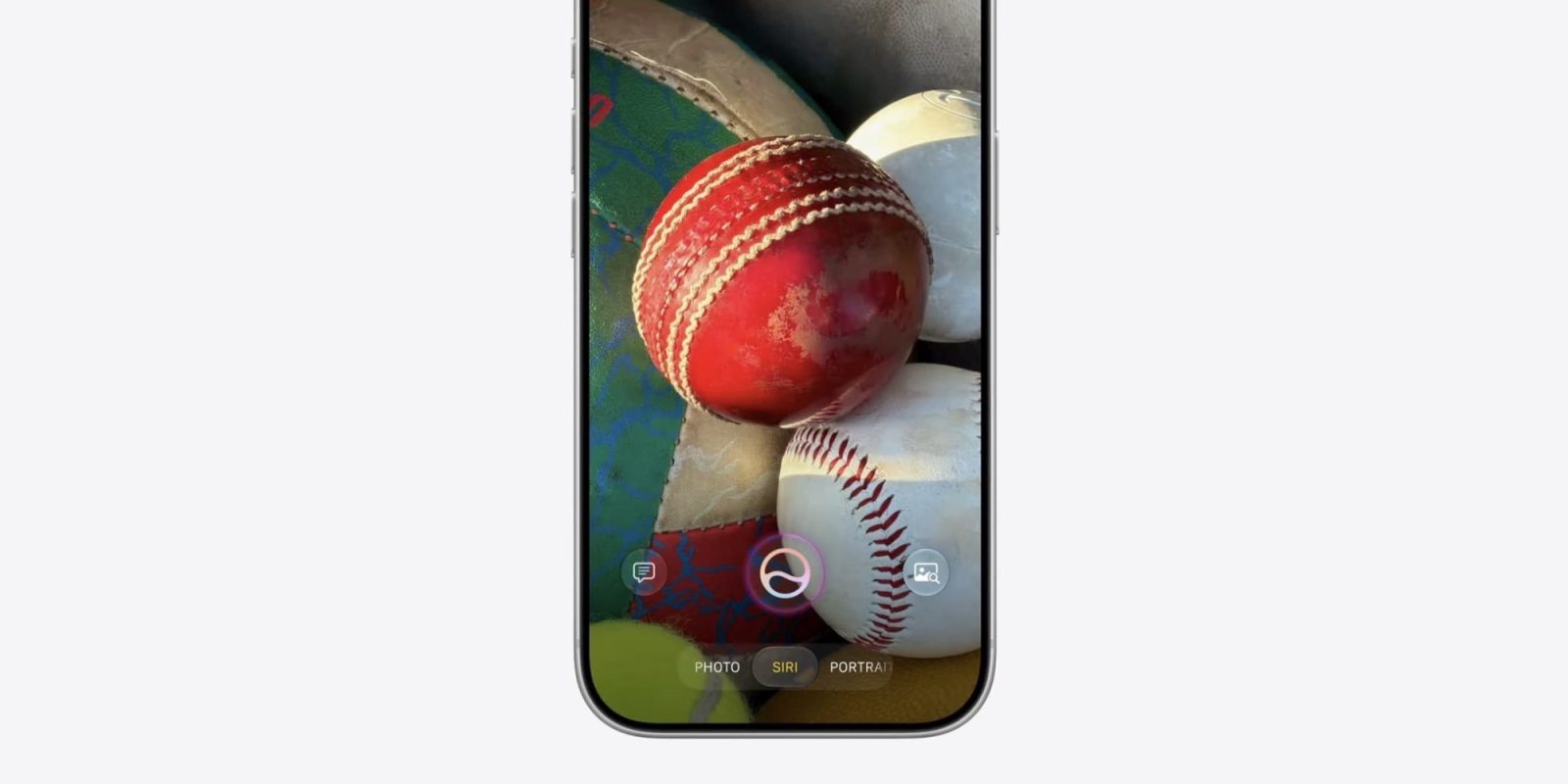
iOS 27 gives the Camera app a brand new ‘Siri’ mode that joins defaults like Photo, Video, Portrait, and more. Here’s what Siri mode does.

iOS 27 Camera app offers new ‘Siri’ mode with visual intelligence features
iOS 27 gives the Camera app on iPhone a brand new mode

Last year Apple gave the iPhone’s Camera app a new design. And this year in iOS 27, there’s a new camera mode coming.

Joining existing options like Photo and Video, there’s now a dedicated ‘Siri’ mode inside Camera.

Siri mode takes the visual intelligence features formerly tied to the iPhone’s Camera Control button and bakes them directly into the Camera app.

When in Siri mode, your iPhone’s camera can be used to provide information and take action on whatever you’re looking at.

For example, you can point your iPhone at a restaurant to pull up the Maps listing for it, find reviews, hours of operation, and more.

You can also:

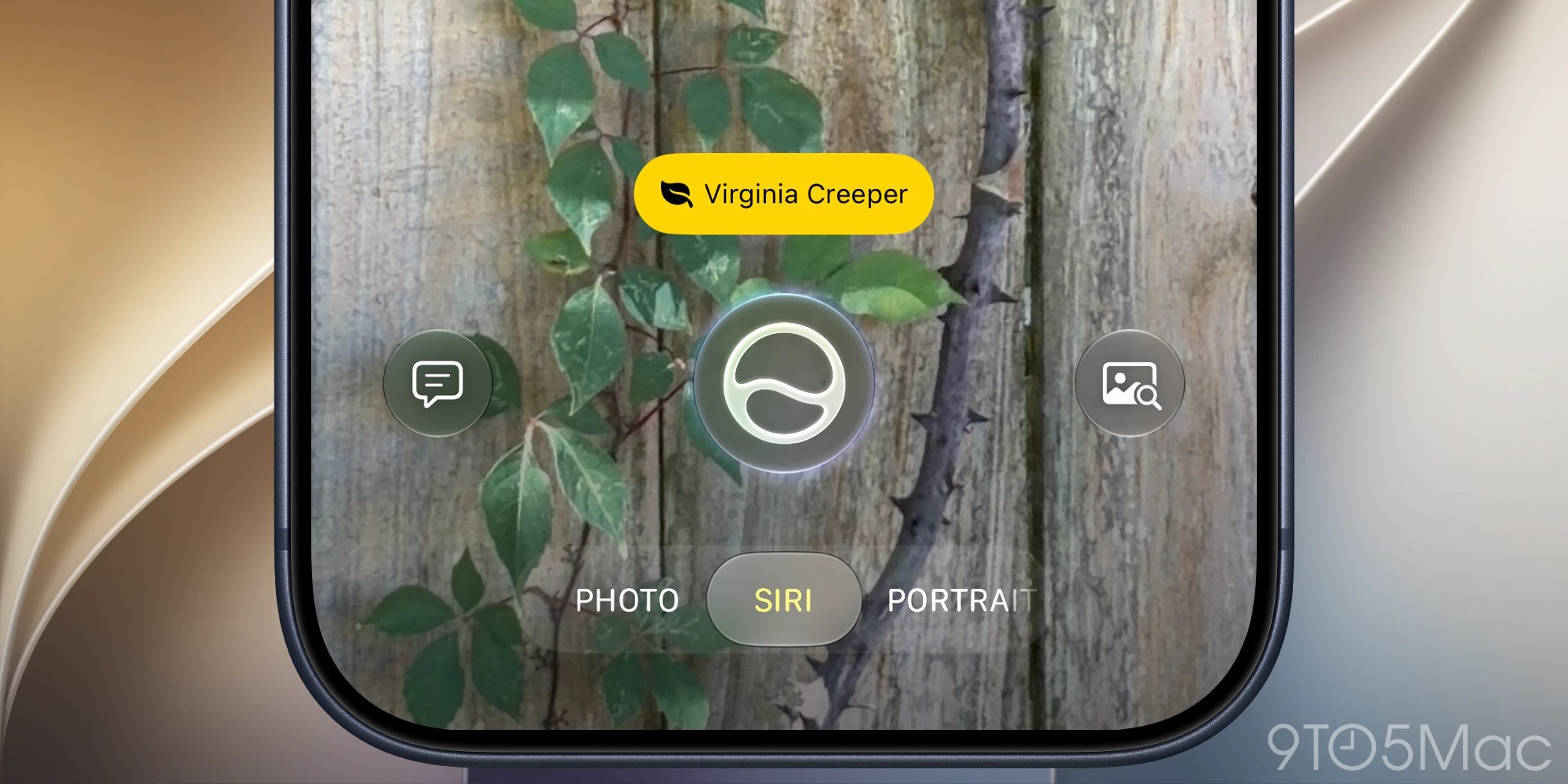
  • ask about a plant to get watering and care info
  • capture an event flyer to add the event to your Calendar app
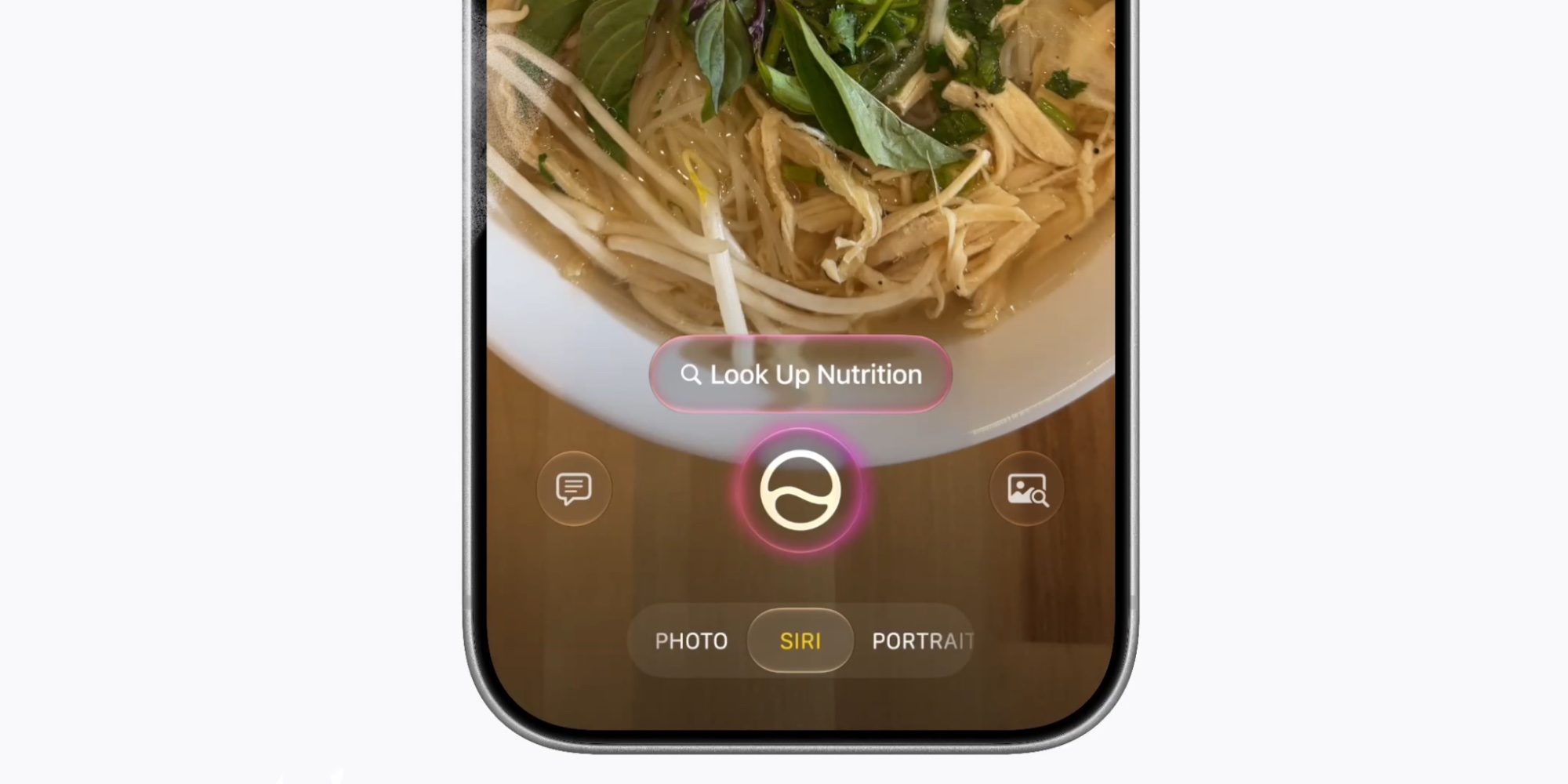
  • view nutritional info for the food on your plate
  • translate text
  • split a bill by scanning the receipt
  • image search for related photos
  • and more
iOS 27 gives the Camera app on iPhone a brand new mode

This visual intelligence functionality was previously siloed into a separate mode, entirely outside of the Camera app.

But now with iOS 27, Siri’s new intelligence will be only a mode swipe away inside the default Camera app.

Source: 9to5mac

Windows
Mac OS
iOS
Linux
3uTools
Win 64-bit For this device
V9.06 2026-04-09
Download
Win 32-bit For this device
V9.06 2026-04-09
Download
3uTools
Intel Chip How to Identify Chip Type
V9.03 2026-03-27
Download
Apple Silicon
V9.03 2026-03-27
Download
How to Identify Chip Type
1.  Click the Apple icon in the top-left corner of the screen and select About This Mac.
2.  Check the Processor or Chip field to determine if it is "Intel" or "Apple".
Please use the 3uTools PC client to install the iOS client:
1、 Install either the Windows or Mac version of 3uTools on your computer
2、 Open the PC client and connect your device to the computer via USB cable
3、 After the connection is successful, wait for the computer to automatically install the mobile app for the device, or locate “Install Mobile App” on the computer and manually click to install.
3uTools
deb file
V9.01 2026-05-28
Download
rpm file
V9.01 2026-05-28
Download
Windows
Windows
iOS
iOS
Android
Android
TV
TV
3uAirPlayer
Win 64-bit For this device
V6.0.5 2026-04-23
Download
Win 32-bit For this device
V6.0.5 2026-04-23
Download
iOS Device Mirroring (No App Required)
1、 Install 3uAirPlayer on the Windows PC
2、 Open Control Center and select Screen Mirroring
3、 From the list, choose your PC to start mirroring
4、 Or connect your iOS device to the PC via USB to begin mirroring
Scan to get "3uAirPlayer" App
3uAirPlayer TV V1.0.18
2025-11-28
TV System Requirements: Android 7.0 or later
Download the TV installation package, copy it to a USB drive, insert it into your TV or set-top box, then select the file from the home screen to install.