 NEWS
NEWS
Apple Is Permanently Closing Three Stores Today, Here’s the List
 06/22/2026
 423
423
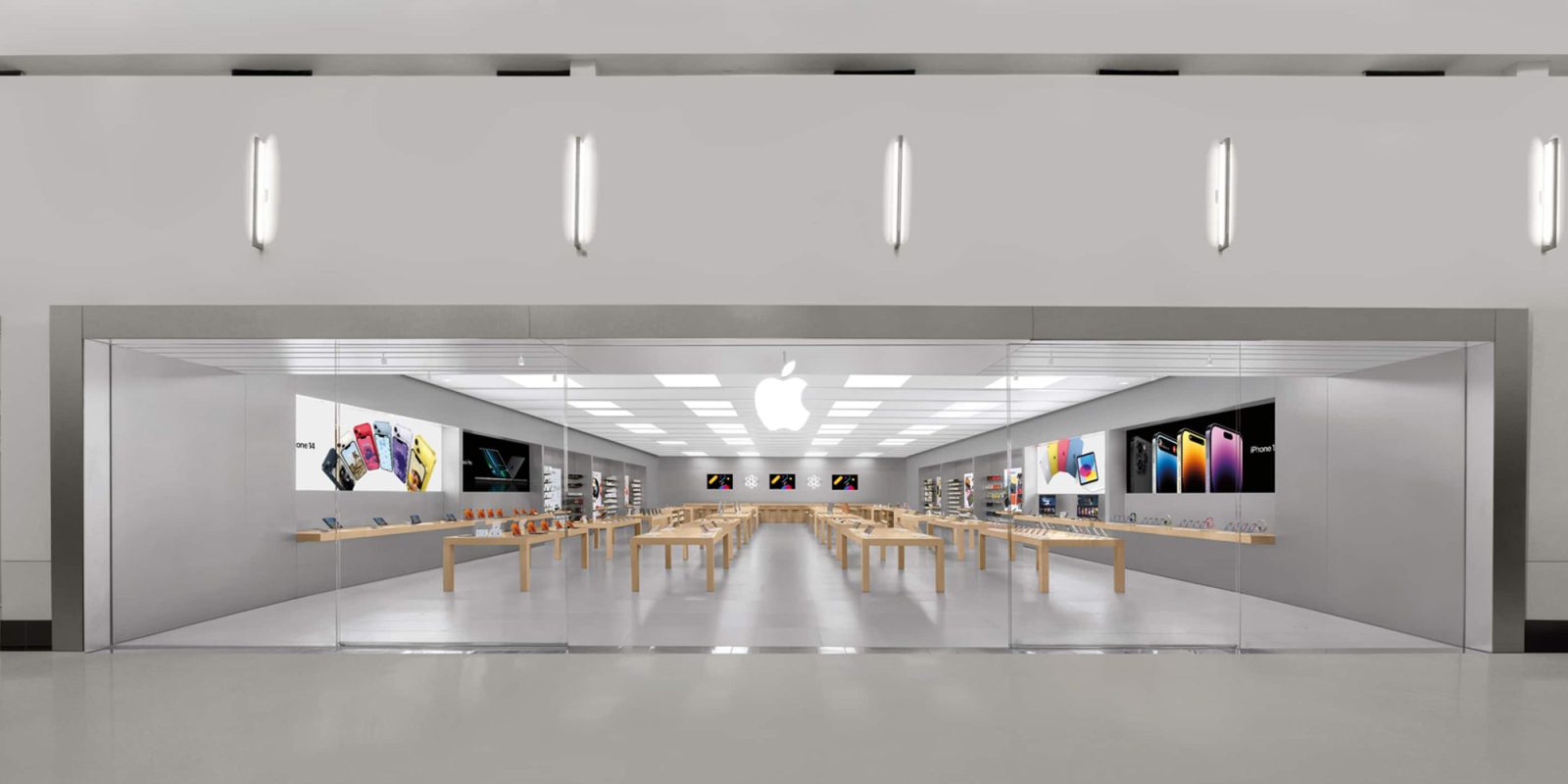
Apple is permanently closing three stores in the United States later today. The company first announced the closures in April, impacting locations in Connecticut, Maryland, and California. Here’s the full list.
Which Apple Stores are closing today?
Here are the three Apple Store locations closing today:
- Apple Towson Town Center in Towson, Maryland is closing its doors on June 20 at 8 p.m.
- Apple North County in Escondido, California is closing its doors on June 20 at 9 p.m.
- Apple Trumbull in Trumbull, Connecticut is closing its doors on June 20 at 9 p.m
Why is Apple closing these stores?
In a statement to 9to5Mac in April, Apple attributed the closures to “the departure of several retailers and declining conditions” at the malls in which the three stores are located.
At Apple, we are constantly striving to deliver exceptional service and great experiences for our customers. As we continue investing to expand and enhance our retail stores and offerings worldwide, we remain deliberate about evaluating our existing locations to ensure that we can meet our customers’ needs in the best way.
Following the departure of several retailers and declining conditions at Trumbull Mall, the Shops at North County, and Towson Town Center, we’ve made the difficult decision to close our stores at these locations.
For example, Trumbull Mall recently defaulted on over $150 million in loans as it faces ongoing struggles and business closures. Towson Town Center, just outside of Baltimore, has lost multiple businesses so far this year, including Tommy Bahama, Banana Republic, and Madewell.
In April, Apple said that employees at the Trumbull and Escondido stores will be able to “continue their roles at nearby Apple Retail stores.” Apple Towson Town Center employees, however, are able to “apply for open roles at Apple in accordance with the collective bargaining agreement.”
Apple Towson Town Center was the first Apple Store location in the United States to unionize in June 2022. Apple’s decision to close the store has been met with harsh criticism from the union, which is part of the International Association of Machinists and Aerospace Workers. Lawmakers have also criticized Apple’s decision to close Apple Towson Town Center.
In April, IAM Union International President Brian Bryant said:
“This is about whether workers are treated fairly under the law or punished for exercising their rights. […] Apple is denying union-represented workers the same opportunities it is giving to others — and doing so because these workers chose to organize. That is discrimination, and it is exactly what federal labor law is designed to prevent.”
In the event of a store closure, Apple says the union agreement requires it to offer transfers within 50 miles of the Towson store if it opens a new store within 50 miles of the location. As of now, Apple has no plans to open a new store in the area.
Source: 9to5mac










