 NEWS
NEWS
Apple Updates Trade-In Values for iPhone, iPad, Mac, and Apple Watch
 05/28/2026
 2619
2619
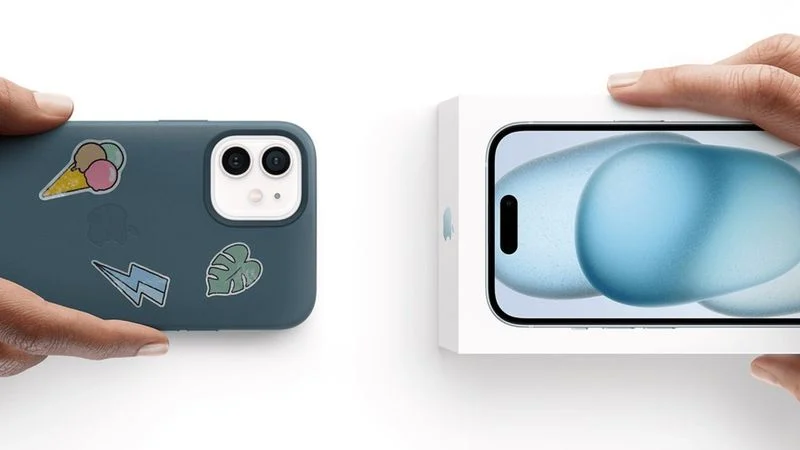
Apple today updated its U.S. trade-in estimates, raising values for most current iPhone, iPad, Mac, and Apple Watch models while reducing several Android offers.
The headline iPhone trade-in figure rises from $685 to $695, with every iPhone 16 model gaining value:
- iPhone 16 Pro Max: $685 to $695
- iPhone 16 Pro: $550 to $560
- iPhone 16 Plus: $455 to $465
- iPhone 16: $435 to $460
Every current iPad also gains value, with the headline range shifting from $40 to $670 up to $45 to $690:
- iPad Pro: $670 to $690
- iPad Air: $445 to $460
- iPad: $220 to $235
- iPad mini: $250 to $265
Mac changes are mixed, with most current models gaining value:
- MacBook Pro: $685 to $690
- MacBook Air: $485 to $520
- Mac mini: $340 to $375
- iMac: Unchanged at $355
Despite those increases, the top of Apple's Mac trade-in range slips from $2,090 to $2,045, suggesting a reduction for a higher-end model not shown in Apple's summary table, such as the Mac Pro or Mac Studio. The Apple Watch lineup also gets a mix of revisions:
- Apple Watch Ultra 2: $295 to $305
- Apple Watch Series 9: $120 to $130
- Apple Watch Series 10: Unchanged at $150
- Apple Watch Ultra: $215 to $205
Android trade-in offers have largely been cut, with the headline range narrowing from $30 to $370 down to $30 to $360:
- Samsung Galaxy S23 Ultra: $230 to $200
- Google Pixel 8 Pro: $170 to $165
- Samsung Galaxy S23: Unchanged at $125
- OnePlus 12: Unchanged at $200
All Apple-listed values are estimates, with final offers determined after the device is received and inspected. Customers can apply trade-in credit toward a new purchase or receive the value as an Apple Gift Card, and Apple will recycle ineligible devices for free.
Source: Macrumors










