 NEWS
NEWS
Leaker Pushes Back on Rumors of Pro iPhone's Return to Titanium
 05/27/2026
 1100
1100
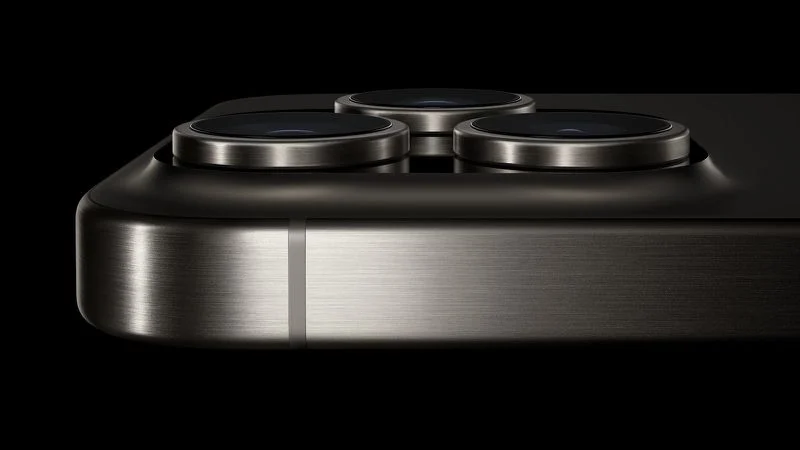
The Pro iPhone models are unlikely to return to titanium in the near future due to the heat dissipation demands of local AI, according to a known Weibo leaker.
The claim comes from the leaker known as "Fixed Focus Digital," and pushes back on an earlier report from "Instant Digital," who suggested Apple was weighing up the use of liquid metal or an improved titanium alloy as a longer-term replacement for aluminum iPhone frames. Fixed Focus Digital argues that aluminum's thermal properties make it the only practical choice for now, given the processing requirements of AI features. The leaker adds that this is not an Apple-specific issue, noting that Android and Huawei HarmonyOS devices also prioritize aluminum for the same reason.
Instant Digital's earlier report argued that Apple's switch from titanium to aluminum for the iPhone 17 Pro was a compromise solution while it continued to develop longer-term alternatives. The leaker claimed Apple was exploring both liquid metal and revised titanium alloys for future Pro models, with both materials reportedly already earmarked for the upcoming foldable iPhone.
Apple switched away from titanium following overheating complaints on the iPhone 15 Pro and iPhone 16 Pro models, although the iPhone Air continues to use it. Fixed Focus Digital's assessment suggests aluminum is more deeply entrenched in Apple's plans than Instant Digital's framing implied, at least for the foreseeable future. The iPhone 18 Pro is expected to retain the same aluminum unibody design as the iPhone 17 Pro models, meaning any material change is unlikely before 2027 at the earliest.
Source: Macrumors










