 NEWS
NEWS
Leaker: This Is Why Apple Is Delaying the iPhone 18
 05/07/2026
 1064
1064
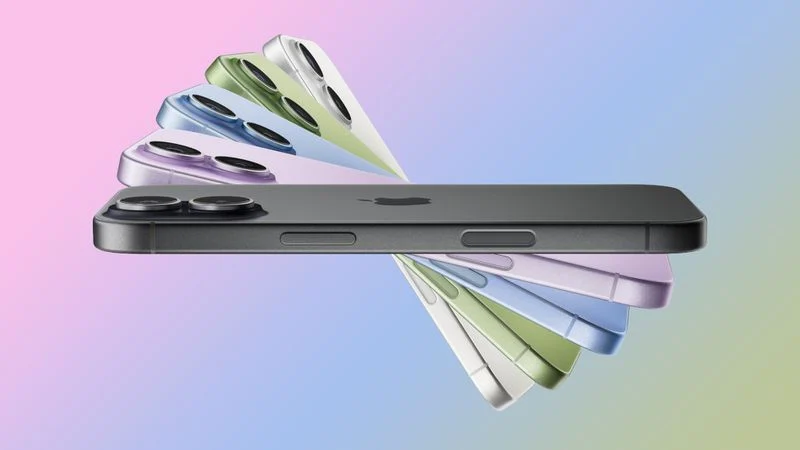
Apple proactively chose to delay the standard iPhone 18 as a deliberate market strategy, the leaker known as "Fixed Focus Digital" claims, with the move said to extend the iPhone 17's sales window while lowering production costs and improving Apple's competitive position against Android rivals.
In two new posts on Weibo, Fixed Focus Digital said that a downgrade to the iPhone 18 standard model was largely inevitable due to global supply chain shortages, and that Apple made the deliberate choice to delay the device rather than rush it to market.
By extending the iPhone 17's production cycle and launching a large-scale manufacturing ramp, Apple is said to be using the additional time to let the iPhone 17 consolidate market share at the mainstream price tier before its downgraded successor arrives. The leaker said Apple has targeted sufficient iPhone 17 supply to participate in China's Double 11 shopping event later this year. Double 11, also known as Singles' Day, is one of the world's largest annual retail sales events and a significant battleground for smartphone market share in China.
The leaker framed the approach as a "remarkably clever market adjustment mechanism," suggesting that shipping a lower-specced iPhone 18 will be easier to absorb commercially if it arrives some 18 months after the iPhone 17, by which point the previous generation will have already dominated the mainstream tier for an extended period. Fixed Focus Digital described the strategy as simultaneously lowering production costs and boosting market share against Android rivals.
The posts add a strategic dimension to what has become a series of downgrade rumors for the device. The leaker first reported that Apple is implementing certain manufacturing downgrades to the iPhone 18 as a cost-cutting measure, before adding that display specifications and the chip will both be affected. Apple could be planning to tweak the name of the A-series chip used in the device to obscure the extent of the chip change. Engineering Validation Testing of the iPhone 18 and iPhone 18e is said to be taking place simultaneously in June, which aligns with the idea that the two devices now share significant engineering overlap.
Most recently, the leaker said certain parts are interchangeable between the iPhone 18 and the lower-cost iPhone 18e, indicating that some specification convergence between the two devices is real and measurable at the supply chain level. "Take it from me: The standard iPhone 18 model has been downgraded and its launch delayed-this decision is final and will not change," they added.
The iPhone 18, iPhone 18e, and iPhone Air 2 are all expected to launch in spring 2027, with the iPhone 18 Pro, iPhone 18 Pro Max, and foldable "iPhone Ultra" anticipated in the fall of 2026. A split launch strategy separating the Pro and standard models has been widely reported since last year, with Ming-Chi Kuo and Nikkei among those to have corroborated the plan.
Source: Macrumors










