 NEWS
NEWS
iPhone 18 Pro to Have Some of Apple’s Biggest Camera Upgrades Ever: Report
 04/30/2026
 2197
2197
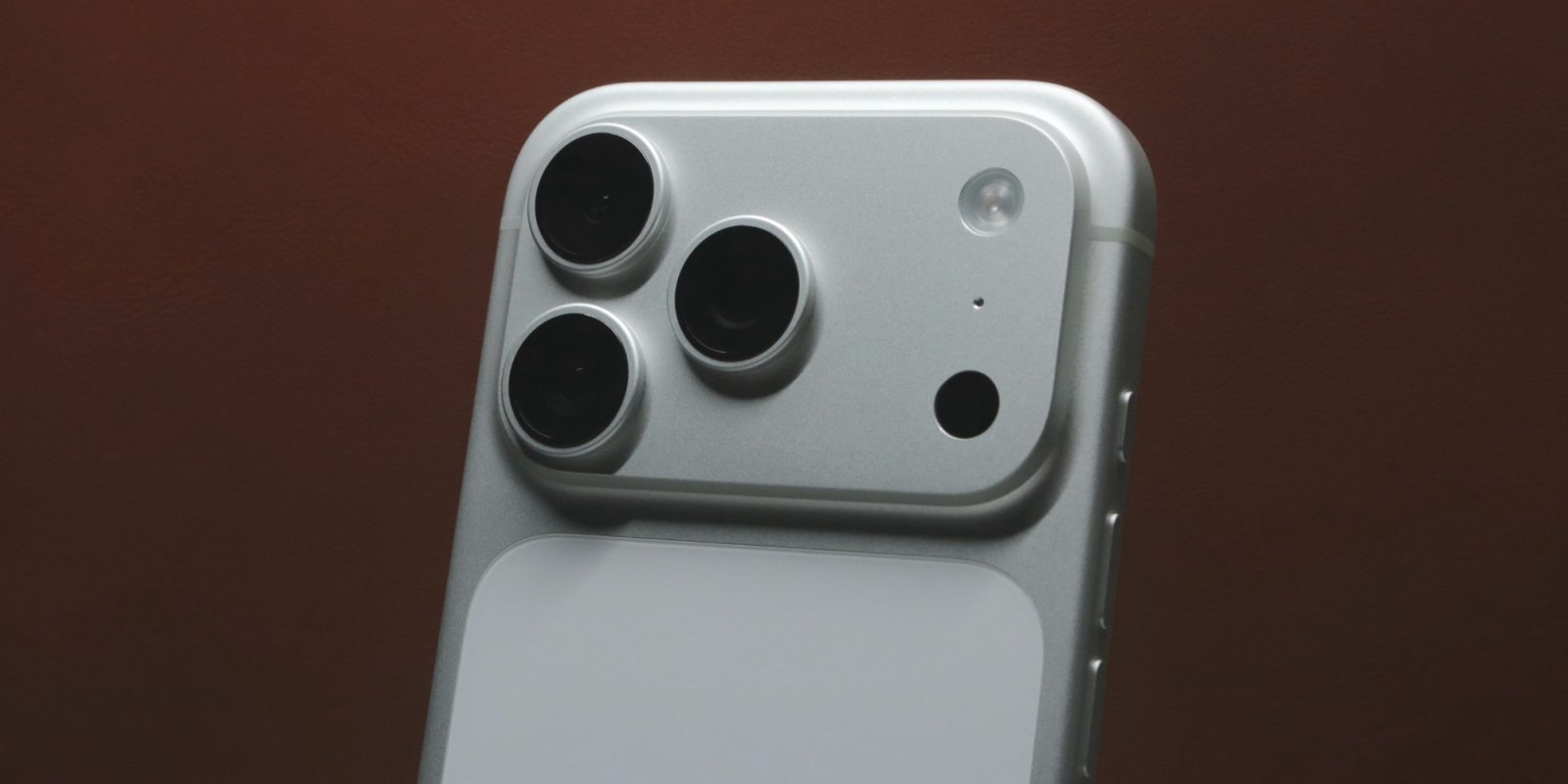
iPhone 18 Pro and Pro Max are coming this fall, and a new report says they’re set to offer “some of the biggest camera hardware upgrades in the lineup’s history.”
Camera upgrades in iPhone 18 Pro and Pro Max may be bigger than we thought
Today Bloomberg reported that the Camera app in iOS 27 is getting a new ‘Siri’ mode that offers visual intelligence features. This follows a report yesterday about new Photos tools for AI image edits.
At the end of today’s report, there’s a related tease about how these new features will complement camera hardware upgrades coming in iPhone 18 Pro.
Mark Gurman writes at Bloomberg:
The changes come ahead of the iPhone 18 Pro this fall, which will include some of the biggest camera hardware upgrades in the lineup’s history.
This is the final line of Gurman’s report, and he doesn’t share any specific details.
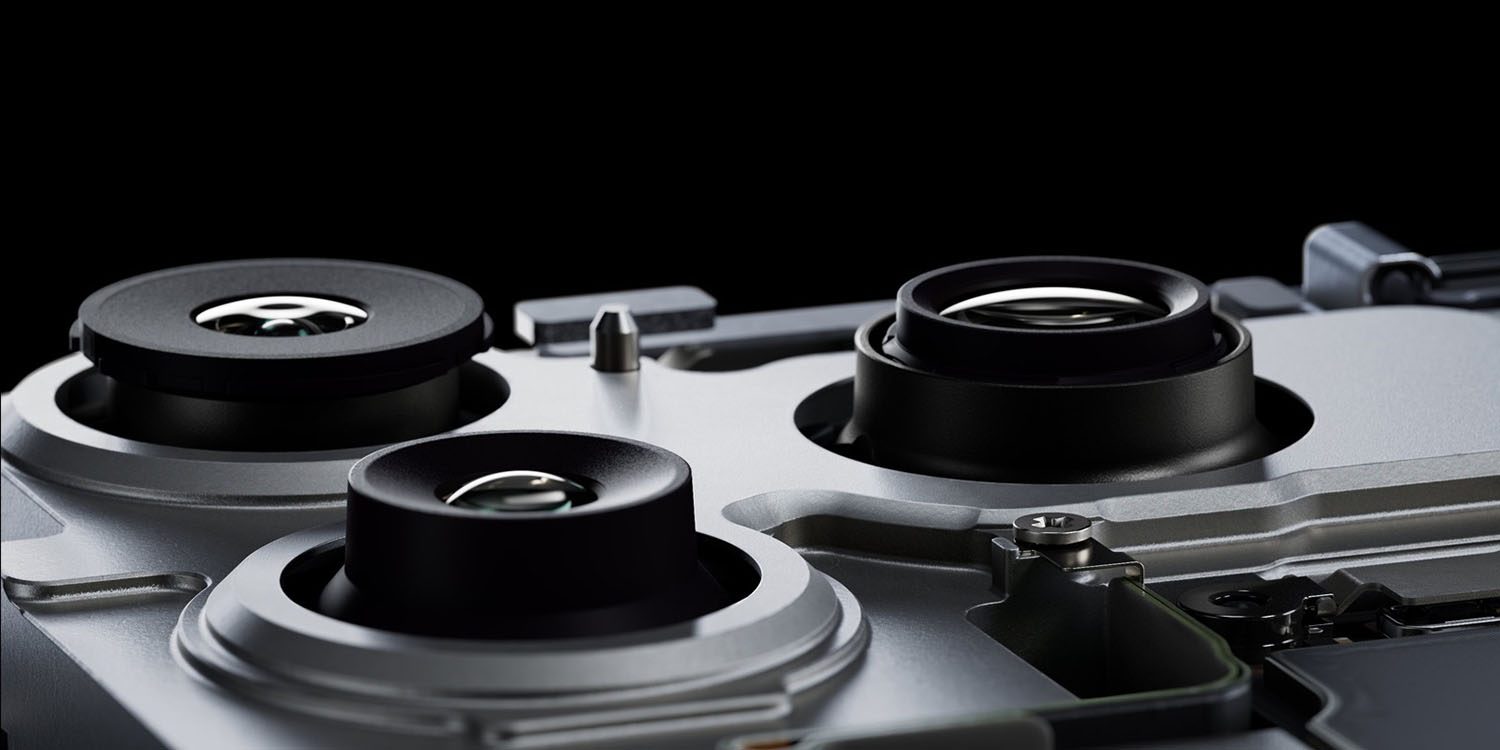
Prior reporting has indicated the iPhone 18 Pro’s Main camera will get a new variable aperture feature. This could enable users to adjust focus and depth of field like never before.
Another rumor says the Telephoto camera is getting a wider aperture this year too.
But those changes aside, we’ve heard little else about new camera features in the works.
Though the implementation details could make these upgrades a bigger deal than we currently anticipate, they still don’t amount to “some of the biggest camera hardware upgrades in the lineup’s history.“
I suspect Gurman will follow up soon with a new report offering additional details. But for now, it seems like the iPhone 18 Pro’s camera system may bring some surprises we haven’t yet heard about.
Source: 9to5mac










