NEWS

Leaker: Apple Downgrading iPhone 18 to Cut Costs

04/21/2026

40

 Leaker: Apple Downgrading iPhone 18 to Cut Costs


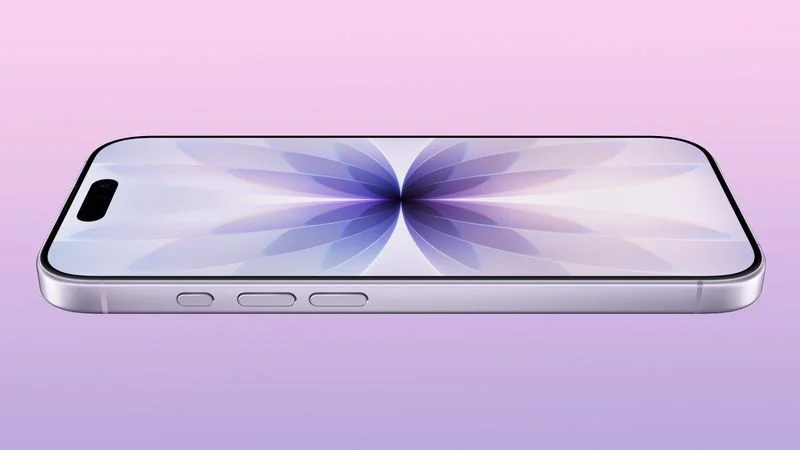
Apple is downgrading the planned specifications of the standard iPhone 18 to cut costs, a leaker claims.


In a new post on Weibo, the user known as "Fixed Focus Digital" said that the ‌iPhone 18‌ features "certain manufacturing downgrades" that bring it more into line with the low-cost iPhone 18e model. The decision is said to be "a cost-cutting measure."


Apple has apparently chosen to implement new cost-control strategies for the device, including specific downgrades to manufacturing processes, chips, memory, and more. The move will "effectively bring it in line with the '18e' model."


With the iPhone 17e and iPhone 17, the biggest differences are the Dynamic Island, display size, ProMotion, brightness, the front facing camera, the Ultra Wide camera, and battery life. It is not clear which key differentiators will remain between the two devices in their next iterations.


The leaker apparently "confirmed" and verified the information using multiple sources. They noted that the information originates from the same source who correctly confirmed that the ‌iPhone 17e‌ would continue to feature a "notch," contrary to false reports that the device would have a ‌Dynamic Island‌.


The standard ‌iPhone 18‌ is expected to launch months after the iPhone 18 Pro models as part of an all-new split launch strategy. Apple's usual fall iPhone announcement is expected to include the ‌iPhone 18 Pro‌, ‌iPhone 18 Pro‌ Max, and the so-called foldable "iPhone Ultra." The iPhone 18e, ‌iPhone 18‌, and iPhone Air 2 will likely follow in the spring of 2027.


Source: Macrumors



Windows
Mac OS
iOS
Linux
3uTools
Win 64-bit For this device
V9.06 2026-04-09
Download
Win 32-bit For this device
V9.06 2026-04-09
Download
3uTools
Intel Chip How to Identify Chip Type
V9.03 2026-03-27
Download
Apple Silicon
V9.03 2026-03-27
Download
How to Identify Chip Type
1.  Click the Apple icon in the top-left corner of the screen and select About This Mac.
2.  Check the Processor or Chip field to determine if it is "Intel" or "Apple".
Please use the 3uTools PC client to install the iOS client:
1、 Install either the Windows or Mac version of 3uTools on your computer
2、 Open the PC client and connect your device to the computer via USB cable
3、 After the connection is successful, wait for the computer to automatically install the mobile app for the device, or locate “Install Mobile App” on the computer and manually click to install.
3uTools
deb file
V9.0 2026-04-16
Download
rpm file
V9.0 2026-04-16
Download
Windows
Windows
iOS
iOS
Android
Android
TV
TV
3uAirPlayer
Win 64-bit For this device
V6.0.3 2026-03-11
Download
Win 32-bit For this device
V6.0.3 2026-03-11
Download
iOS Device Mirroring (No App Required)
1、 Install 3uAirPlayer on the Windows PC
2、 Open Control Center and select Screen Mirroring
3、 From the list, choose your PC to start mirroring
4、 Or connect your iOS device to the PC via USB to begin mirroring
Scan to get "3uAirPlayer" App
3uAirPlayer TV V1.0.18
2025-11-28
TV System Requirements: Android 7.0 or later
Download the TV installation package, copy it to a USB drive, insert it into your TV or set-top box, then select the file from the home screen to install.