 NEWS
NEWS
Apple Apparently Still Undecided on iPhone 18 Pro Dynamic Island
 04/10/2026
 1313
1313
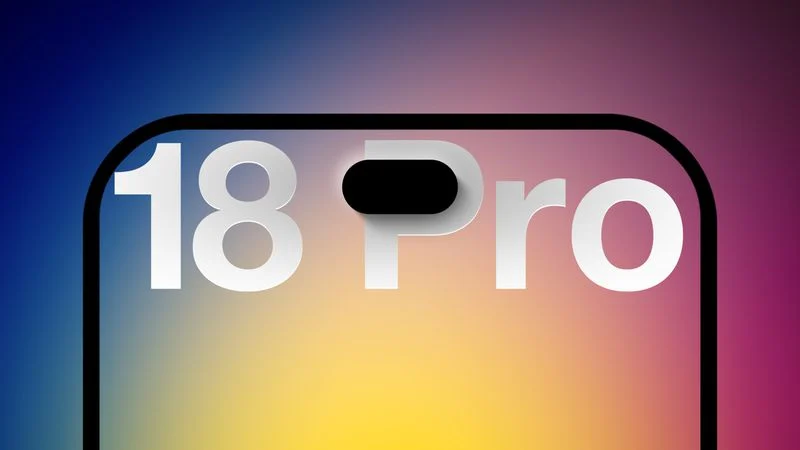
Apple is weighing two options for the iPhone 18 Pro's Dynamic Island, and a final decision has yet to be made, according to the Weibo leaker known as Digital Chat Station.
In a new post today, the leaker says that current supply chain feedback points to an A/B scenario: one option retains the existing screen mold from the iPhone 17 Pro, while the other introduces a significantly smaller "Mini Dynamic Island" enabled by moving the Face ID receiver and transmitter components beneath the display.
●Current feedback from the supply chain suggests an A/B testing scenario: one option retains the existing screen mold, while the other features a 'Mini Dynamic Island' with the Face ID receiver/transmitter (RX) components positioned beneath the display. If they opt for the latter, it feels like sales figures will once again be a non-issue.
The update is a slight shift from the leaker's previous position. Earlier this year, Digital Chat Station claimed Apple was leaning toward reusing last year's design, which would have left the Dynamic Island largely unchanged.
The report was a dissenting voice against a body of reporting, including from Bloomberg's Mark Gurman, DSCC's Ross Young, and multiple other Weibo leakers, suggesting the iPhone 18 Pro would feature a Dynamic Island roughly 35% smaller than on the iPhone 17 Pro.
In a follow-up post, the leaker also addressed the iPhone 18 Pro's rear design. He said that the rectangular plateau design introduced with the iPhone 17 Pro will carry over unchanged, but the back will see "minor adjustments to the body materials and design details.” This is likely a reference to previously rumored changes aimed at achieving a more uniform look between the aluminum unibody frame and glass cutout for wireless charging.
The iPhone 18 Pro and iPhone 18 Pro Max are expected to be announced this fall alongside Apple's first foldable iPhone.
Source: Macrumors










