 NEWS
NEWS
iPhone Air 2 and iPhone 18e Reportedly Launching Early Next Year
 04/09/2026
 1485
1485
Apple plans to release an updated iPhone Air and a lower-end iPhone 18e early next year, according to the latest word from Bloomberg's Mark Gurman.
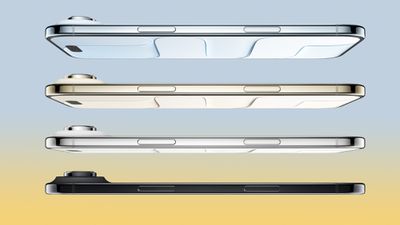
In a report this week, he said Apple plans to unveil the two devices in spring 2027, alongside a standard iPhone 18. If so, Apple will likely announce the trio of devices in March or April next year. It is unclear if there will be a live-streamed event.
Given the iPhone 16e and the iPhone 17e were unveiled in the first quarter of 2025 and 2026, respectively, it is no surprise that an iPhone 18e will follow around the first quarter of next year. However, it is notable that a new iPhone Air and the standard iPhone 18 will apparently be introduced at the same time.
The current iPhone Air and the standard iPhone 17 debuted in September last year, but several reports have indicated that Apple is moving to more of a split launch going forward, with multiple iPhone models arriving in spring and fall.
Here is when each new iPhone model is expected to launch:
- September 2026: iPhone 18 Pro, iPhone 18 Pro Max, and "iPhone Ultra"
- March 2027: iPhone 18e, iPhone 18, and iPhone Air 2
Apple's plans for a split launch have been reported on for many months, so this is nothing new. However, there have been conflicting reports about exactly when the iPhone Air 2 will be released, so Gurman's spring 2027 timeframe provides clarity.
The iPhone 18e and the iPhone 18 will likely receive an A20 chip and little else, while the next iPhone Air is rumored to feature an A20 chip, a second rear camera, a larger battery, and the iPhone 17 Pro's vapor chamber cooling system.
Source: Macrumors










