 NEWS
NEWS
Gurman: Many of Apple's Latest Products Are 'As Incremental as Ever'
 03/24/2026
 1326
1326
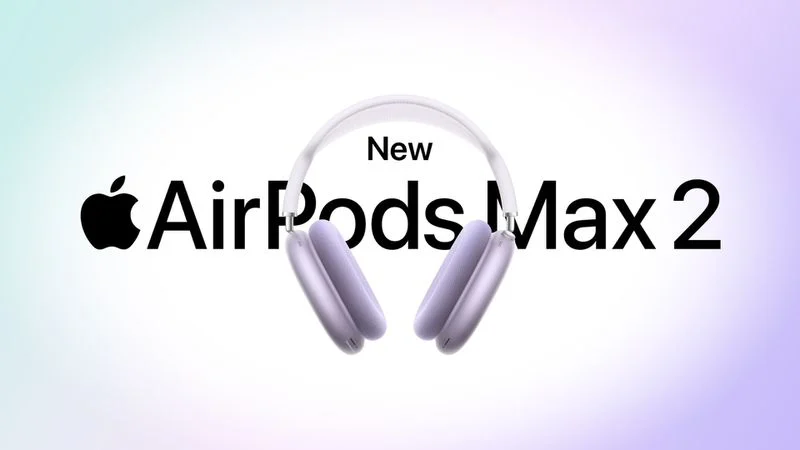
In his Power On newsletter over the weekend, Bloomberg's Mark Gurman opined that most of Apple's product announcements this month "were as incremental as ever."
For example, he said the latest AirPods Max being named "AirPods Max 2" is a "massive stretch" given the headphones received the H2 chip and little else.
AirPods Max 2 did gain many new features overall, including increased active noise cancellation, improved sound quality, Adaptive Audio, Personalized Volume, Conversation Awareness, Voice Isolation, and Live Translation, but many of these capabilities were enabled as a result of the headphones finally getting the H2 chip from 2022.
"The real issue is putting a '2' in the name," he argued. "It means that Apple is treating a maintenance update as if it were a new generation. Historically, this branding would signal meaningful hardware changes." With the AirPods Max 2 name, however, he said it "implies a leap forward that isn't present."
AirPods Max 2 do not have any design changes compared to the previous generation, and the Smart Case carrying case has the same unpopular design.
"Like the earlier USB-C refresh, this update feels designed to sustain sales rather than push the product forward," he added.
While the MacBook Neo is impressive in the sense that it is easily Apple's most affordable new MacBook ever, and the Studio Display XDR checks a lot of boxes, many other products unveiled this month received faster chips and little else, including the MacBook Air, MacBook Pro, iPad Air, iPhone 17e, and the regular Studio Display.
Nevertheless, Gurman acknowledged that customers continue to purchase Apple products, with the company reporting an all-time revenue record last quarter.
"Imagine if the recent product updates themselves were as impressive as the advertising," he concluded.
Source: Macrumors










