 NEWS
NEWS
iPhone 18 Pro: Three New Design Updates Are Coming This Year
 03/18/2026
 3518
3518
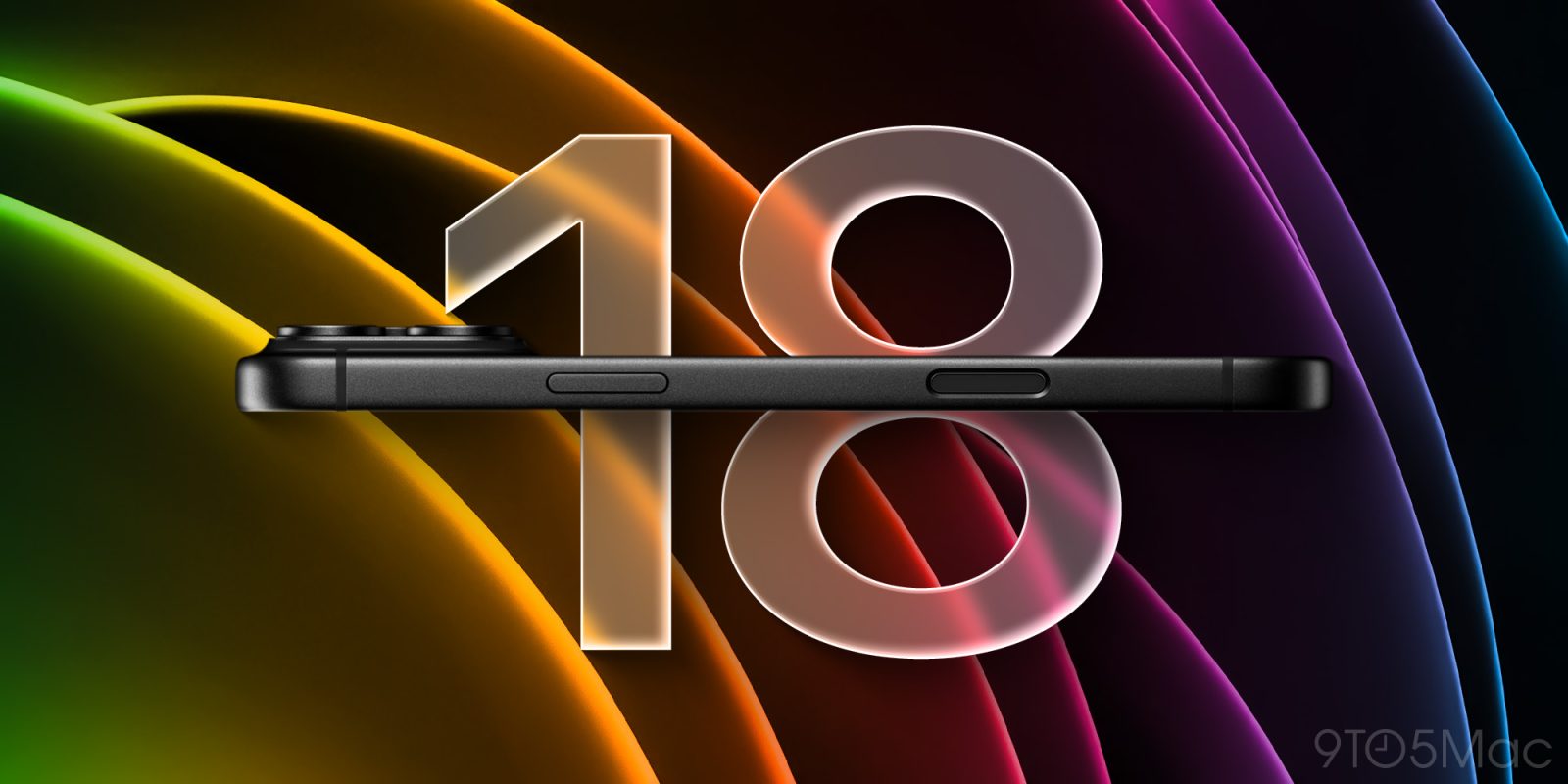
iPhone 18 Pro and Pro Max will launch this fall, and alongside packing a variety of new features, there are three design changes reportedly coming. Here’s what rumors say to expect.
#1: Unified rear glass and aluminum colors
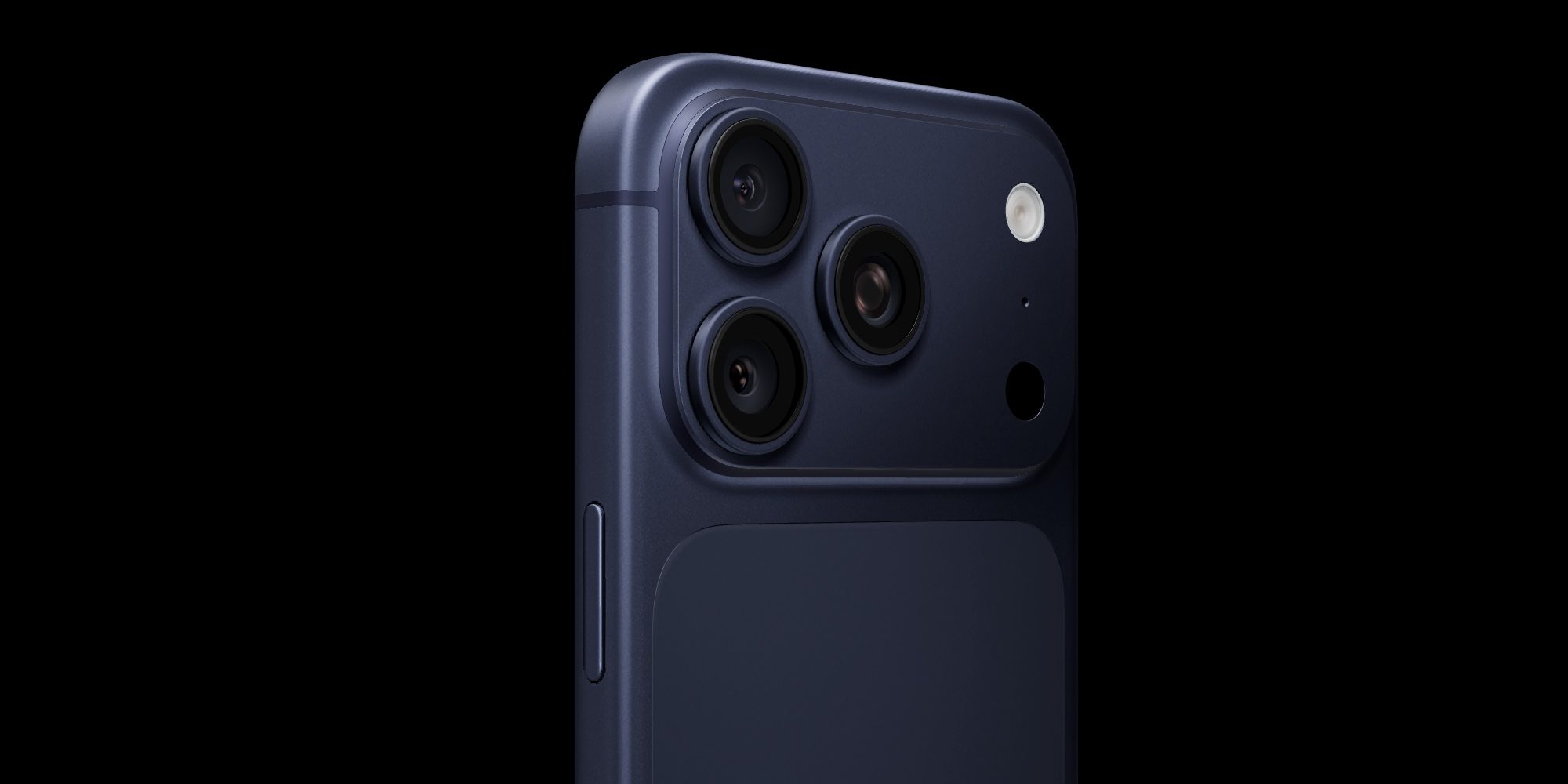
Among the iPhone 17 Pro’s several design changes, colors have clearly been a big hit, and no one seems to mind the full-width camera plateau.
One design decision, however, has been a bit more polarizing: the two-tone rear glass and aluminum.
Fortunately, it sounds like Apple plans to address that with the iPhone 18 Pro.
Weibo leaker Instant Digital recently wrote:
The iPhone 18 Pro series features a redesigned back glass that minimizes color difference between the glass and the aluminum back panel. A seamless, unified look.
I’m in the camp of users who find the two-tone colors a bad look, so I’m excited to see Apple move a different direction with the iPhone 18 Pro.
#2: Dynamic Island shrinks
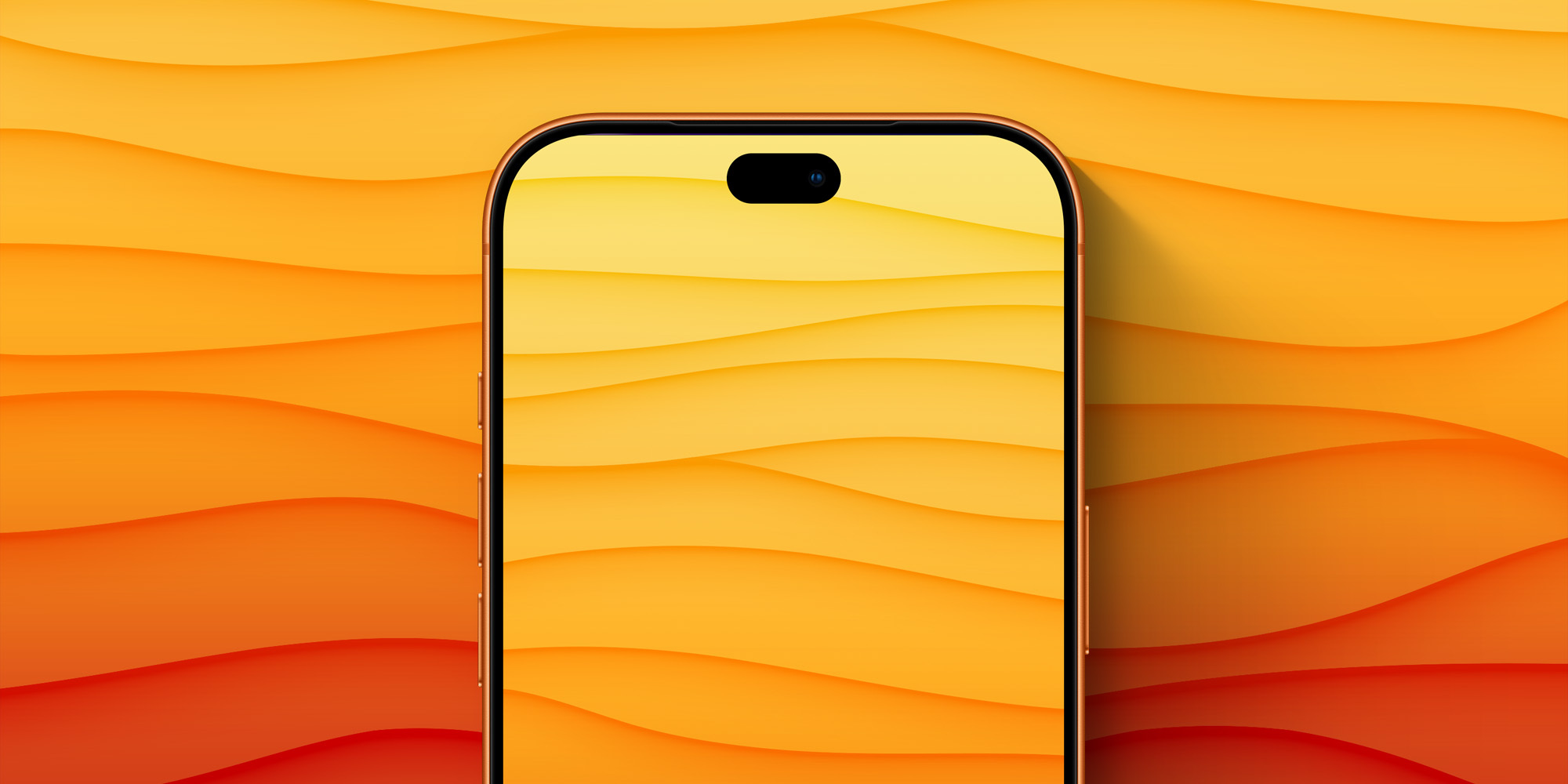
After a variety of conflicting reports, we’ve recently gotten more clarity around what’s happening with the front of the iPhone 18 Pro. Screen sizes between Pro and Pro Max models are expected to stay the same as their predecessors, but the front cutout has been a big question mark.
Though some prior reporting said iPhone 18 Pro would have a hole-punch cutout instead of a standard Dynamic Island, the latest evidence points heavily toward a smaller Dynamic Island design.
Rumors say the new Dynamic Island will be about 35% smaller on the iPhone 18 Pro and Pro Max.
Some Face ID components are reportedly being moved under the display, but not all of them. Thus, Apple isn’t moving to a hole-punch design—at least not yet.
#3: Bold new colors
Apple did something surprising with the iPhone 17 Pro: it offered bold, fun color options.
Cosmic Orange in particular has been a huge hit, proving that Apple’s shift away from basic shades of white, black, and gray was a good move.
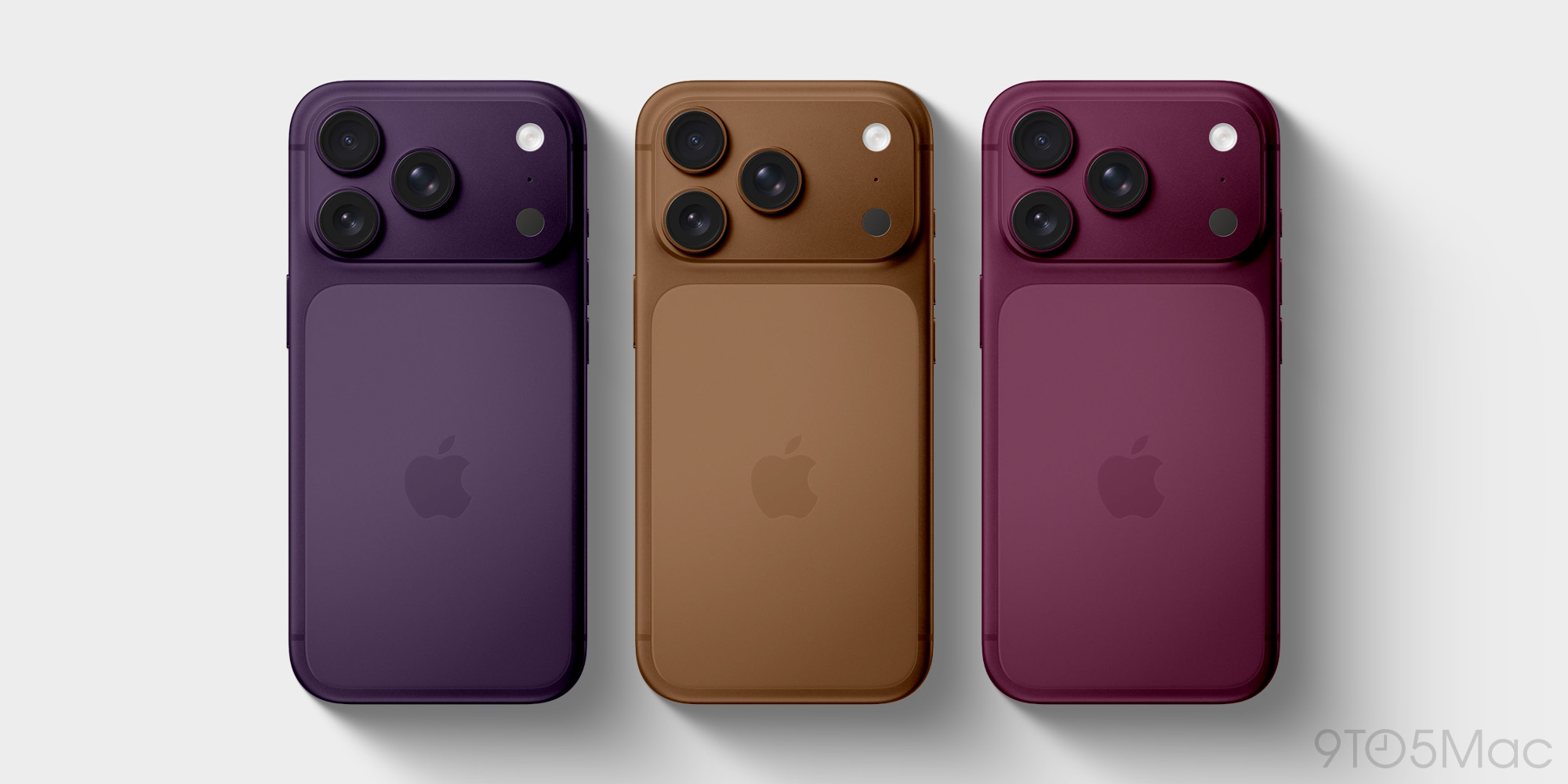
Rumors indicate the company plans to continue offering fun Pro colors with the iPhone 18 Pro.
Leaker Instant Digital says Apple has so far tested three new colors:
• Coffee Brown
• Purple
• Burgundy
In a follow-up post, he clarified that these won’t all necessarily end up being offered by Apple. Instead, only one or more might be chosen. It will be interesting to see, though, whether Apple tries to keep the Cosmic Orange momentum going with a new shade of orange.
For those who just want a black option, it’s unclear whether Apple will offer one this year. Instant Digital expressed doubt, saying: “Looks like there won’t be a black one next year.”
Source: 9to5mac










