 NEWS
NEWS
Apple Planning 'MacBook Ultra' With Touchscreen and Higher Price
 03/09/2026
 1635
1635
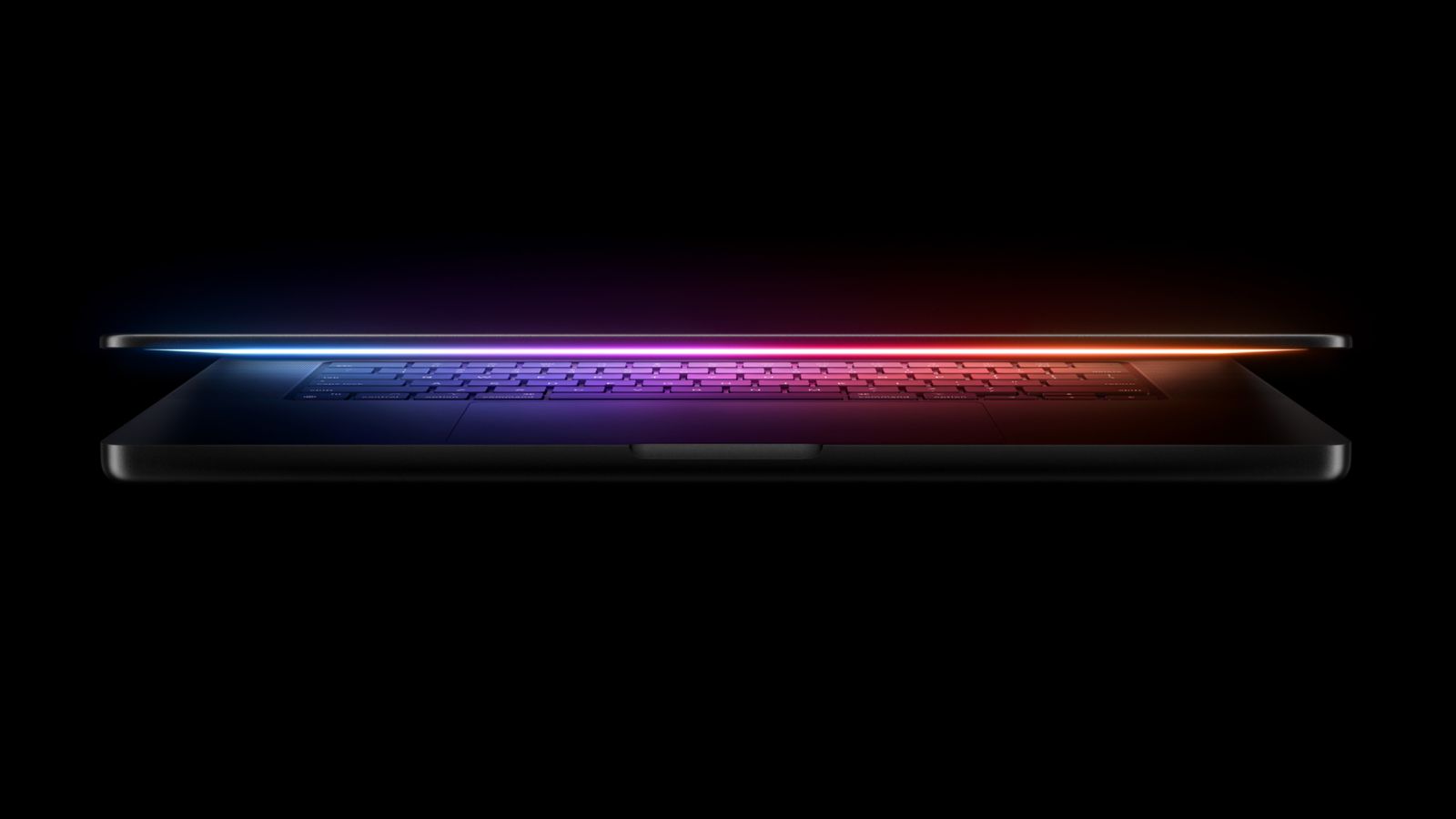
Apple is planning to launch an all-new "MacBook Ultra" model this year, featuring an OLED display, touchscreen, and a higher price point, Bloomberg's Mark Gurman reports.
Gurman revealed the information in his latest "Power On" newsletter. While Apple has been widely expected to launch new M6-series MacBook Pro models with OLED displays, touchscreen functionality, and a new, thinner design in the fourth quarter of 2026 for some time, Gurman today turned that rumor on its head with the suggestion that this is an all-new kind of MacBook rather than a MacBook Pro.
Instead of succeeding the newly announced M5 Pro and M5 Max MacBook Pros, the "MacBook Ultra" will be a new, top-tier Apple laptop. Gurman added that the device is likely to sit above the current M5 MacBook Pros, rather than replace them, suggesting that they will remain on sale.
This would enable a markedly higher price point for the new machines. Gurman noted that when Apple brought OLED displays to the iPhone X in 2017 and the iPad Pro in 2024, it simultaneously raised price by around 20%. As a result, Gurman believes a similar price increase on account of the MacBook's first ever OLED display may be likely and help move the MacBook Pro further upmarket.
Gurman says that this fits into a broader trend at Apple, where the company is seeking to offer more models at more price points, such as the new MacBook Neo at an unprecedented $599 price point to rival low-cost Windows and Chromebook devices. The same is occurring at the high-end, with more premium options available than ever before.
That is set to continue this year with the first foldable iPhone, featuring a ~$2,000 price tag, large inner display, and under-display sensors, and new AirPods priced above the current AirPods Pro at the top of the lineup with computer-vision cameras to feed Visual Intelligence data to Siri. Gurman even suggested that these products may be called the "iPhone Ultra" and "AirPods Ultra."
While the name "MacBook Ultra" is uncertain, Gurman is clearly no longer referring to the device as a MacBook Pro, instead referring to it as "the touch-screen and OLED high-end MacBook." He cautioned that Apple "could keep the traditional MacBook Pro name," but a MacBook Ultra moniker would "more clearly signal their position at the top of the lineup." Gurman expects the device to launch around the end of the year.
Source: Macrumors










