 NEWS
NEWS
Apple Watch Ultra 4: Four Rumored New Features Coming This Fall
 02/28/2026
 3334
3334
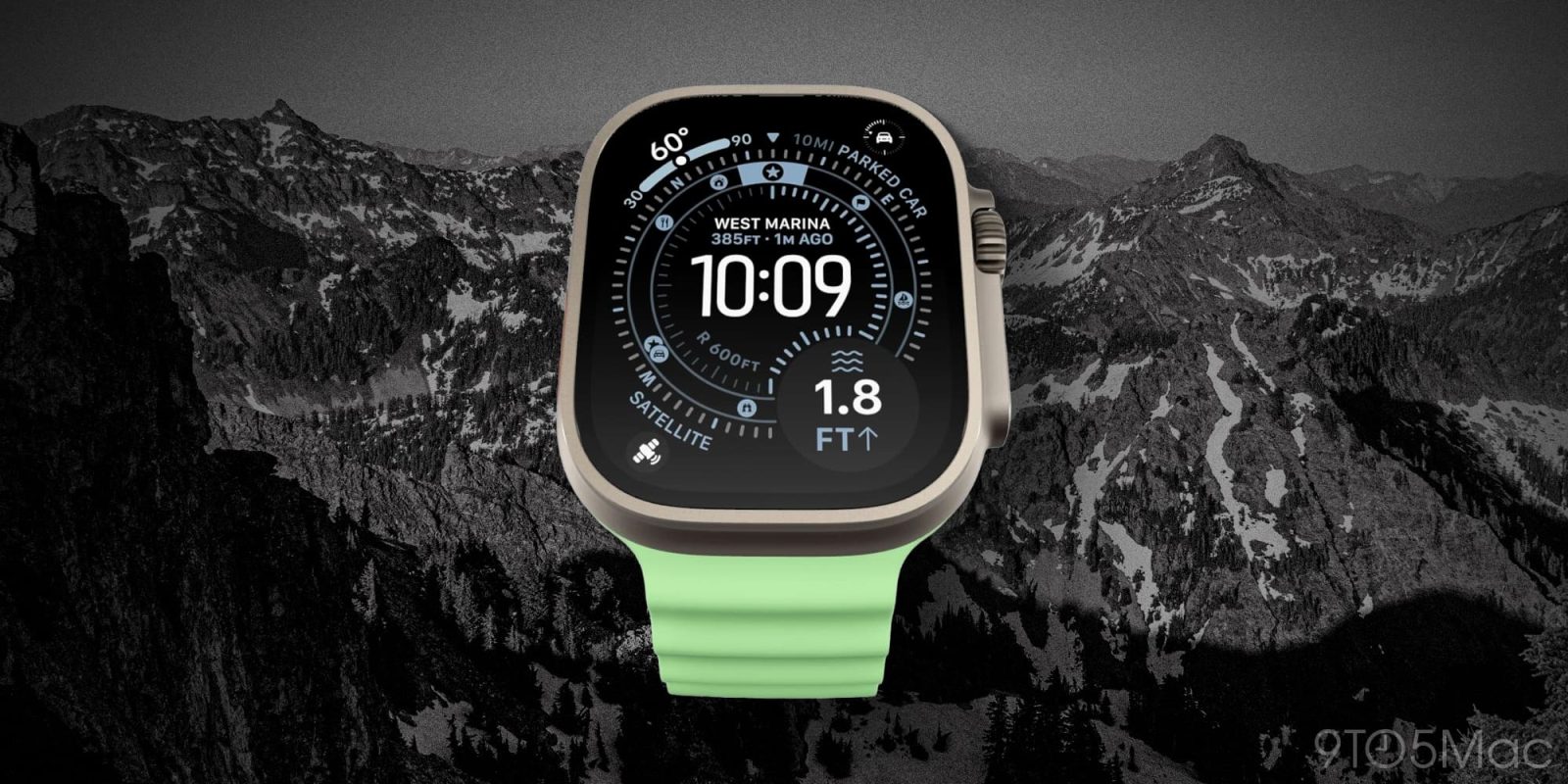
Apple has new products launching next week, but no Apple Watch models will be among them. Later this year though, Apple Watch Ultra 4 is coming, with four rumored new features so far.
#1: Brand new health sensors
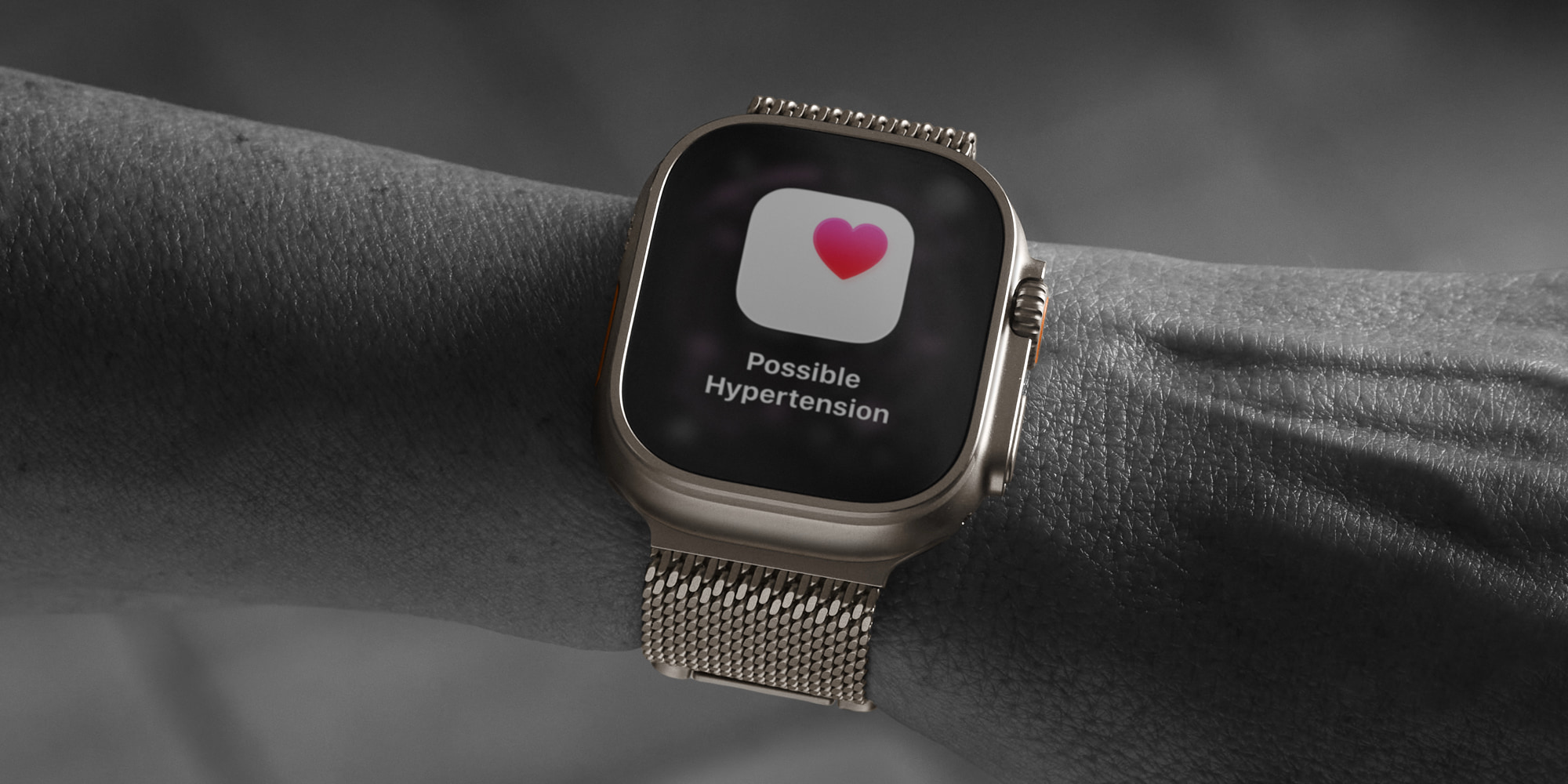
Late last summer, Digitimes reported based on supply chain sources that this year’s Apple Watch Ultra 4 is expected to double the number of sensor components.
Some of these new sensors may relate to the addition of Touch ID, which I’ll cover separately.
But one thing Apple consistently changes in the Apple Watch is its array of health sensors.
Digitimes says the new sensors will allow Apple to minimize its dependence on algorithmic data interpretation, which could lead to not only better health data, but also improved performance and battery life.
Apple has long been working on adding blood sugar monitoring to Apple Watch, but despite some encouraging recent trends, that feature isn’t currently expected for this year.
#2: Industrial design changes
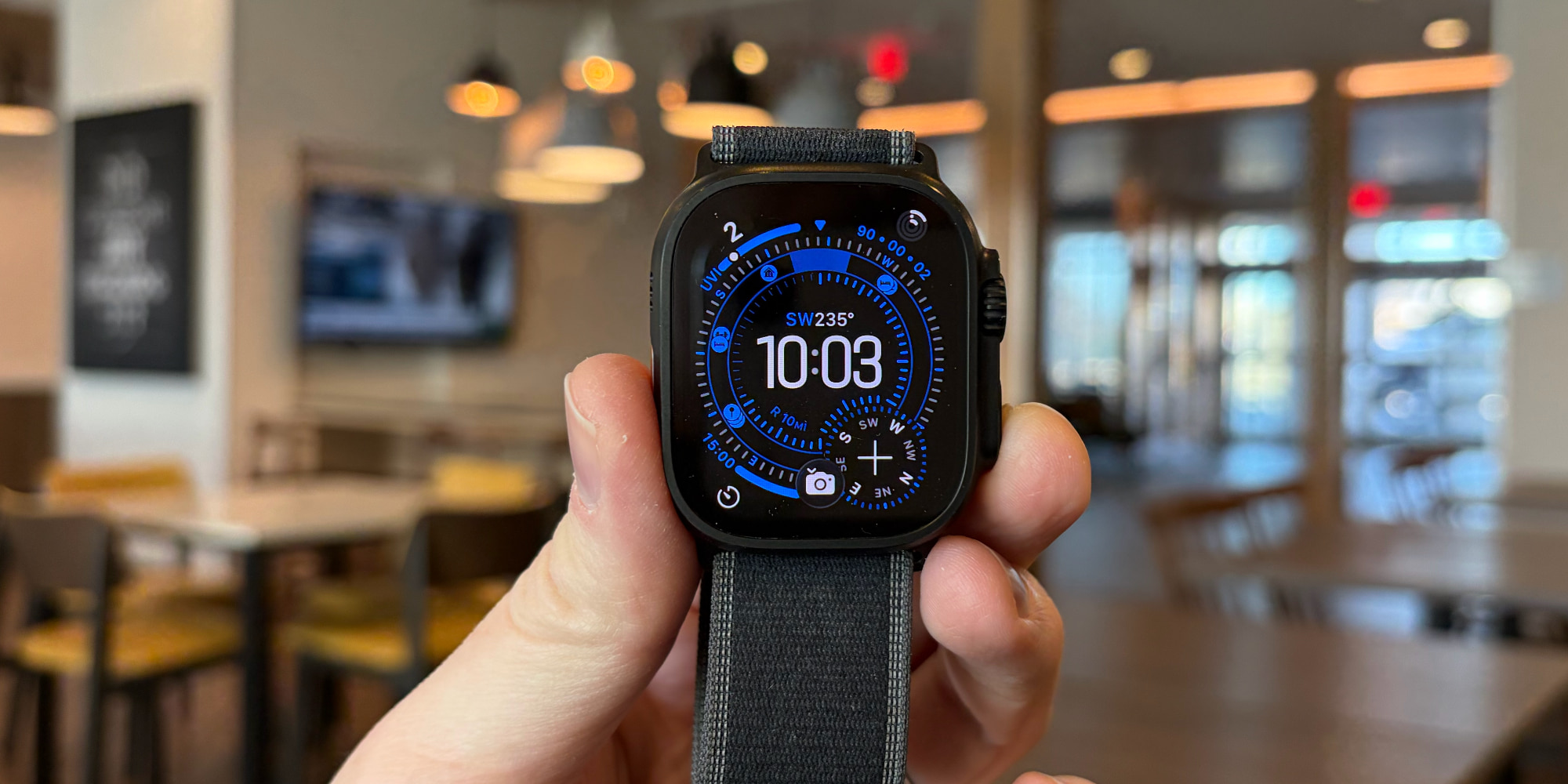
Digitimes also reports that the new Apple Watch Ultra 4 will bring “alterations to the exterior design.”
How big will these design changes be? It’s hard to say. The report mentions rumors of a “significant redesign” coming, but more recent reporting is less optimistic about how much will change.
Back when microLED was in Apple’s plans, the 2026 Apple Watch Ultra was expected to get notably larger. Without the new display technology though, those plans may have changed.
#3: Touch ID
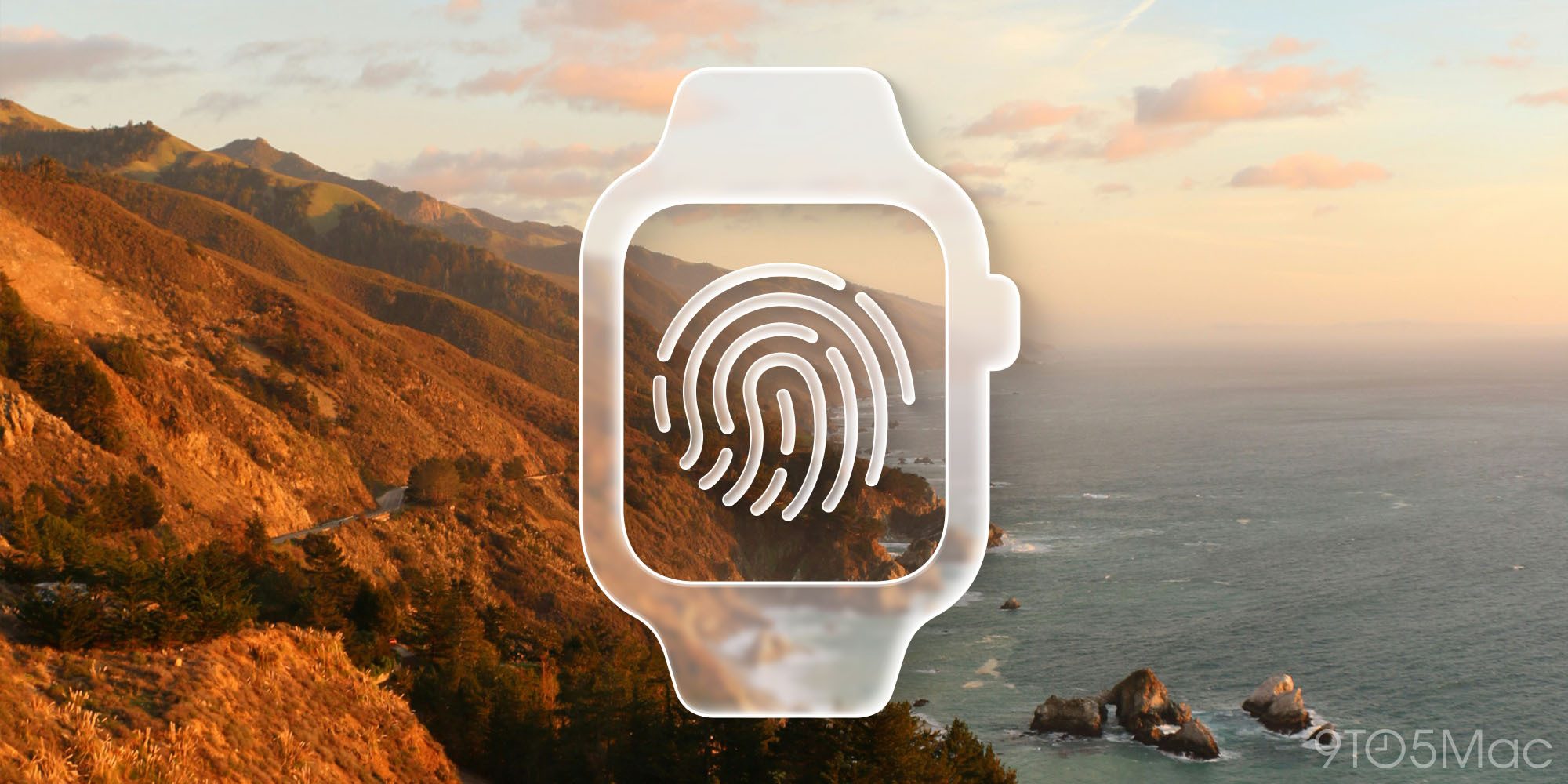
Macworld’s Filipe Espósito discovered evidence in leaked Apple code of Touch ID being in the works for 2026 Apple Watch models. He reported:
Apple has been experimenting with some form of biometric authentication on the Apple Watch. Code for what clearly refers to the 2026 models of the Apple Watch mentions support for “AppleMesa,” which has long been Apple’s internal codename for Touch ID.
No further details on the hardware implementation were shared. It’s likely Apple would integrate Touch ID into either the side button, Digital Crown, or Action button.
Adding Touch ID could make the need to enter your passcode less frequent, and might prove a convenient way to authenticate for Apple Pay purchases and more.
#4: Power efficiency gains

Perhaps due to a new S-class chip, or the gains related to new sensors, Digitimes says “power efficiency will improve significantly” on the new Ultra model.
Last year in Apple Watch Ultra 3, battery life improved for the first time in the Ultra line. And it sounds like that could happen again with Ultra 4.
Battery gains seem the most likely result of significant efficiency improvements. There are other possibilities too though, such as Apple shrinking the battery to make room for other sensors. If it can deliver the same great battery life with a smaller physical battery, it might make that trade-off.
Source: 9to5mac










