 NEWS
NEWS
iPhone 18 Pro and Pro Max Expected to Feature Smaller Dynamic Island
 02/25/2026
 1607
1607
The iPhone 18 Pro and Pro Max will have a smaller Dynamic Island, according to Bloomberg. Over the past year, there have been mixed rumors about whether the iPhone 18 Pro models will continue to feature a Dynamic Island or have a hole punch camera with under screen Face ID and no Dynamic Island, but the latest information suggests we're not getting rid of the Dynamic Island just yet.
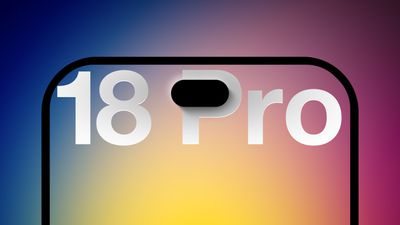
Along with Bloomberg, several prominent leakers on Weibo and other social media sites have said Apple will make the Dynamic Island smaller, but won't eliminate it.
We heard the same rumors about a smaller iPhone 17 Pro Dynamic Island last year, but the Dynamic Island ultimately ended up being the same size. Rumors about the Dynamic Island have picked up in late 2025 and early 2026, and when we see a deluge of differently-sourced rumors about the same feature in the months leading up to a new iPhone's launch, those rumors are typically accurate.
Most of the iPhone 18 Pro rumors about under-display Face ID and no Dynamic Island circulated earlier in 2025, so Apple either considered the feature for the 18 Pro lineup and pushed it back, or those rumors were just guessing. There also may have been confusion over what's moving under the display and what's not.
To implement a smaller Dynamic Island, Apple is rumored to be putting the Face ID dot illuminator under the display, and rumors suggest the company is also implementing new camera miniaturization technology that could cut down on the size of the front-facing camera. The front-facing camera, Face ID dot projector, and infrared camera are expected to be housed in the Dynamic Island, and won't be under the display.
Apple does eventually want to create an iPhone that's a slab of glass with no cutouts, and we may see that for the 20th anniversary iPhone planned for 2027, but it won't happen in fall 2026 with the iPhone 18 Pro models.
Source: Macrumors










