 NEWS
NEWS
Report: Apple Planning to ‘Deeply’ Integrate Gemini-Backed Siri into Multiple Core Apps
 01/26/2026
 1406
1406
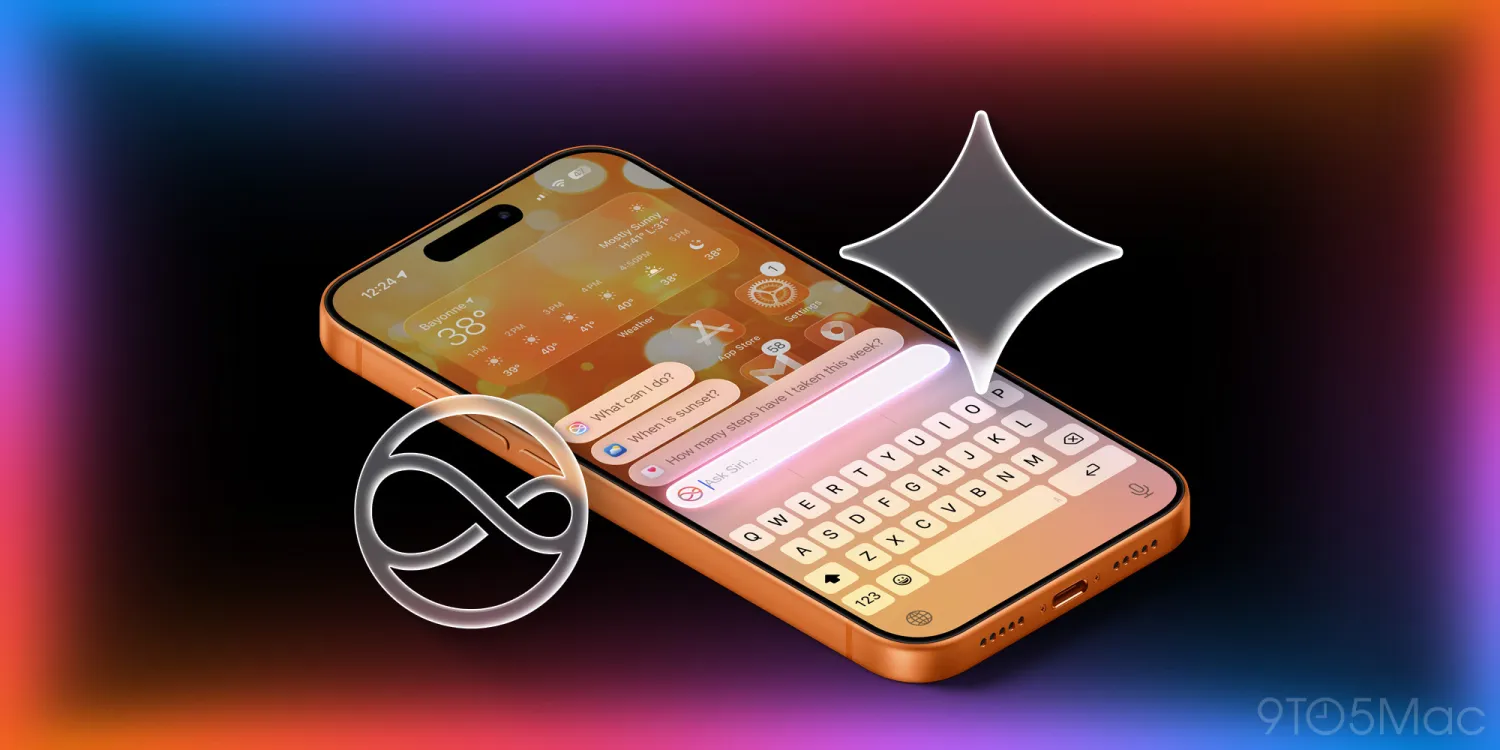
Since the launch of Apple Intelligence over a year ago, Apple has added very few new AI features to its apps. Some recent additions are Apple Music’s AutoMix and Apple Watch’s Workout Buddy. However, that is set to change this year.
According to Mark Gurman in today’s Power On newsletter, Apple is planning to integrate the upcoming Gemini-backed version of Siri “deeply across its core apps”.
Moving to Gemini
Previously, Apple’s plans had been much more ambitious. For a while now, Apple has been working on a “World Knowledge Answers” project, which aimed to compete with the likes of ChatGPT and Perplexity. However, this project has been scaled back, as Apple works to instead replace existing technologies with
Google’s Gemini.
The World Knowledge Answers project is not the only project to be scaled back. According to Gurman, Apple had been working on a AI overhaul of Safari:
●One major 2026 priority had been a fully revamped Safari browser built for the AI era, designed to counter new offerings from Perplexity and OpenAI. Planned features included assessing the trustworthiness of documents and data, and cross-referencing information across multiple sources.
These plans are also now paused, though Gurman says there is a chance for the work to resume prior to WWDC26. Apple has also “returned to the drawing board” for AI Health features, Gurman reports.
Integrating Siri across core apps
According to today’s Power On, Apple had “envisioned standalone chatbot-style experiences embedded in apps such as Safari, TV, Health, Music and Podcasts”. But now, following the departure of SVP of Machine Learning and AI Strategy John Giannandrea, Apple is planning a more cohesive experience. Rather than having separate chatbots across multiple apps, they will instead “deeply” integrate the upcoming Gemini-based Siri across their core apps.
Unfortunately, we don’t yet know what this will look like, but we may not have to wait long to find out. Gurman also reports that the new Siri will be announced as soon as next month. In the past, Apple has also shown off how Siri might integrate with apps through App Intents.
An exciting year ahead
Though it has certainly been a long wait, 2026 is shaping up to be an exciting year for Apple Intelligence. Apple is expected to finally launch an overhauled Siri, first shown off at WWDC24.
Source: 9to5mac










