 NEWS
NEWS
Apple Is Working on an AI-Powered Wearable Pin: Report
 01/22/2026
 1404
1404
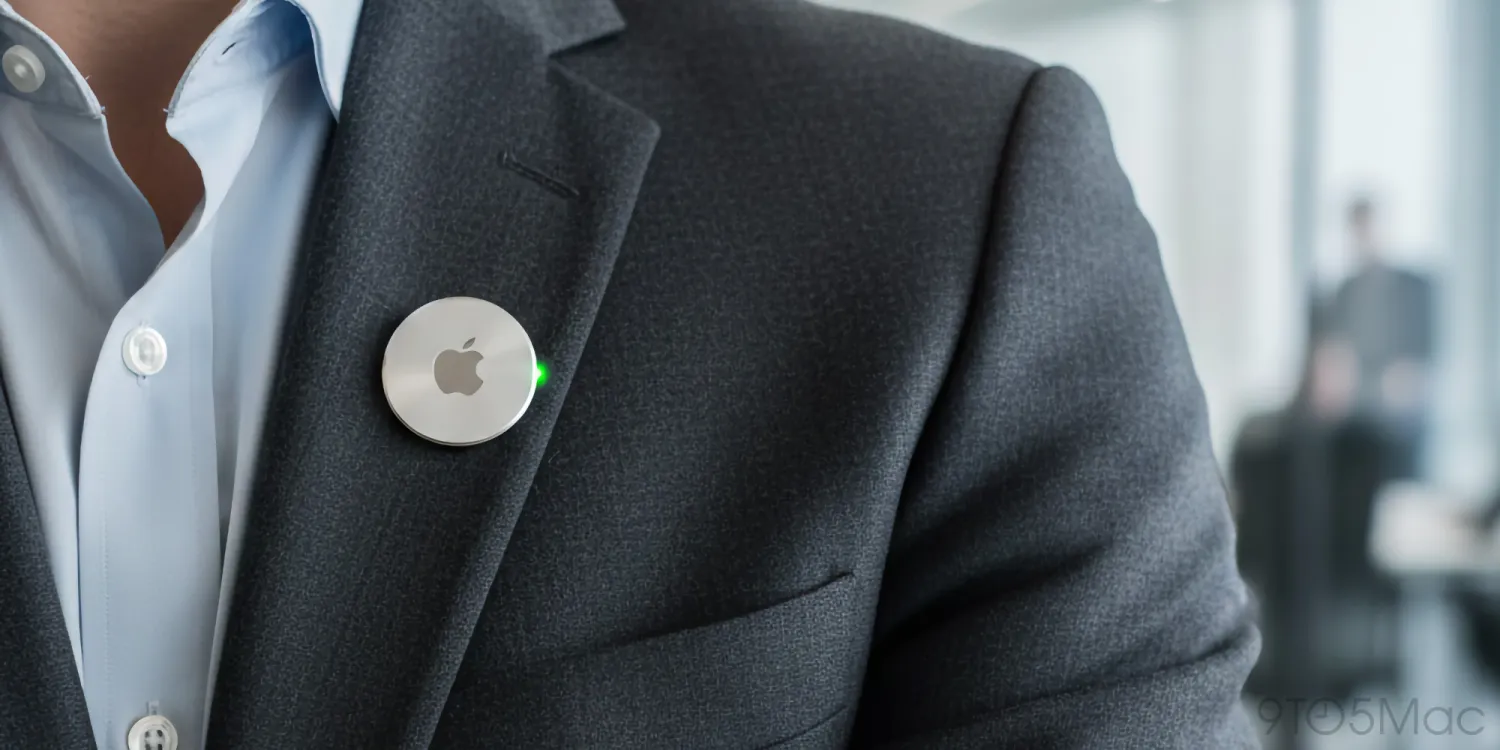
A new report by The Information claims that Apple has been developing an AirTag-sized wearable that could be released “as early as 2027”. Here are the details.
Wearable could be launched as early as 2027
According to the report, this wearable will feature multiple cameras, as well as a speaker and microphone, although “development is in the very early stages and could still be canceled”.
From the report:
●Apple’s pin, which is a thin, flat, circular disc with an aluminum-and-glass shell, features two cameras—a standard lens and a wide-angle lens—on its front face, designed to capture photos and videos of the user’s surroundings, the people said. It also includes three microphones to pick up sounds in the area surrounding the person wearing it. It has a speaker, a physical button along one of its edges and a magnetic inductive charging interface on its back, similar to the one used on the Apple Watch, the people said. Apple engineers are aiming to make the pin the same size as an AirTag, only slightly thicker, one of the people said.
The Information also notes that Apple is attempting to speed up development in hopes of competing with OpenAI’s first wearable (slated to debut in 2026), and that it is not immediately clear whether this wearable would work in conjunction with other products, such as AirPods or Apple’s reported upcoming smart glasses.
Today’s report also notes that this has been a challenging market for new companies, citing the recent failure of Humane’s AI Pin as an example:
●Whether an Apple pin would sell well is uncertain. Humane, a startup founded by two former Apple employees, struggled to gain traction in 2024 with its own wearable AI pin, which reportedly sold fewer than 10,000 units. Parts of Humane were eventually sold to HP for $116 million. Humane’s pin, which could cast an interface onto a user’s palm using a small projector, faced criticism for its slow speed in answering questions and for its poor battery life.
The report comes as Apple revamps, yet again, its AI efforts, following years of struggle to deliver on the AI promises made during WWDC2024, the recent departure of the company’s head of AI, John Giannandrea, and the recent announcement of a partnership with Google to use Gemini as the basis for the new Siri, as well as other Apple Intelligence-related features.
Finally, the news comes on the heels of a Bloomberg report that claimed that Apple is working on replacing the Siri interface with an actual chatbot experience for iOS 27.
Source: 9to5mac










