 NEWS
NEWS
iPhone Will Get 200MP Cameras in 2028, Says Morgan Stanley
 01/07/2026
 1454
1454
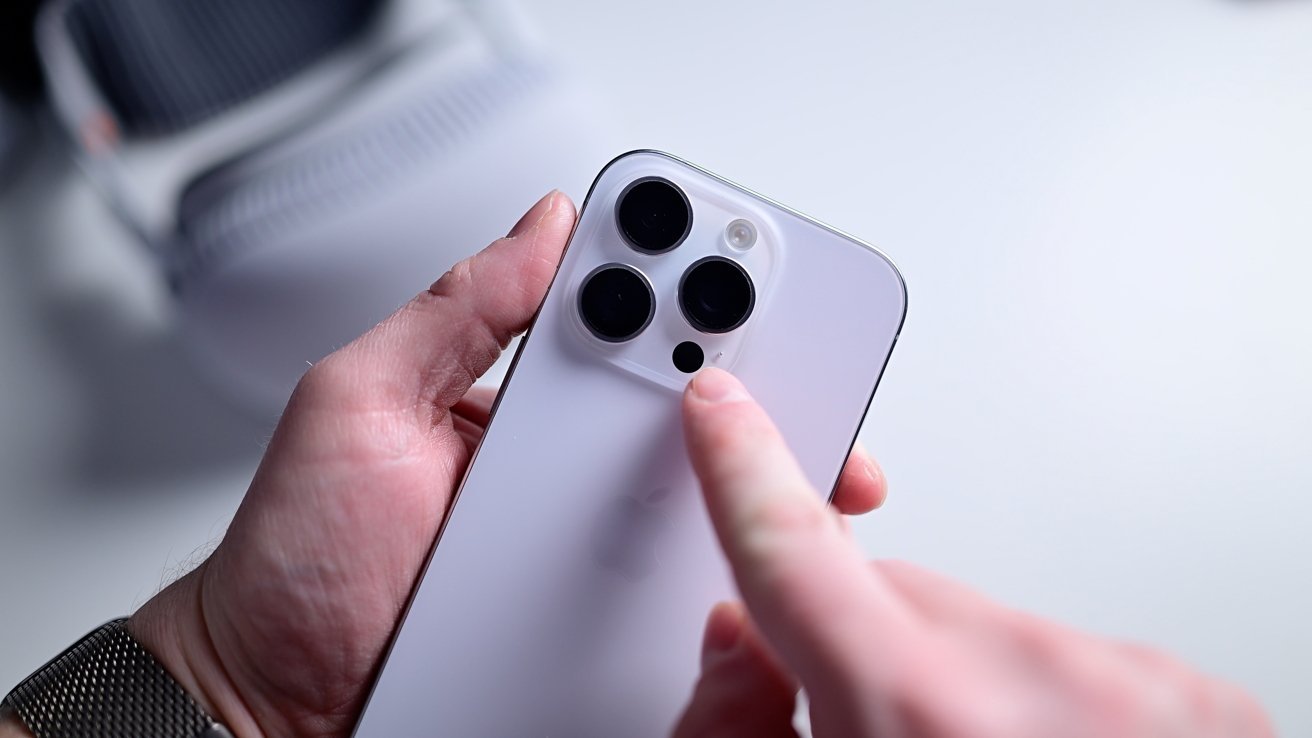
Researchers from investment bank Morgan Stanley say Apple will add Samsung's 200MP cameras to the iPhone in 2028, and also add suppliers to potentially reduce costs.
It's been expected that Apple will move to 200MP cameras in the iPhone at some point, and it's even been predicted that this will be in time for the iPhone 18 range.
However, according to a note to investors by Morgan Stanley, seen by AppleInsider, it will be the iPhone 21 that first gains a 200MP camera. This is partly to make sure supplies are diversified instead of reliant on a single source.
It's also, though, believed to be related to how Apple wants to increase iPhone component production in the US. This fits with previous reports that say Samsung may make CMOS image sensors for the iPhone in its Austin, Texas facility.
Those reports also claim that Apple will use a 200MP camera in a future iPhone. However, they suggest this may be because Sony has failed to match Samsung's technology.
Similarly, Sony is also a supplier for the iPhone's LiDAR sensors. Morgan Stanley says that Apple is now talking with STMicro as a further supplier.
The researchers do not expect a change in the supply chain for the Face ID sensors. Those are currently made by a single supplier, LITE, and this is predicted to continue.
That's despite the fact that Morgan Stanley does predict changes to Face ID. Specifically, its researchers are confident that under-display Face ID may come in 2027, on the 20th anniversary of the original iPhone.
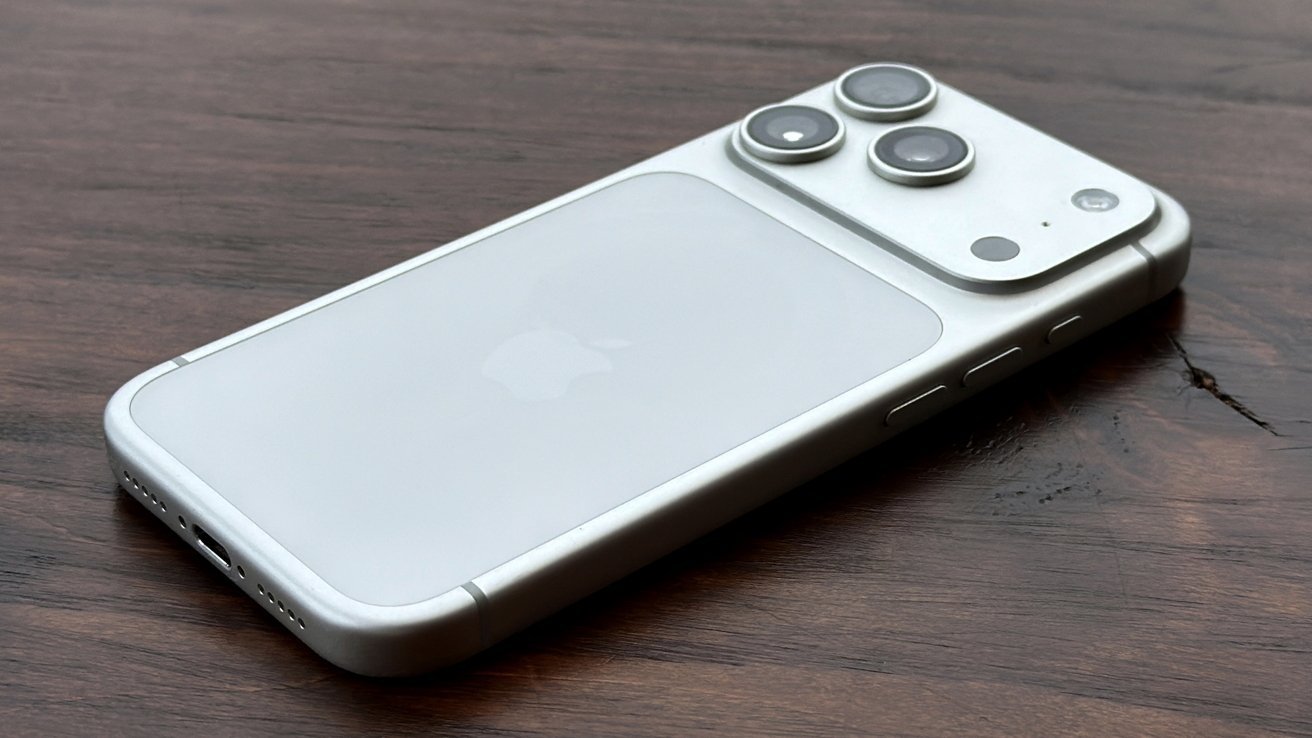
The iPhone 18 Pro is expected to deliver a multitude of improvements.
These moves should help Apple maintain supplies, and reduce costs. Consequently, Morgan Stanley researchers again expect Apple to absorb cost increases rather than raise prices, despite other component costs rising.
Apple was repeatedly expected to raise the price of the iPhone 17 range because of the impact of tariffs. Instead it increased storage capacities, meaning it could keep the prices comparable to the same configurations as the iPhone 16.
Source: Appleinsider










