NEWS

Apple and Google Team up to Make iPhone and Android Switching Easier

Just now

14

Apple and Google Team up to Make iPhone and Android Switching Easier


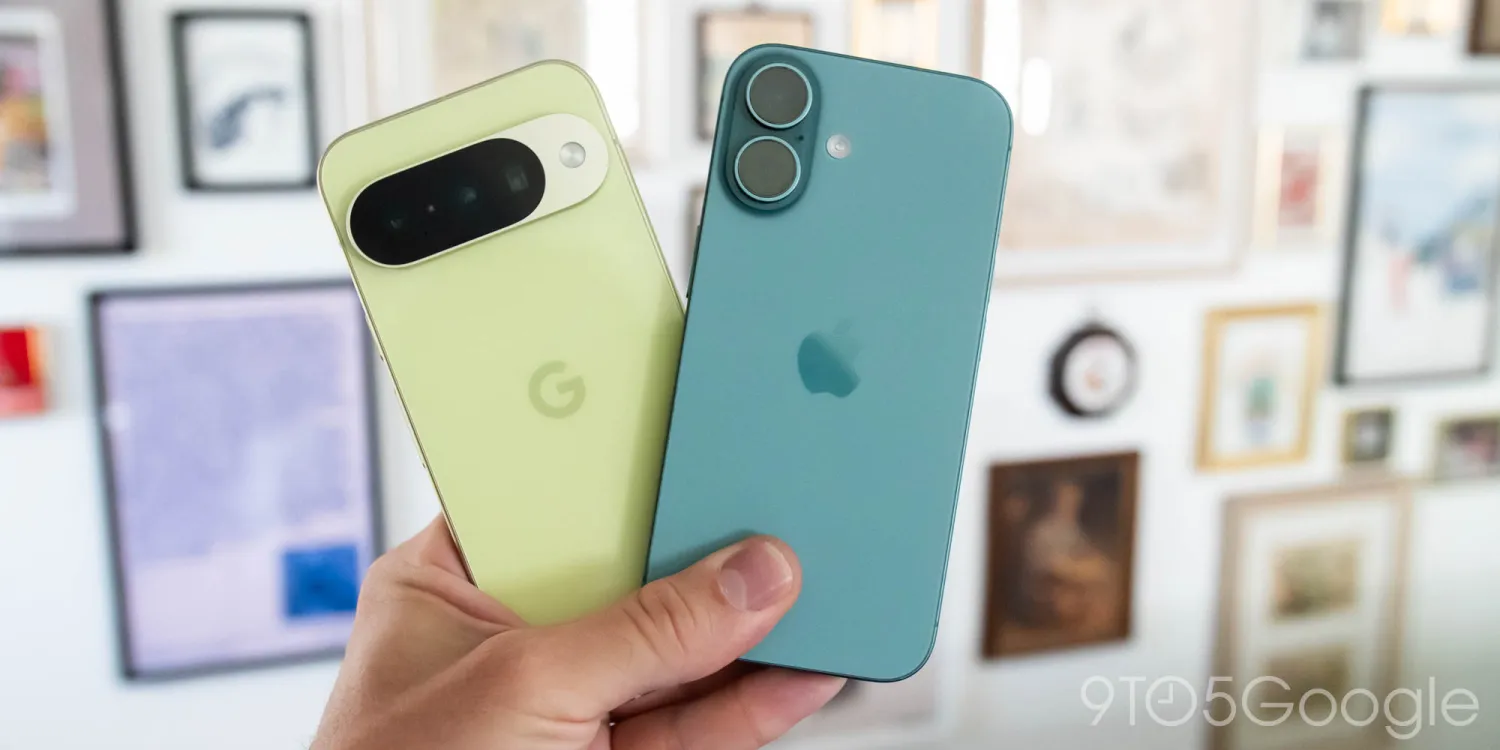
Apple and Google are teaming up to make it easier to switch between Android and iPhone devices. The two companies say that they’ve developed new features that streamline the process of moving data between each platform as part of a joint collaboration.


Apple and Google say the new upgraded experience is starting to roll out today with a new Android Canary build for Pixel devices. The features will also be available in an upcoming iOS 26 developer beta. The experience will continue to improve throughout the beta testing process on both platforms, including with support for more data types.


There are no further details on what new features the revamped Android and iPhone switching experience will offer. There’s also no word on when the upcoming iOS 26 beta will be released with the new features. Apple just released a new RC for iOS 26.2, but that update does not include the improved cross-platform experiences.


As Apple and Google continue to develop this updated experience, they say users can continue to use Apple’s Move to iOS app and Google’s Android Switch app.


Source: 9to5mac

Windows
Mac OS
iOS
Linux
3uTools
Win 64-bit For this device
V9.0 2025-11-11
Download
Win 32-bit For this device
V9.0 2025-11-11
Download
3uTools
Intel Chip How to Identify Chip Type
V9.0 2025-12-02
Download
Apple Chip
V9.0 2025-12-02
Download
How to Identify Chip Type
1.  Click the Apple icon in the top-left corner of the screen and select About This Mac.
2.  Check the Processor or Chip field to determine if it is "Intel" or "Apple".
Please use the 3uTools PC client to install the iOS client:
1、 Install either the Windows or Mac version of 3uTools on your computer
2、 Open the PC client and connect your device to the computer via USB cable
3、 After the connection is successful, wait for the computer to automatically install the mobile app for the device, or locate “Install Mobile App” on the computer and manually click to install.
3uTools
deb file
V3.01 2025-11-20
Download
rpm file
V3.01 2025-11-20
Download
Windows
Windows
iOS
iOS
Android
Android
TV
TV
3uAirPlayer
Win 64-bit For this device
V6.0.2 2025-11-19
Download
Win 32-bit For this device
V6.0.2 2025-11-19
Download
iOS Device Mirroring (No App Required)
1、 Install 3uAirPlayer on the Windows PC
2、 Open Control Center and select Screen Mirroring
3、 From the list, choose your PC to start mirroring
4、 Or connect your iOS device to the PC via USB to begin mirroring
Scan to get "3uAirPlayer" App
3uAirPlayer TV V1.0.18
2025-11-28
TV System Requirements: Android 7.0 or later
Download the TV installation package, copy it to a USB drive, insert it into your TV or set-top box, then select the file from the home screen to install.