 NEWS
NEWS
Apple Gave Vision Pro Two Big, Very Needed Upgrades Recently
 12/01/2025
 1190
1190
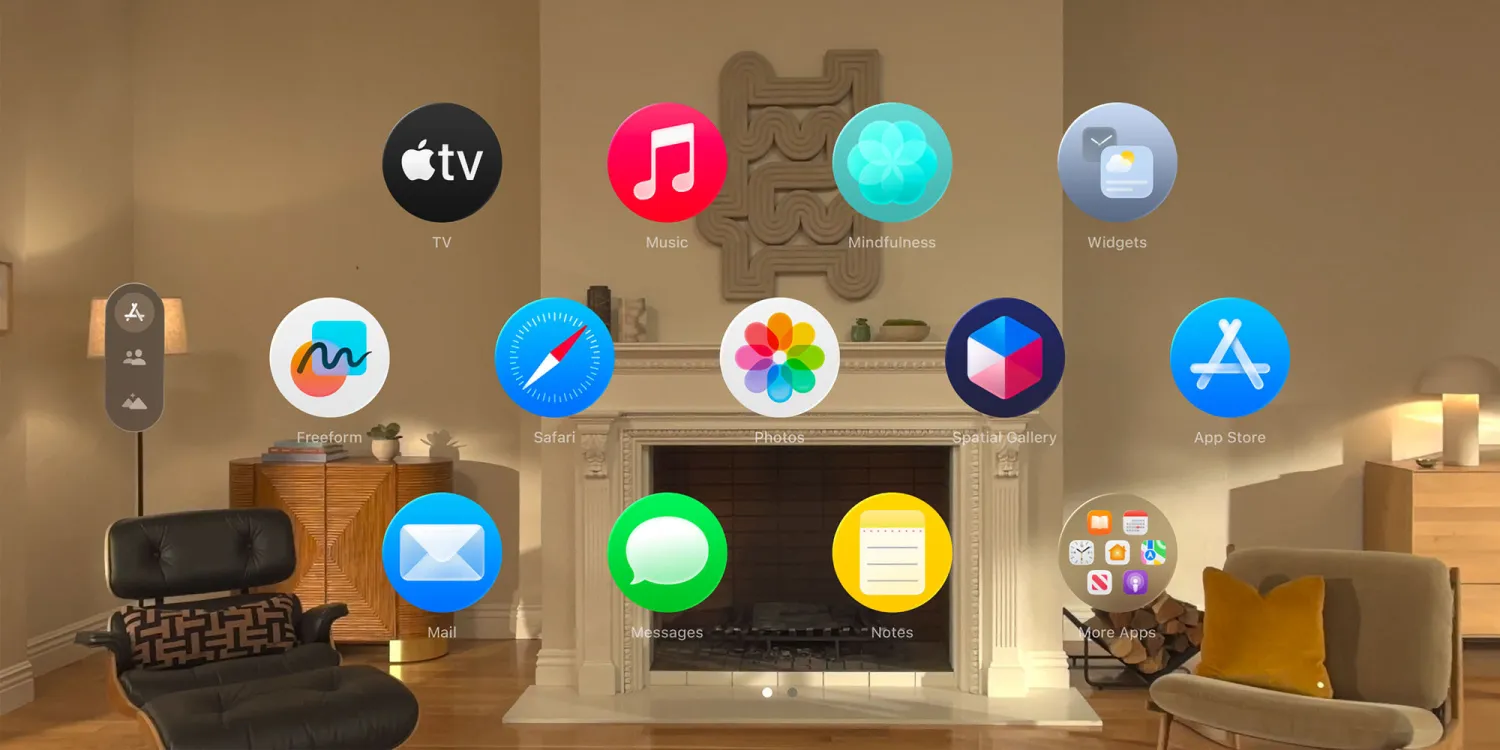
Apple Vision Pro is nearly two years old, and through software and hardware upgrades, Apple recently brought major improvements to two core aspects of the product.
#1: New spatial Personas in visionOS 26
Personas launched in beta when the Vision Pro first debuted, and it was easily one of the most criticized features. Apple’s first attempt at Personas was a technical marvel in some ways, but for many it felt too close to the uncanny valley.
visionOS 26, however, graduated the feature out of beta and was a remarkably lifelike upgrade.
To understand how good Personas are now, I highly recommend Brian Tong’s video below.
Tong and iJustine interviewed two Apple reps about the upgrades, and the entire interview took place on a FaceTime call inside visionOS 26.
Another video I’d recommend is this one from Vincent Zhong. He used the M5 Vision Pro to have shared spatial experiences with friends, including playing mahjong together, and talks through the whole thing.
For a feature that initially earned a lot of criticism, Apple has clearly made a complete 180° with the new Personas. And considering social isolation is one of the Vision Pro’s potential challenges, having such lifelike shared spatial experiences is a big win.
#2: Dual Knit Band for greater comfort
If you know anything about the Vision Pro, you’ve likely heard the complaint that it’s too heavy.
Apple almost certainly knew this when it launched the product, since it included two different bands in the box to mitigate the issue. The product’s weight also made third-party band accessories a popular category.
But with the M5 Vision Pro, Apple now includes a single, brand new Dual Knit Band.
Available for separate purchase from the Apple Store for $99, this new band is, counterintuitively, even heavier than the old one.
That added weight, however, is meant to create a more comfortable fit as weight distribution isn’t so face-heavy anymore.
Here’s Chance Miller in our 9to5Mac review:
●The Dual Knit Band is a huge upgrade over the Solo Knit Band and Dual Loop Band. It’s what Apple should’ve shipped from the start. It’s more comfortable and plush, it’s more adjustable, it’s easier to put on and take off, and it looks better than the Dual Loop Band. I’ve noticed that the counterweight in particular does a good job of taking pressure off my face when wearing Vision Pro for extended periods of time.
While a lighter weight Vision Pro is still absolutely needed in the future, Apple’s Dual Knit Band is an excellent stop-gap in the short term. It enables more comfortable everyday use for Vision Pro—an area that was ripe for improvement.
Source: 9to5mac










