 NEWS
NEWS
Apple Watch Series 4 and More Products Are Now Considered ‘Vintage’
 01/03/2025
 1256
1256
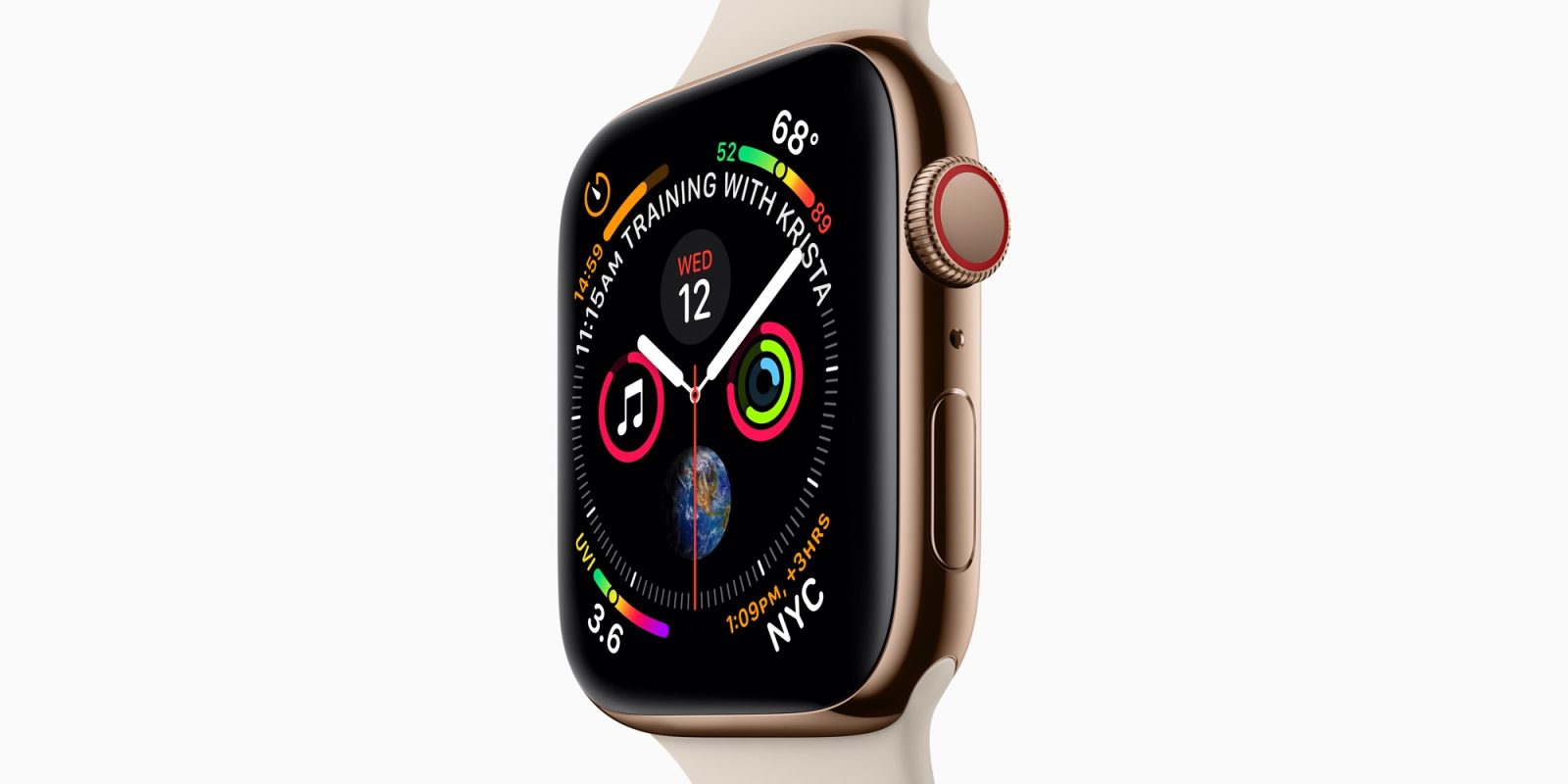
A new year has begun, and Apple didn’t wait long to update its list of vintage and obsolete products. This time, the company has added the iconic Apple Watch Series 4 to the list of vintage products, as well as one of the last Intel Macs launched by the company.
Apple Watch Series 4 is now a vintage product
As of today, all variants of the Apple Watch Series 4 are considered “vintage” worldwide (via MacRumors). This includes the aluminum and stainless steel versions in 40mm and 44mm sizes. Apple Watch Series 4 was announced in September 2018. It marked the first major redesign of the Apple Watch with larger displays, thinner bezels, and rounder corners.
But Series 4 has also become known for more than just a redesign. Official images of the product were leaked by 9to5Mac days before Apple’s event, along with images of the iPhone XS.
For those unfamiliar, Apple considers a product to be “vintage” when it has been out of distribution for more than five years. When a product hasn’t been distributed for more than seven years, it’s then considered obsolete. Vintage products are still eligible for repairs when parts are available. Obsolete products are not eligible for repair.
With the release of watchOS 11 this year, Apple has officially ended software support for the Apple Watch Series 4, which got watchOS 10 as its last major update.
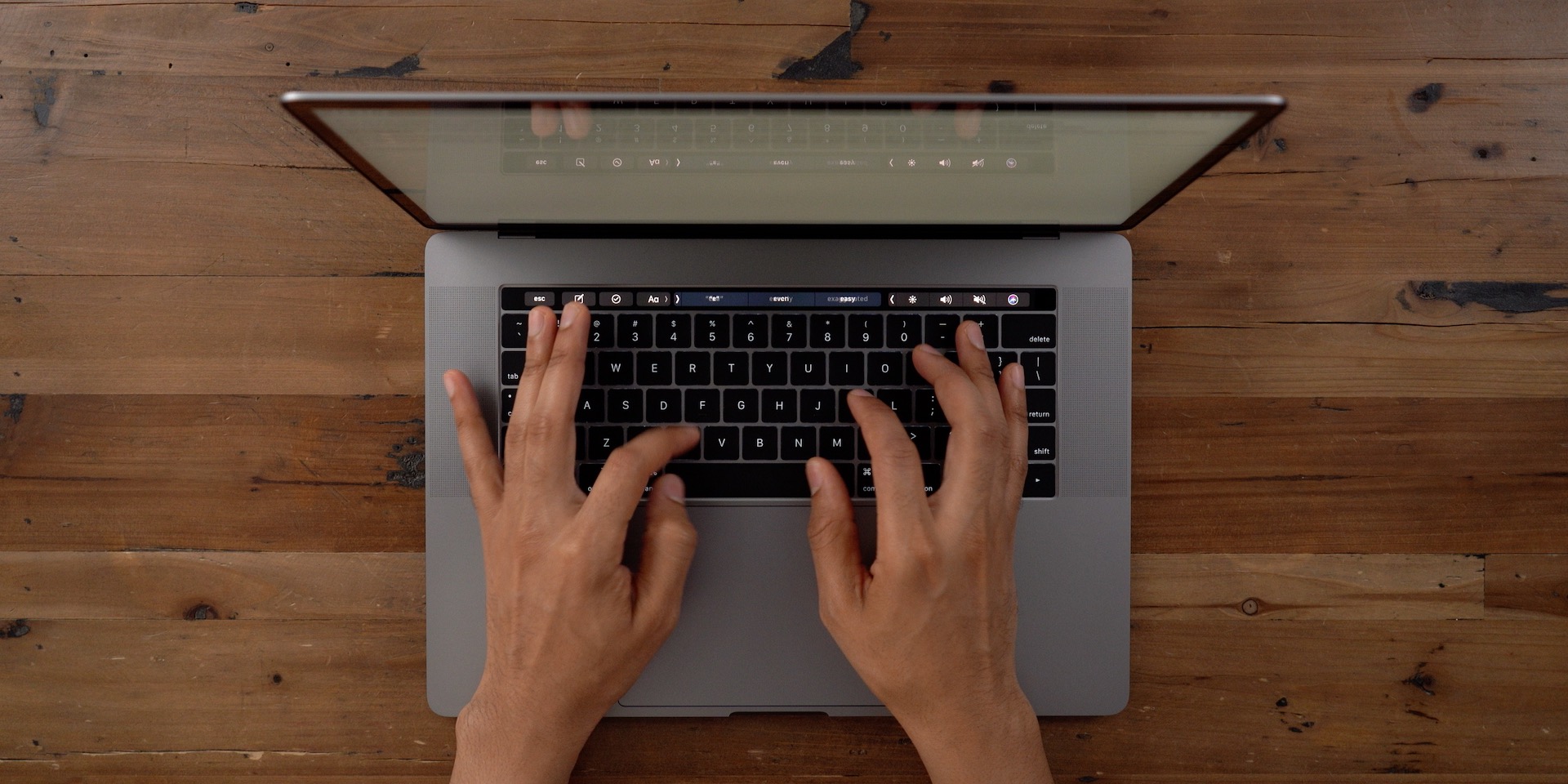
On a related note, Apple has also added the 2019 15-inch MacBook Pro to the list of vintage products. This was the last 15-inch MacBook Pro released by Apple – it was replaced the same year by the 16-inch MacBook Pro, which was the last with an Intel processor. However, unlike the Series 4, the 2019 MacBook Pro can still run the latest version of macOS.
In July 2024, the iPhone X, the first generation of AirPods, and the original HomePod were also added to the list of vintage products.
You can check the full list of vintage and obsolete products on Apple’s website.
Source: 9to5mac









