 NEWS
NEWS
Police Arrest Gang who Stole iPhones from Madrid Apple Store by Chewing Security Cables
 02/16/2017
 3400
3400
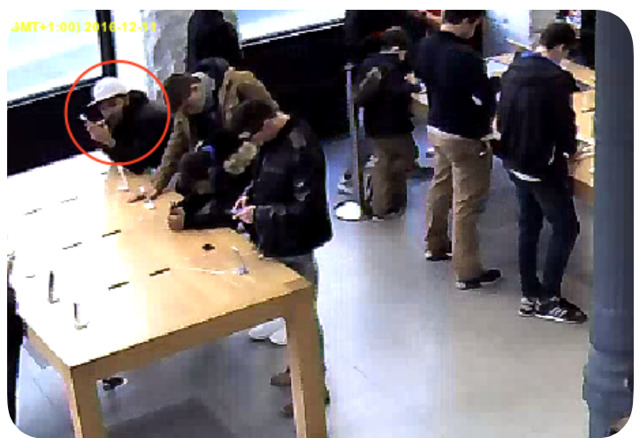
The group, which included eight minors, stole 24 high-end iPhones over the period, with the total haul valued at approximately €23,000 ($24,350). While the Apple Store in question is not identified, other than being located in Madrid, sources of El Mundo believe it to be the Puerta del Sol outlet in the center of the city.
According to Madrid police, the investigation started late last year, after staff noticed an increase in iPhones disappearing from the shop floor. Multiple members of the group entered the store on each occasion in a "joint, planned, and distributed manner," spreading out to make it harder for staff to find the iPhone once they are alerted to the attempted theft.
One member of the team was tasked with biting down and chewing on the security cable until it was weak enough to be ripped apart, an act caught on the in-store security cameras. Once free, iPhones were passed between the thieves towards the exit, where it would then be removed from the store by a waiting gang member.
All ten members of the gang have been arrested, after police caught one member attempting to sell one of the stolen iPhones valued at €900 ($952). The juvenile group members are now incarcerated, while the two adults have been issued with a restraining order, banning them from being within 100 meters (328 feet) from the store.
Apple Stores are a high-profile target for thieves, but other notable thefts from the retail locations used more conventional measures. In December, a group rammed a rental car into the Palo Alto Apple Store as part of a smash-and-grab raid, while in October another group stole iPhones worth $13,000 from a store in Natick, Massachusetts, again by ripping the security tethers.
Source: appleinsider










