 NEWS
NEWS
Apple Watch Accounts For Half Of Smartwatch Sales, 80 Percent Of Revenue
 02/09/2017
 3452
3452
The Apple Watch accounts for half of all smartwatch sales, and more than three quarters of smartwatch revenues.
Last month Apple's CEO Tim Cook said the company has seen its best-ever performance by the Apple Watch, both by revenue and devices sold, in the fourth quarter of 2016, with "holiday demand so strong that we couldn't make enough".
Apple doesn't break out numbers for the Apple Watch, which is still listed under 'other products' along with Beats headphones, Apple TV, and the iPod. But researchers at Canalys have calculated that Apple shipped around six million Apple Watch devices in the quarter, out of total smartwatch shipments of more than nine million units: 12 percent growth year-on-year.
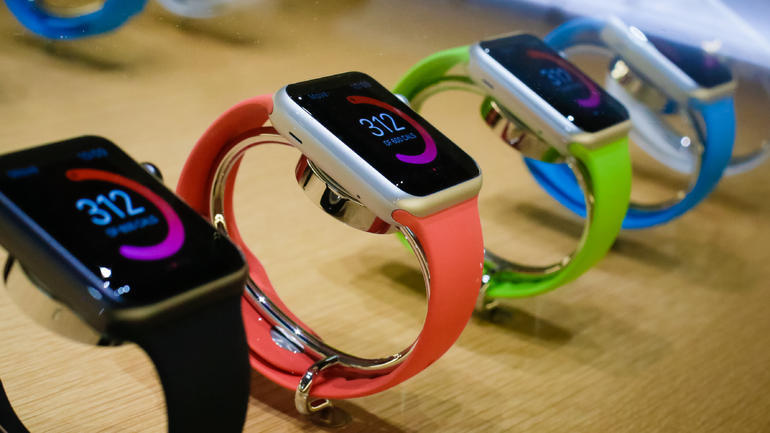
According to Canalys estimates, the Apple Watch generated more than $2.6bn in revenue for Apple in Q4 2016, making up nearly 80 percent of total smartwatch revenues.
Canalys analyst Jason Low said Apple succeeded mainly due to its streamlined marketing and re-aligned pricing, which helped it address a wider audience.
"The Series 1's lower entry price and Apple's more focused fitness messaging made its Watch both more attainable and more relevant," he said.
Canalys estimates that Apple shipped 11.9 million smartwatches in 2016, holding market share of around 50 percent globally for the year.
But it's not the only company selling smartwatches. Canalys said that Xiaomi also enjoyed a record quarter of its own for basic band shipments, reaching 5.5 million Mi Bands.
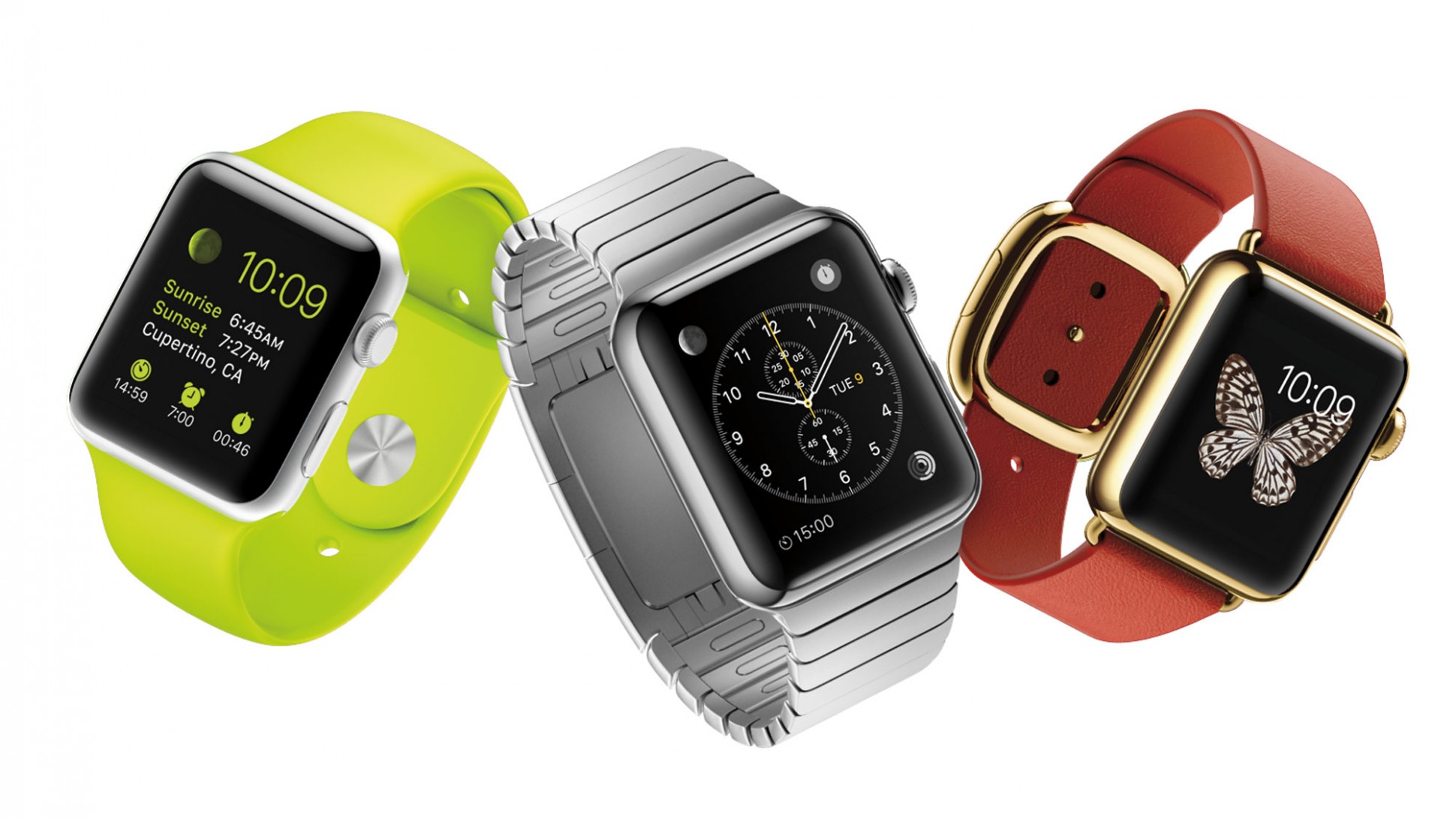
In the coming quarters, Samsung is expected to push shipments of its Gear S3 Classic and Frontier. Canalys also said Android Wear shipment volumes will bounce back significantly, which means Apple's smartwatch lead "will increasingly be challenged by the rebounding competition".
While Apple has grabbed a big chunk of the market, it's a market that is only going to grow slowly. Analyst group Juniper is predicting a compound annual growth rate of 13 percent, reaching $21.5bn per year by 2021, which is still tiny compared to the smartphone market.
Canalys defines smartwatches as multi-purpose devices that serve as accessories to smart devices, are designed to be worn on the body and not carried, run an operating system and can run third-party computing applications.
Source: zdnet










