 NEWS
NEWS
Apple Adding Finishing Touches to Long-Rumored Store in Cologne, Germany
 02/01/2017
 4415
4415
For a few years now, rumors have suggested Apple will be opening its second retail store in Cologne, Germany. The store is expected to be located on Schildergasse, a major shopping street in the city's core that sees some 13,000 people pass through every hour, making it the busiest shopping street in Europe.
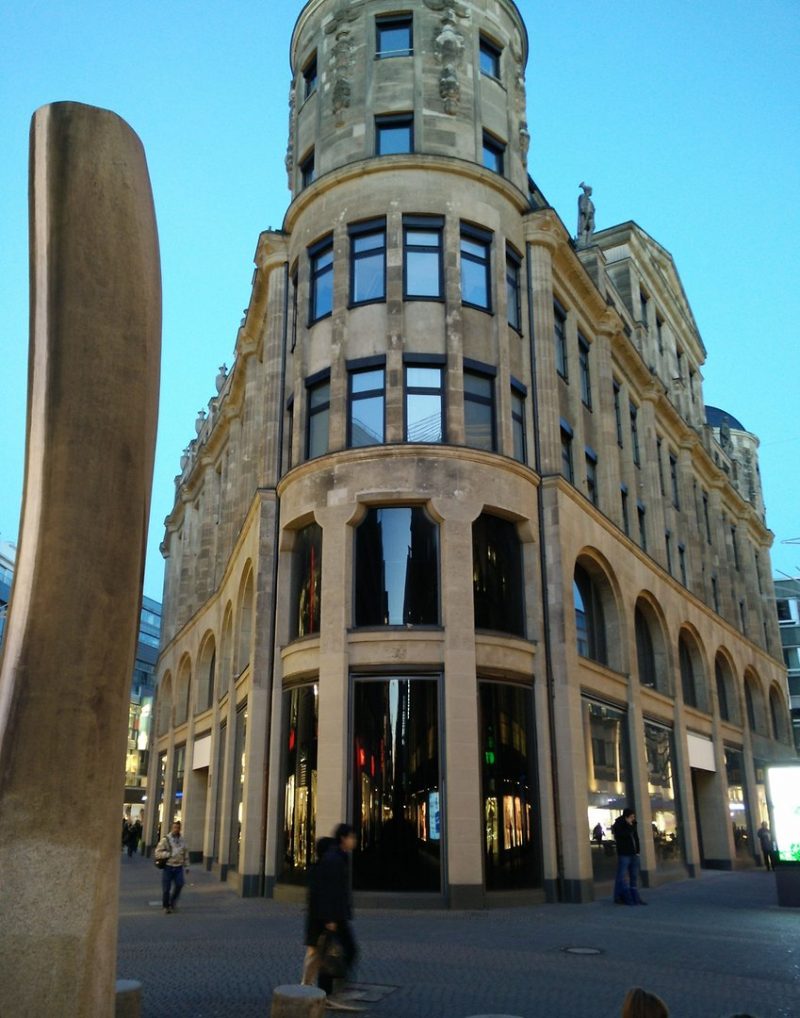
In April 2015, German website Macerkopf shared images of a building with blacked out windows on Schildergasse. The space was previously occupied by European clothing brand Pohland, which vacated the building earlier that year. Renovations have been underway ever since to transform the location into an Apple Store.
The renovation process had led to evidence including Apple's typical blacked out windows and close-up photos revealing Apple-like tables and markings inside. Apple also posted Cologne-based retail job listings in March 2016. And, now, we have our best evidence yet that Apple's second store in Cologne is nearly ready. 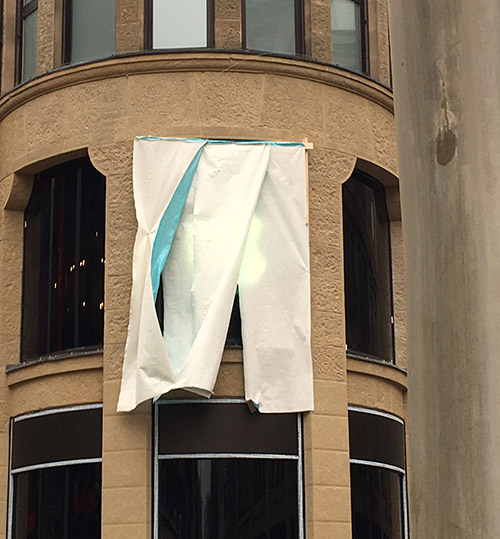
German today shared an image of a somewhat covered but still easily distinguishable Apple logo affixed to the building. The report claims the store will likely open in the second half of February. Apple will likely confirm the store's opening on its website in the near future—we'll share details when available.
Last week, French website iPhon.fr reported Apple is also planning to open a second retail store in Belgium in the city of Bruges by 2018.
Source: macrumors










