 NEWS
NEWS
Apple's latest iPhone 7 Photo Series Shows Night Images From Around The World
 01/31/2017
 3927
3927
More photos are taken with an iPhone every day than with any other camera in the world. With optical image stabilization, f/1.8 aperture and a six-element lens on iPhone 7 and iPhone 7 Plus, it is now easier than ever to shoot photos and videos in low light. The larger aperture allows the camera sensor to catch up to 50 percent more light than iPhone 6s, while optical image stabilization reduces blur associated with motion and handshake, allowing for up to three-times-longer exposure. No wonder Apple thought it was time for a new “Shot on iPhone” campaign.
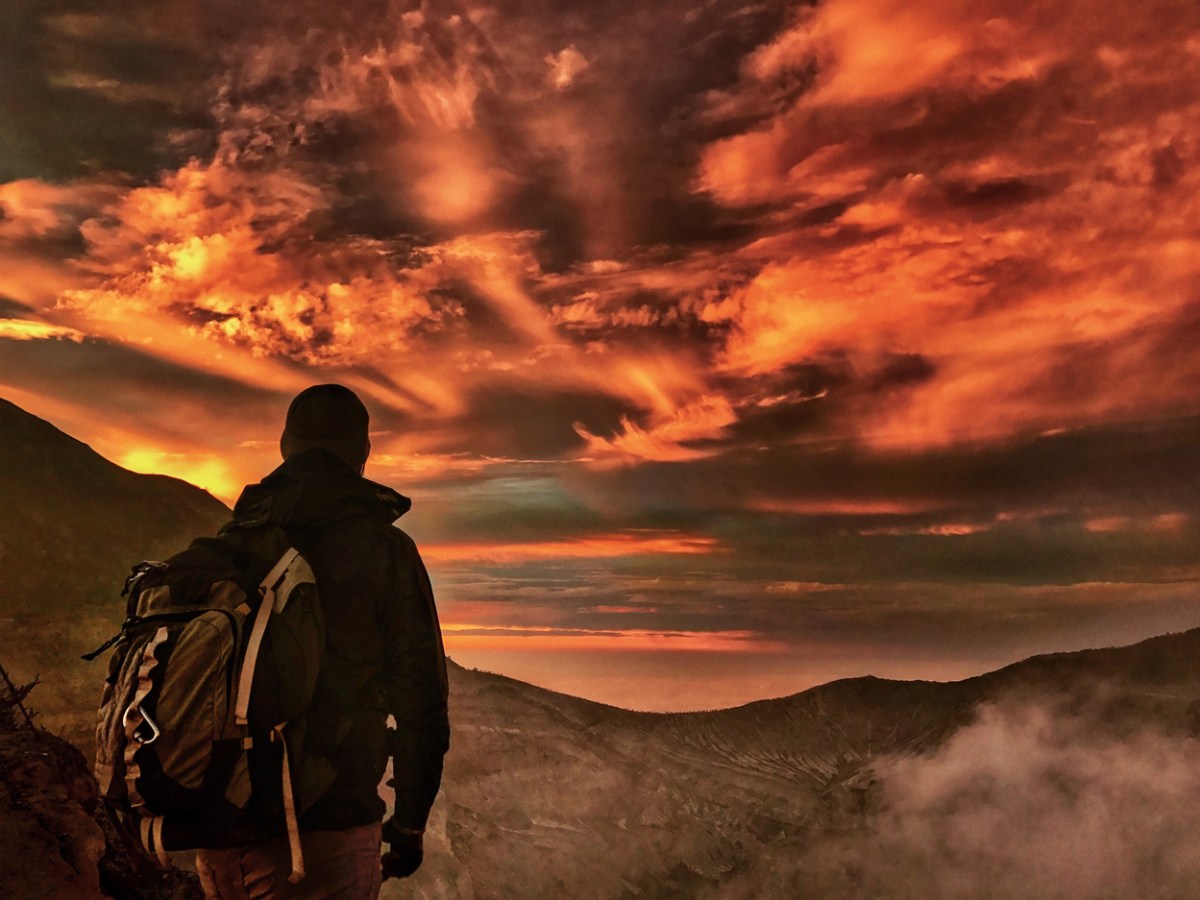
On November 5, 2016, iPhone photographers canvassed the globe, from Arctic ice caves and Indonesian volcanoes, to the clubs of Johannesburg and rooftops of Shanghai, using the low-light camera on iPhone 7. The people, sights and scenes they encountered over the course of the night result in a spectacular display of nighttime photography, which will be displayed in 25 countries beginning today.
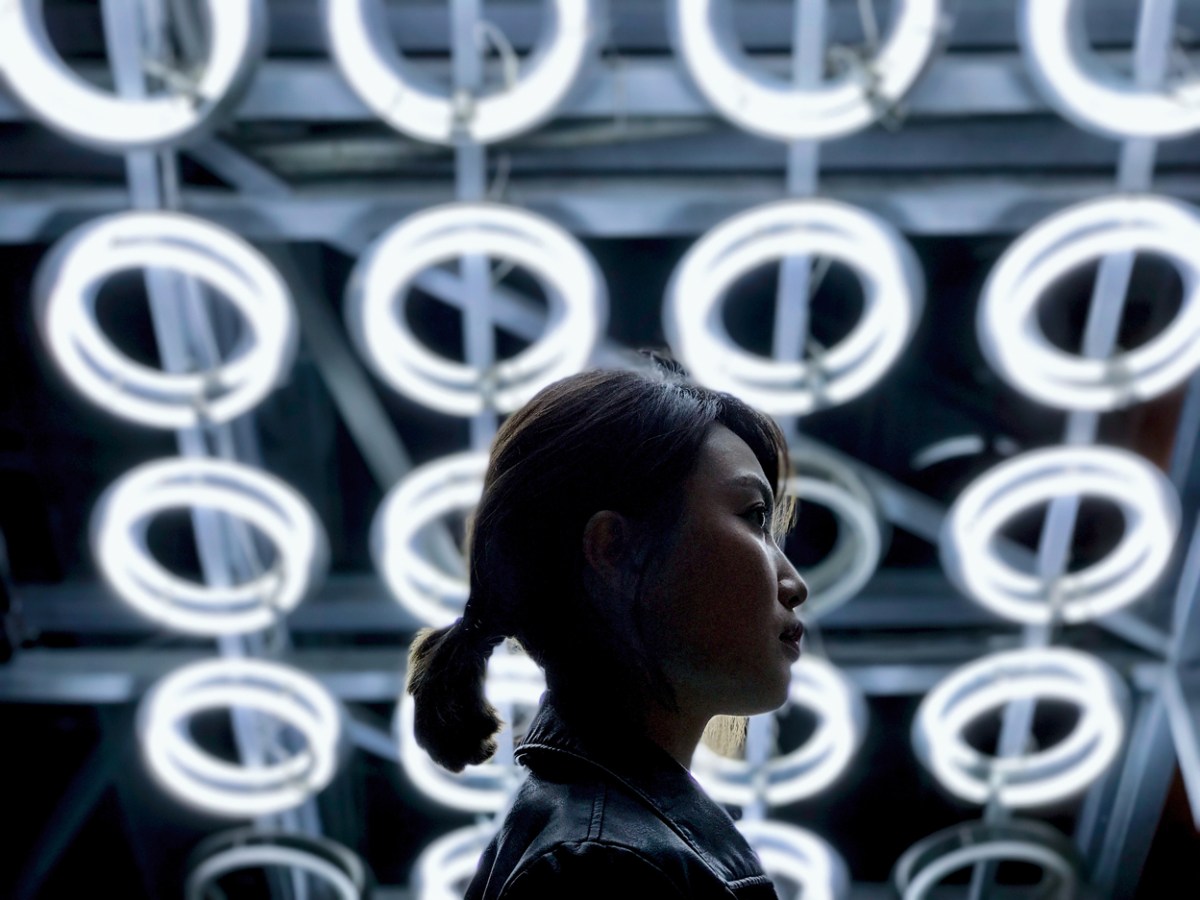
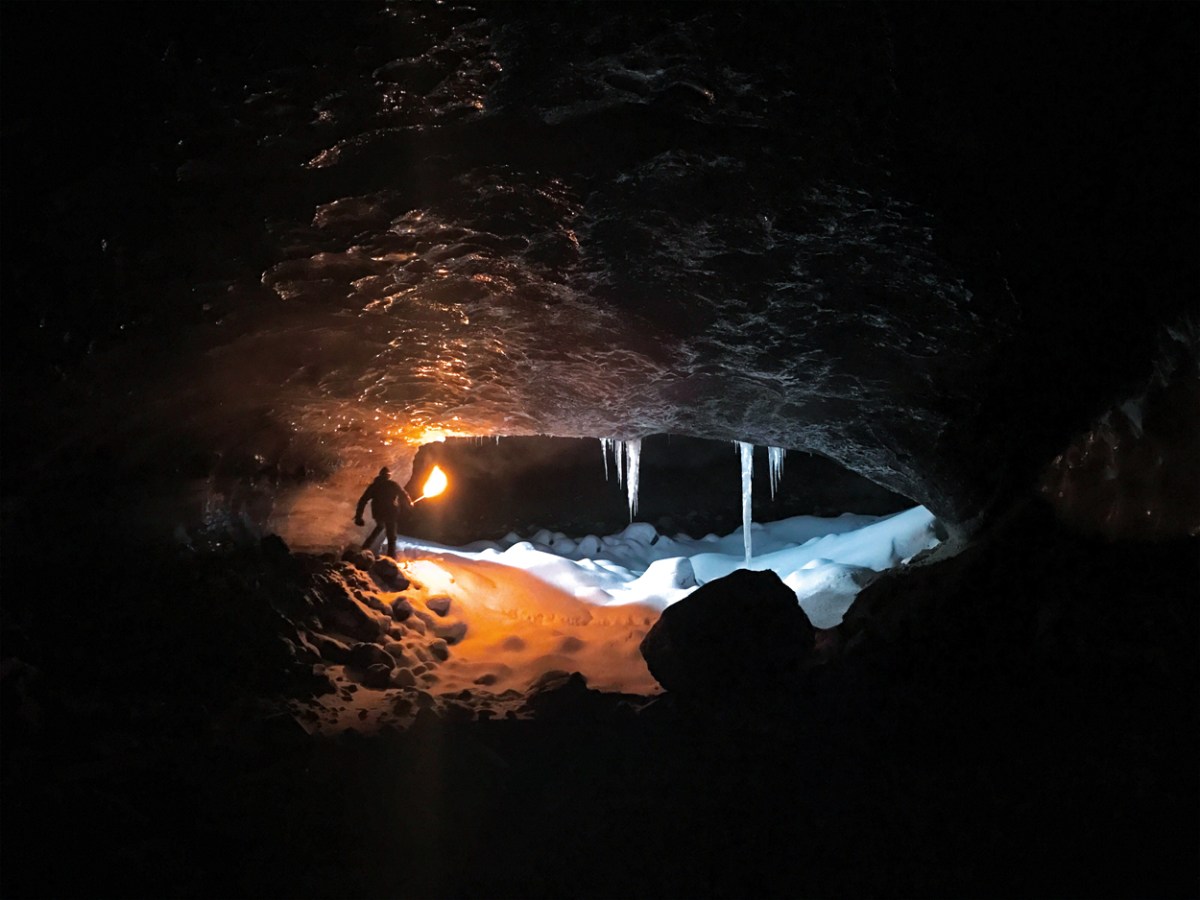
Some of the photographers tackled extreme climates in search of the perfect shot. Chicago-based photographer Reuben Wu ventured to Java, Indonesia to photograph the 130 active volcanoes, using an iPhone 7 attached to a drone to capture breathtaking views of Gunung Karang’s lava flow after dark. Ruairidh McGlynn traveled to Iceland to photograph the foreboding terrain of the Arctic, traveling overnight by dog sled.
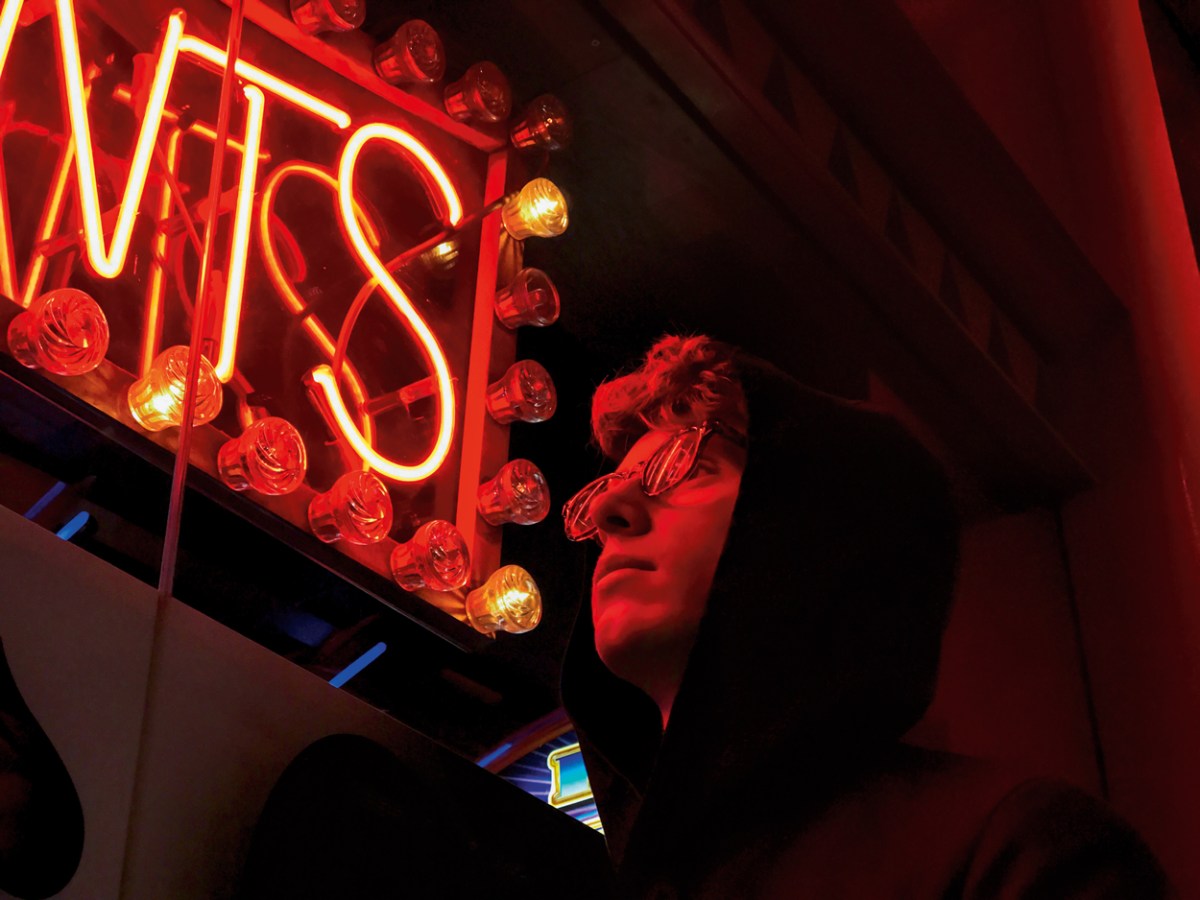
Other photographers chose a focus closer to home. Elsa Bleda captured artists in and around Johannesburg, South Africa. Jennifer Bin shot her hometown of Shanghai from rooftops throughout the city and Illinois’ Kristin Kelley captured the night through the eyes of her children.
Source: recoursemgoline










