 NEWS
NEWS
Apple's LG 5K Display Store Listing Now Accepting Reviews
 01/27/2017
 3466
3466
Last week, a reddit post accusing Apple of removing negative reviews for the LG UltraFine 5K Display started making the rounds, suggesting Apple was hiding negative feedback about the new display in its web store.
MacRumors has learned that reviews were never made available for the LG 5K Display in Apple's online store, though the reason for that is not clear. It could be that reviews were not activated due to the long delay between when the display was announced and when it became available for purchase.
Whatever the reason behind the lack of reviews, the issue has been fixed. As of this morning, the LG 5K Display listing on Apple's website does indeed feature a "Ratings & Reviews" section.
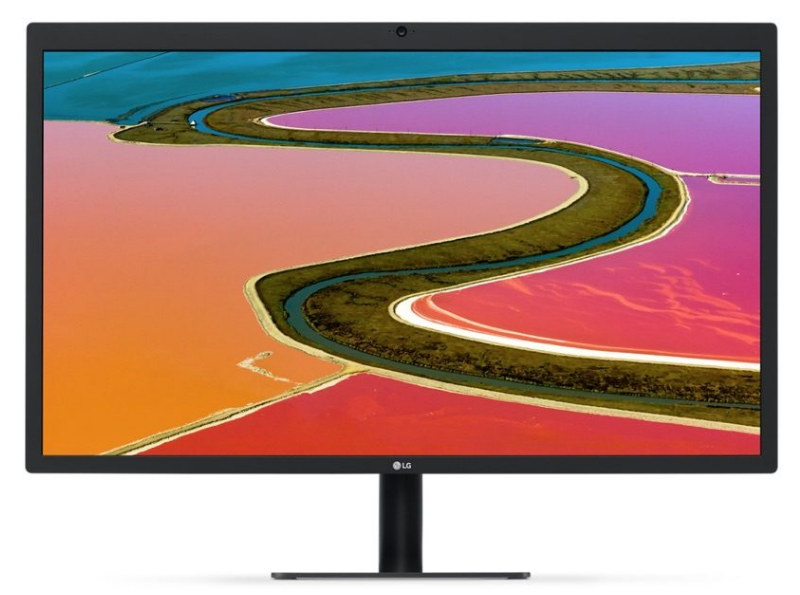
Looking back at archived web information from 2016 and early 2017 confirms that the LG 5K Display listing never displayed rating or review details, and if Apple were censoring reviews, the company also likely would have put an end to lukewarm reviews for the 4K LG UltraFine Display. The 4K display store listing has offered reviews since it became available for purchase.
Because Apple didn't delete the reviews, the premise behind the original reddit post is flawed. While it's true there's been some negative feedback about the LG 5K Display on Apple's Support Communities, there was no secret censoring of information on the store page.
It is not clear if Apple is looking into any of the issues that prompted the reddit post. On Apple's Support Communities, customers complain of issues with the display suddenly shutting off, flickering, or not connecting to a Mac, ports not working, sound problems, and more.
The LG UltraFine 5K Display has been available for purchase since the middle of December. Apple is currently offering a limited time discount on the display, dropping the price from $1,299 to $974. The special pricing will be available through the end of March.
Source: macrumor










