 NEWS
NEWS
Update Every Apple Device you Have As soon As Possible
 01/24/2017
 3718
3718
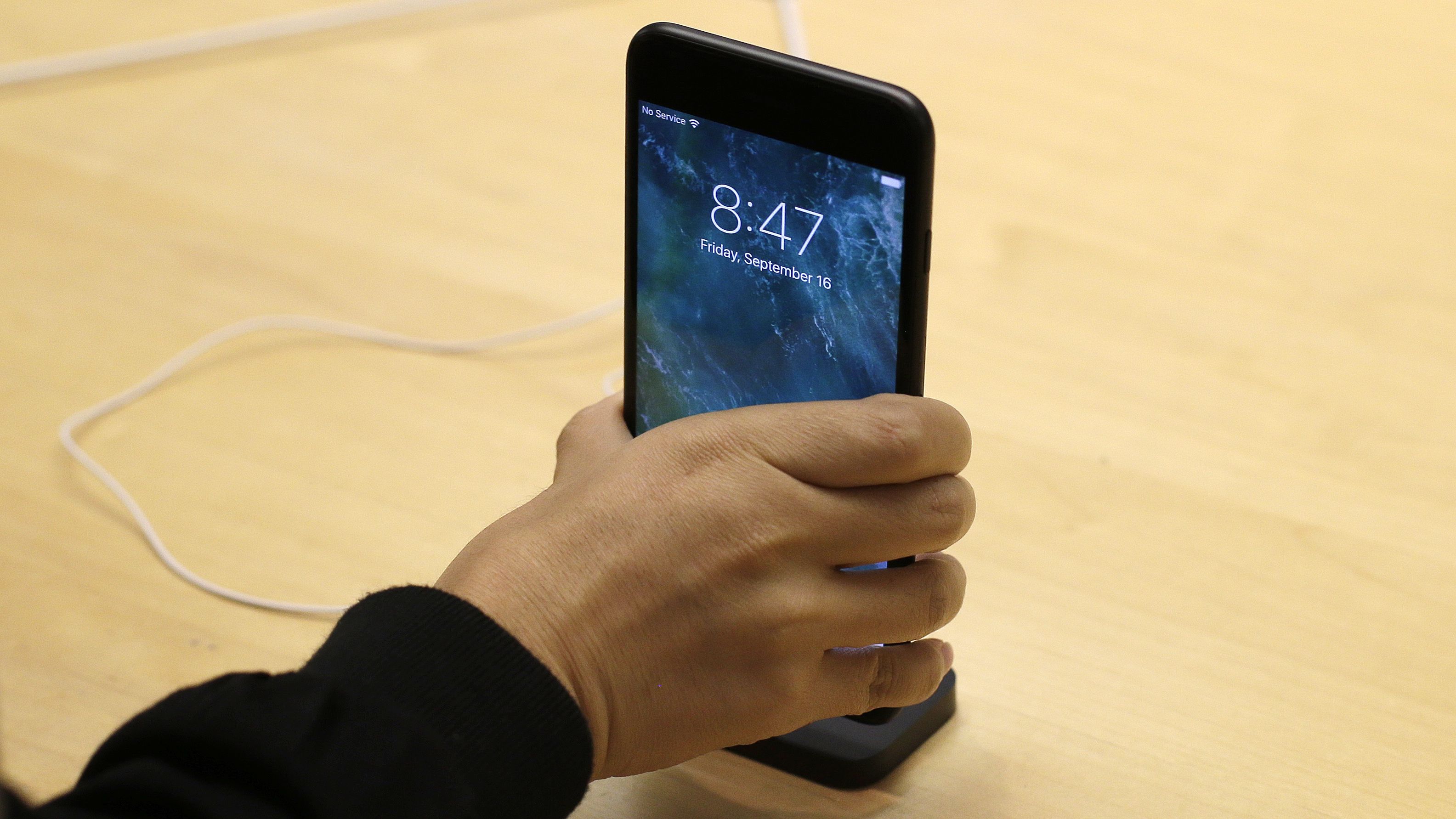
If you’re reading this on an Apple device, stop. Go update it.
Today, Apple released updates to the operating systems behind all its most popular devices—including the iPhone, iPad, Apple Watch, Apple TV, and Apple computers—and although the company often updates its operating systems with minor changes or fixes, these may be more pressing. Apple doesn’t provide specific information on the vulnerabilities it’s discovered in its operating systems, so as to not alert hackers to the issues, but as Wired points out, each operating system’s fixes involve removing an attacker’s ability to “execute arbitrary code with kernel privileges”—essentially being able to take control of the device running that system.
The updates affect the following:
all models of the Apple Watch
the newest generation of the Apple TV
iPhone 5 models and newer
fourth-generation iPads and newer
six-generation iPod Touches and newer
any computers running macOS Sierra
Apple also released updates for its Safari web browser, and the Windows versions of its iCloud and iTunes software—all of which have similar security issues.
The software update also includes a fix that Apple developed in response to Consumer Reports‘ decision to not recommend the new MacBook Pro laptops for the first time since the line started. Before the software update, Consumer Reports had been seeing wildly different battery lives between charges, ranging from about three hours worth of charge, up to nearly 20. For MacBook Pro owners experiencing this inconsistency, today’s software updates will hopefully come as an added bonus.
Source: quartz










