 NEWS
NEWS
Apple Releases WatchOS 8 Beta 5 With New Weather Icon to Developers
 08/12/2021
 3161
3161
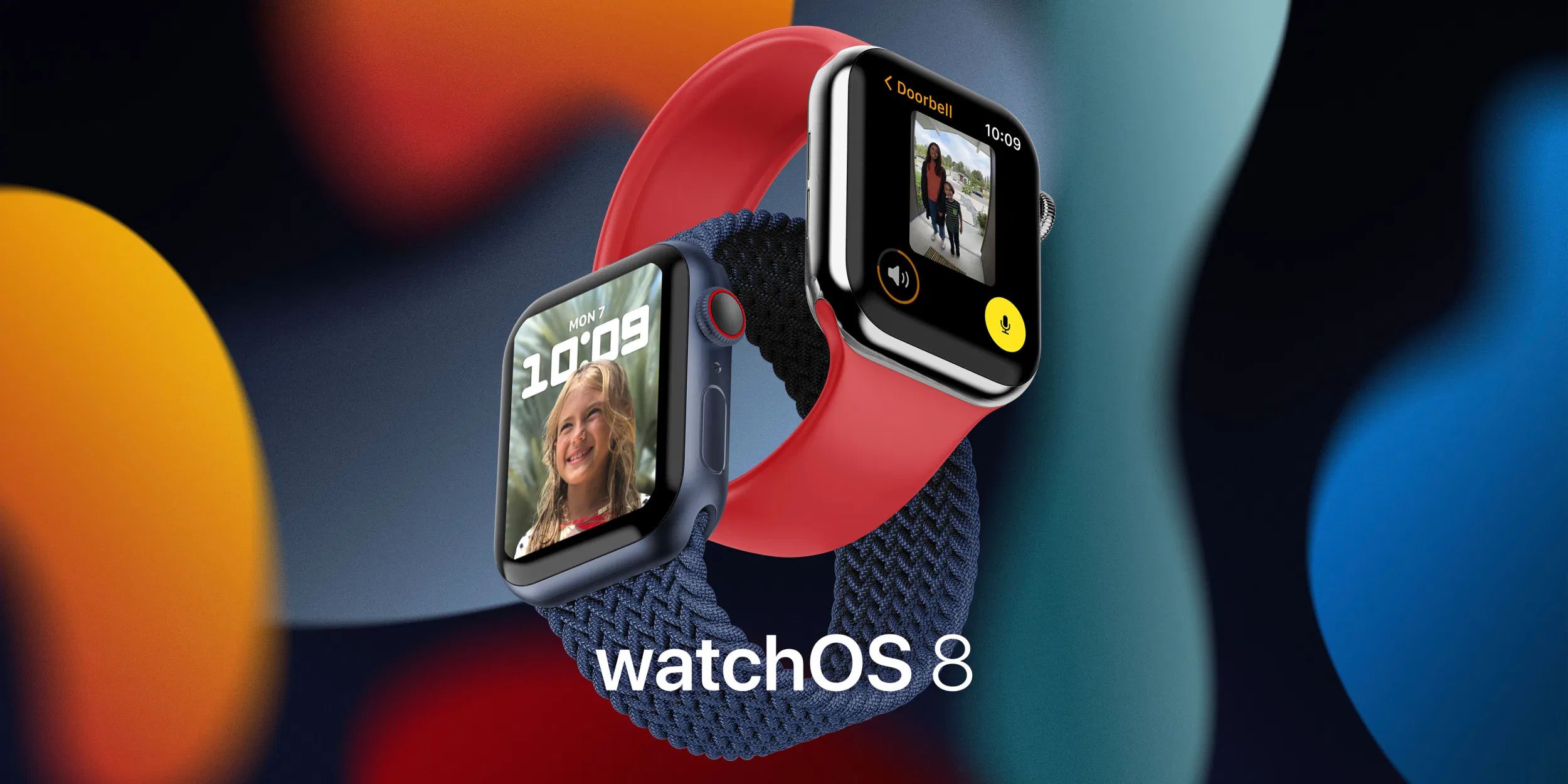
Two weeks after seeding watchOS 8 beta 4 to developers, Apple is releasing its fifth beta. Here’s everything new with the upcoming Apple Watch operating system.
Today’s build is 19R5323g. Public beta testers will have to wait a bit longer until beta 5 is available to them as well. watchOS 8 beta test program started on June 30 with beta 2.
Yesterday, Apple released iOS 15 beta 5, iPadOS 15 beta 5 and, tvOS 15 beta 5. The company is now seeding macOS Monterey Beta 5 and HomePod 15 beta 5 to all developers.
With iOS 15 beta 5, Apple introduced a new Weather icon, which is now availble in today’s beta as well.
With watchOS 8 beta 2, Apple brought the new ‘Portraits’ Watch Face, which is one of the many features available in the upcoming Apple Watch operating system. With beta 3, on the other hand, Apple only fixed bugs and provided a better experience overall.
watchOS 8 includes, for example, new built-in applications that take advantage of the always-on display used on the Apple Watch Series 5 and Apple Watch Series 6. There is also a new way for developers to tap into the always-on display.
With watchOS 8 coming this fall, here’s what else is new in this version:
There’s a new version of the Breathe app, now called Mindfulness;
Respiratory rate is now measured during sleep tracking;
Photos app overhauled with featured highlights and memories;
Photos can now be shared from the watch with Messages and Mail on watchOS 8;
Scribble now lets you include emoji in handwritten messages;
App shelf in iMessage includes image search and quick access to photos;
Find My now includes items (including AirTags);
Weather includes next hour precipitation;
Apple Watch can do multiple timers for the first time;
Tips is now available on the Apple Watch;
Music can be shared from Apple Watch over Messages.
Two weeks ago, Apple released watchOS 7.6.1 to all users with ‘important security updates’ for Apple Watch.
Source: 9to5mac










