 NEWS
NEWS
Apple iPhone 8 Can Be Reportedly Submerged Underwater for Half An Hour
 01/16/2017
 3378
3378
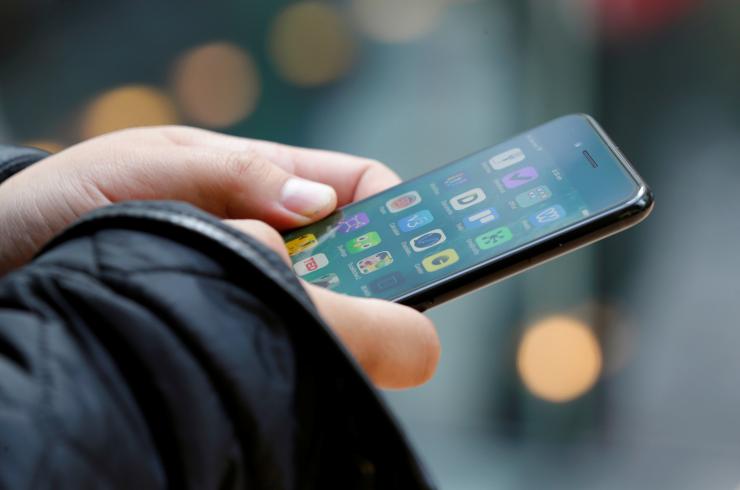
Apple fans are expecting great things from the upcoming iPhone 8 as the next flagship is due for a feature-packed launching. This year, the Cupertino-based tech giant celebrates its iconic smartphone’s 10th year anniversary, so it’s only fair to assume that Apple is boosting the iPhone 8 with specs and features not seen on previous models. A new report seems to back that up, as a reliable source says that the new iPhone is certified dunkable.
According to The Korea Herald, an insider told them that the iPhone 8 is set to receive an IP68 rating, which means that the upcoming Apple handset can be submerged underwater 1.5 metres deep for half an hour with no problem. As of the moment, only the Samsung Galaxy S7 and Galaxy S7 Edge are certified with that kind of rating, which is the topmost level of weather protection there is. If the report turns out to be true, this will be a huge selling point for the iPhone 8.
Apple’s latest smartphones, the iPhone 7 and the iPhone 7 Plus, have an IP67 certification, which makes them dust resistant and water resistant. Both phones can be submerged for 30 minutes in one metre of water. The iPhone 6s and the iPhone 6s Plus were the first iPhones to equip some sort of water resistant feature, although they weren’t officially certified. The iPhone 7 and the iPhone 7 Plus are the first Apple smartphones to have official ratings.
Consumers are now considering water resistance as a factor when buying smartphones. While the feature used to be associated with only the most premium of handsets, it is fast becoming common among midrange and low-end phones. Apple rival Samsung recently launched its 2017 Galaxy A series smartphones (Galaxy A3, A5 and A7) that boasted of water resistant features despite the phones’ lower-end status.
Source: IBTimes










