 NEWS
NEWS
Apple Baits Trump by Saying It Wants to Keep Making Mac Pro in the Us
 07/31/2019
 3817
3817
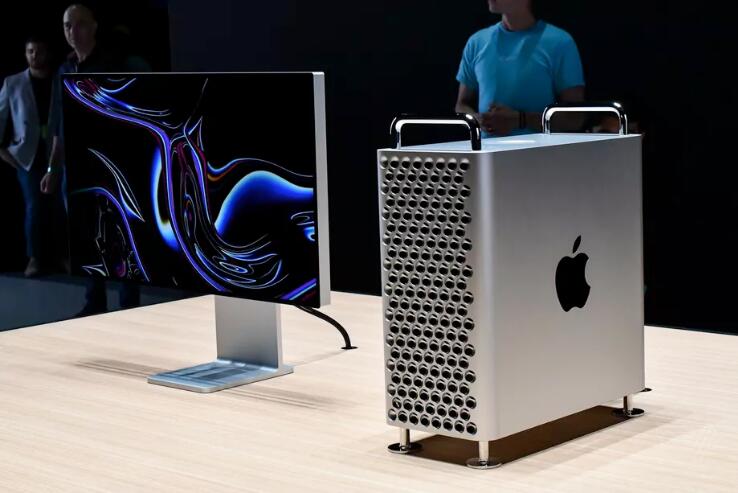
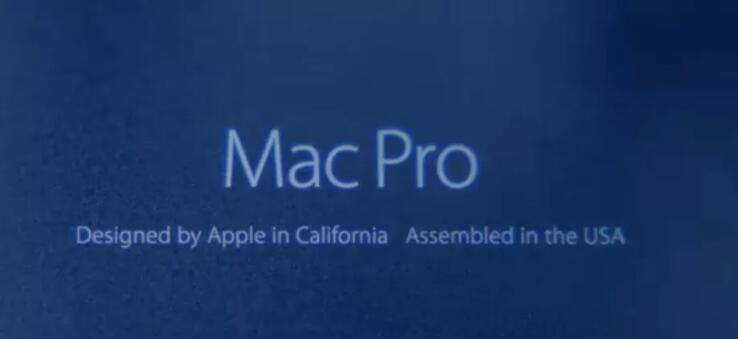
During this afternoon’s call with investors, Apple CEO Tim Cook said that the company aims to assemble the 2019 Mac Pro in the United States — just as it did with the previous “trash can” design of the high-end desktop. Apple highlighted the US assembly of that device and even made a video promoting it. But the company made no mention of having the same plans for the Mac Pro it revealed at WWDC in June.
Yet according to Cook, US assembly is exactly why Apple requested an exclusion from the US government’s tariffs on importing goods from China. If Apple gets hit with an added fee for those parts, it might consider the whole plan unfeasible.
“In terms of the exclusions, we’ve been making the Mac Pro in the US. We want to continue to do that,” Cook said. “So we’re working and investing currently in capacity to do so, because want to continue to be here. And so that’s what’s behind the exclusions. So we’re explaining that and hope for a positive outcome.”
The exclusion request was denied on Friday by President Trump, but it’s clear that Cook remains hopeful a decision will ultimately be made in Apple’s favor — especially where US jobs are involved. This is obviously a statement meant to find its way to the president. The very fact that Apple asked for its waiver to apply to specific parts should’ve been a clue of the company’s intention to continue with US-based Mac Pro assembly.
The Wall Street Journal previously reported that Mac Pro production would be moved entirely to China. Apple did not refute that claim, and there’s still a possibility that both of these things are true: Apple might start out putting the new machine together in China early in the production run before shifting assembly to the US once it’s equipped to do so. The new Mac Pro is scheduled to begin shipping this fall; Apple hasn’t publicly given a more specific release date.
Source: theverge










