 NEWS
NEWS
Apple Launches 'Back to Uni' Promotion, Offers Up to $100 Apple Store Gift Card
 02/07/2017
 4385
4385
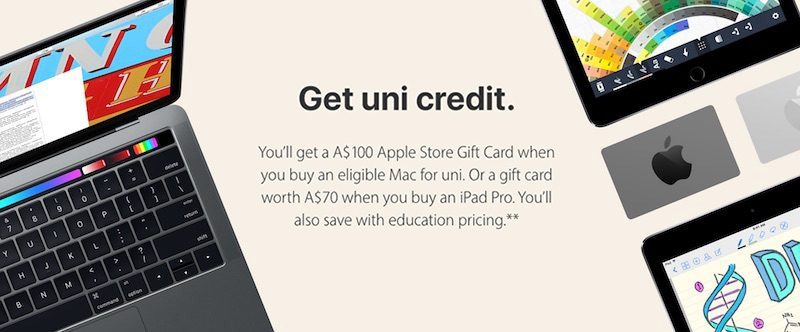
Apple is offering a A$100 or NZ$105 Apple Store gift card with the purchase of a new Mac, including the iMac, Mac Pro, MacBook, MacBook Pro, MacBook Air, and built-to-order versions of those models.
Refurbished models and the lower-cost Mac mini do not qualify for the offer per usual.
Meanwhile, students and teachers who purchase any new iPad Pro model will receive a A$70 or NZ$75 Apple Store gift card.
In Australia, the promotion is available to full-time or part-time students aged 18 or over studying at an accredited Australian university or other Apple-approved institution. Lecturers and staff members at accredited Australian universities or Apple-approved educational institutions are also eligible.
In New Zealand, the promotion is available to students attending or accepted into a higher education institution, faculty members and staff members of higher education institutions, any employee of a public or private K–12 institution, and parents purchasing on behalf of a current or accepted student.
The promotion runs between February 7 and March 17 in both countries on Apple's website and at Apple Stores in Australia. Eligible customers can also call 133-622 in Australia or 0800-692-7753 in New Zealand. The promotion can be combined with Apple's standard educational pricing discounts.
Apple today also launched a similar promotion in Japan, offering students an ¥8,500 Apple Store gift card with the purchase of a new Mac and ¥5,500 Apple Store gift card with the purchase of any new iPad Pro.
Source: MacRumors










