3uTools Jailbreaks iOS8.0~8.4 Untethered Tutorial
 06/09/2023
 19176
19176
Notes before jailbreak:
1. Please use iTunes to backup your important data before jailbreak.
2. Turn off “Passcode” and “Find My iPhone”, and then begin your jailbreak.
Step 1. Ensure you have installed the iTunes on your computer, and then download the latest version of 3uTools .
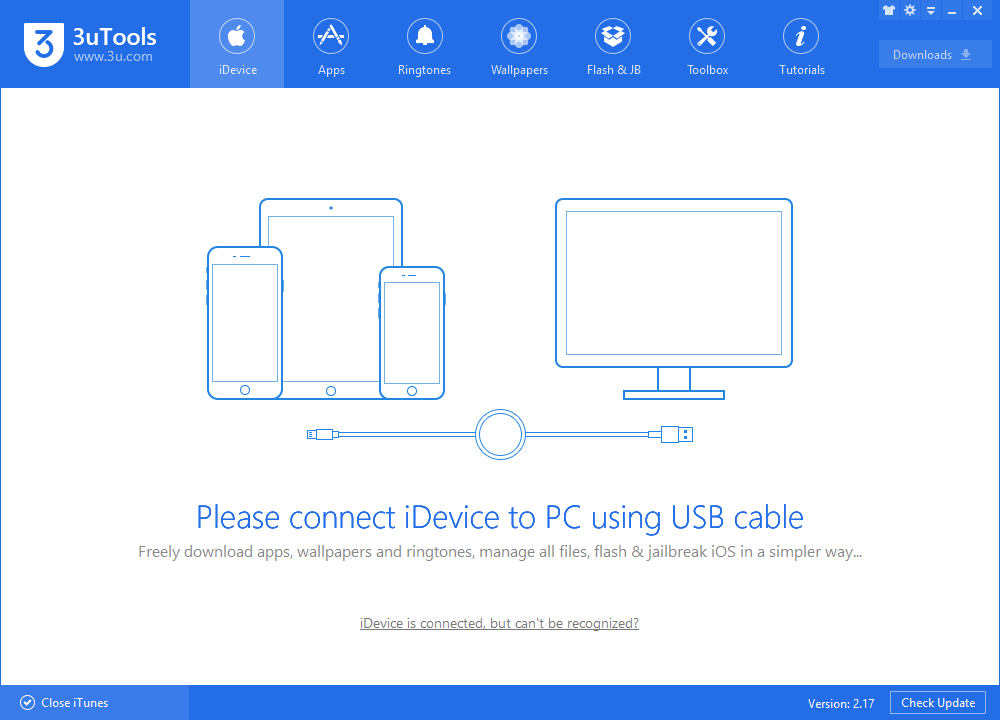
Step 2. Install 3uTools, do the above preparations on iPhone, and then connect it to the computer via the USB cable.
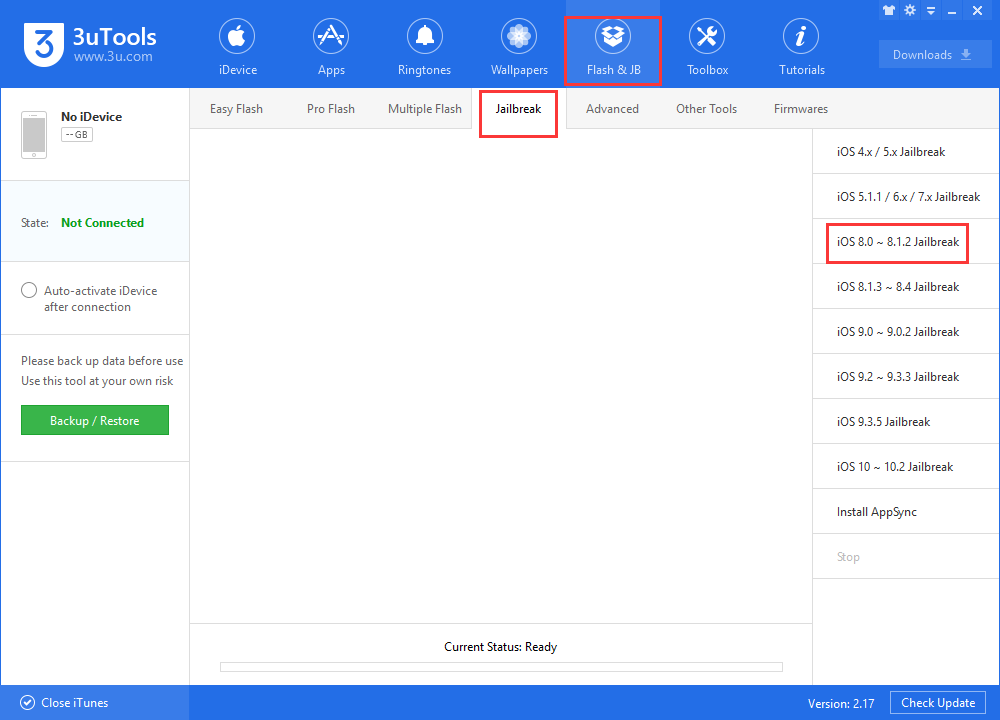
Step 3. Click Flash & JB -> Jailbreak -> iOS8.0-8.1.2 Jailbreak.
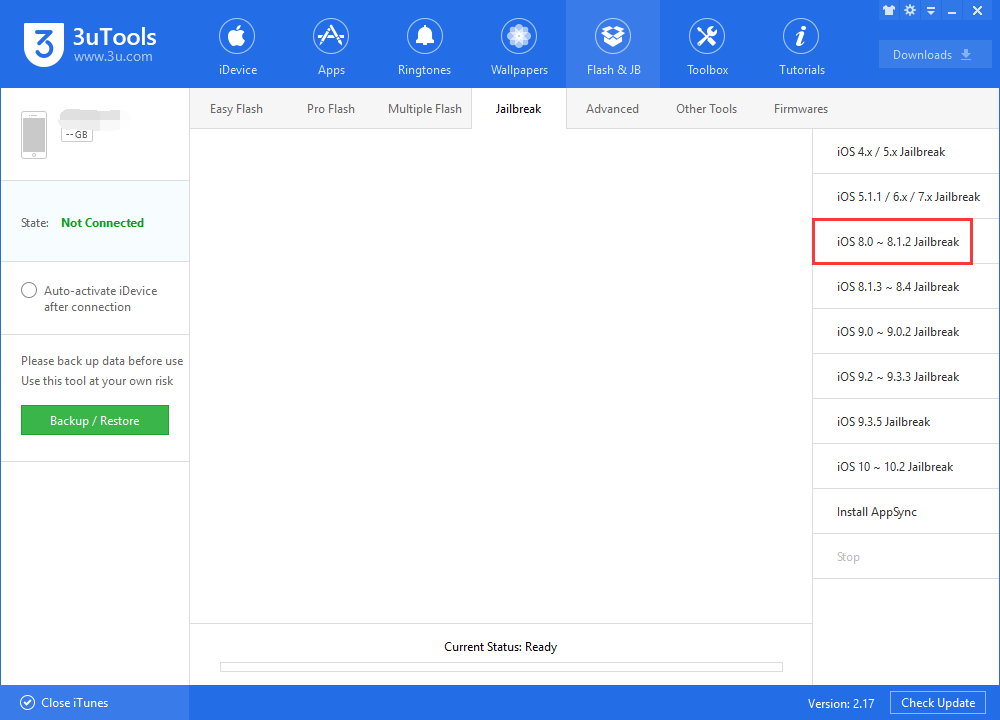
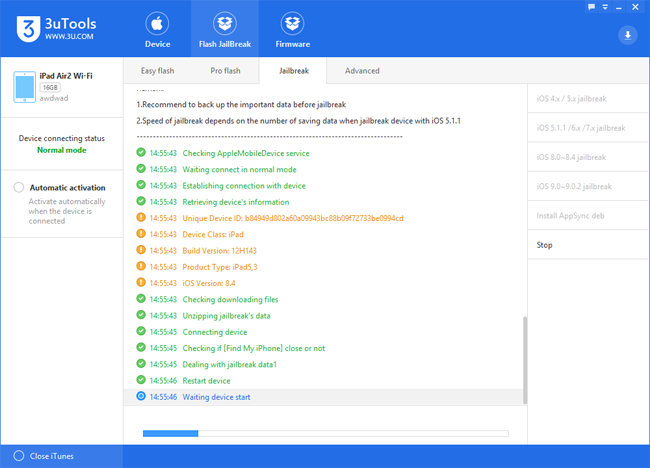
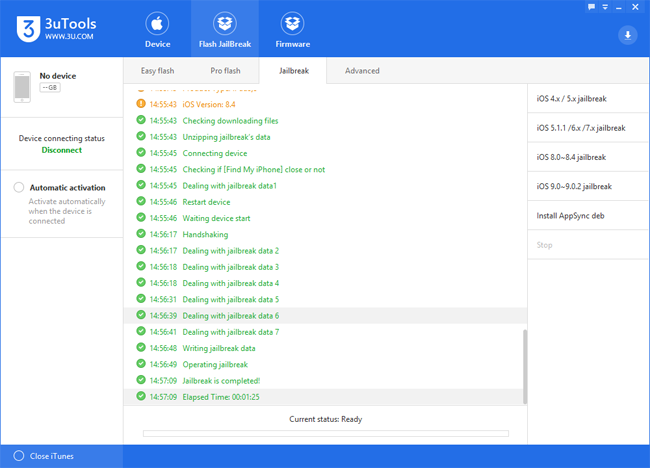
Step 4. Wait for the device to restart. And then the jailbreak is completed.