NEWS

Apple Donating Over 20 Million Masks to Healthcare Professionals

04/07/2020

2528

Apple Donating Over 20 Million Masks to Healthcare Professionals


Tim Cook is back with another update on Apple’s ongoing efforts to help healthcare professionals amid the COVID-19 outbreak. In a new video posted to Twitter today, Cook said that Apple has now sourced over 20 million masks for healthcare workers, and it’s still pushing to do more.


Over a week ago, Cook said that had sourced and donated 10 million masks to healthcare professionals, and now that number has risen to 20 million. These masks are being sourced through Apple’s supply chain.


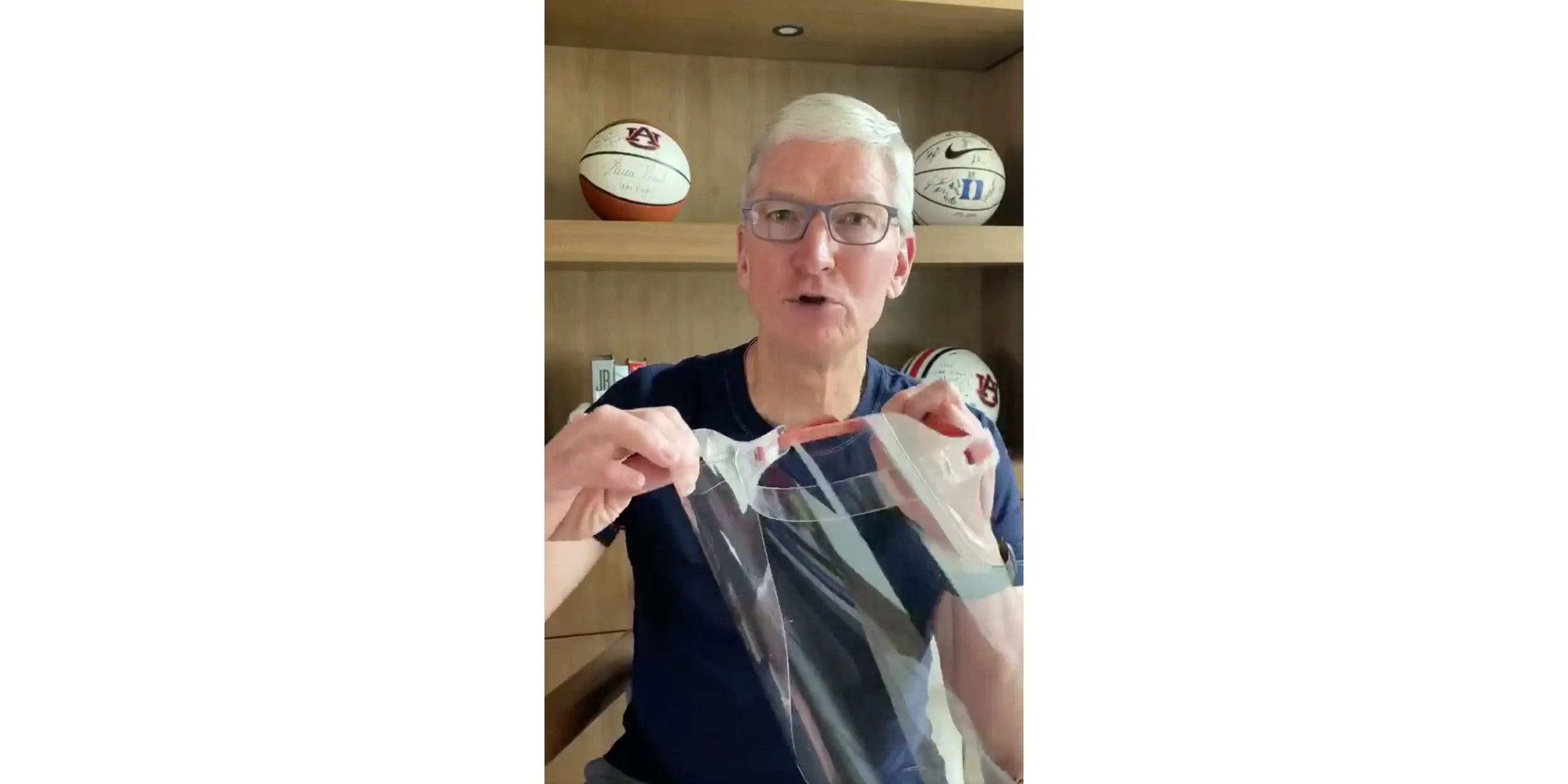
Perhaps most notably, however, Cook revealed that Apple has designed a custom face shields for medical workers as well. The first shipment of these face shields arrived at Kaiser Hospital in Santa Clara Valley last week, and the response from medical workers has been incredible, according to Cook.


Apple hopes to hit 1 million shipments for the face shields by the end of this week and to consistently ship 1 million per week after that.


Source: 9to5mac

Windows
Mac OS
iOS
Linux
3uTools
Win 64-bit For this device
V9.0 2025-11-11
Download
Win 32-bit For this device
V9.0 2025-11-11
Download
3uTools
Intel Chip How to Identify Chip Type
V9.0 2025-12-02
Download
Apple Chip
V9.0 2025-12-02
Download
How to Identify Chip Type
1.  Click the Apple icon in the top-left corner of the screen and select About This Mac.
2.  Check the Processor or Chip field to determine if it is "Intel" or "Apple".
Please use the 3uTools PC client to install the iOS client:
1、 Install either the Windows or Mac version of 3uTools on your computer
2、 Open the PC client and connect your device to the computer via USB cable
3、 After the connection is successful, wait for the computer to automatically install the mobile app for the device, or locate “Install Mobile App” on the computer and manually click to install.
3uTools
deb file
V3.01 2025-11-20
Download
rpm file
V3.01 2025-11-20
Download
Windows
Windows
iOS
iOS
Android
Android
TV
TV
3uAirPlayer
Win 64-bit For this device
V6.0.2 2025-11-19
Download
Win 32-bit For this device
V6.0.2 2025-11-19
Download
iOS Device Mirroring (No App Required)
1、 Install 3uAirPlayer on the Windows PC
2、 Open Control Center and select Screen Mirroring
3、 From the list, choose your PC to start mirroring
4、 Or connect your iOS device to the PC via USB to begin mirroring
Scan to get "3uAirPlayer" App
3uAirPlayer TV V1.0.18
2025-11-28
TV System Requirements: Android 7.0 or later
Download the TV installation package, copy it to a USB drive, insert it into your TV or set-top box, then select the file from the home screen to install.