 NEWS
NEWS
Testing, Teardown Seemingly Confirm 2020 iPad Pro Lacks U1 Chip
 04/03/2020
 3539
3539
Rumors prior to the launch of the 2020 iPad Pro suggested Apple's latest generation tablets would gain the company's U1 Ultra Wideband chip. That doesn't appear to be the case, according to a teardown by iFixit.
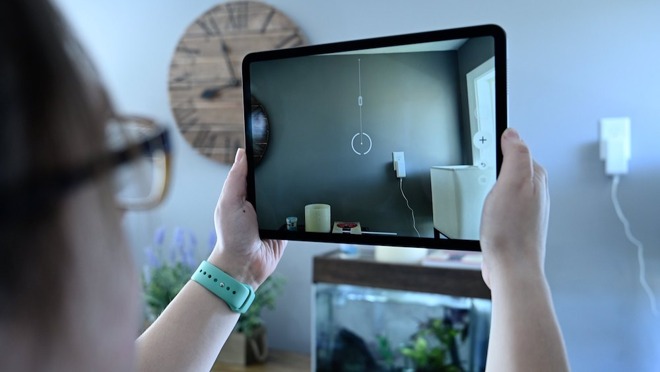
Contrary to rumors prior to its release, it now appears that the 2020 iPad Pro models don't have a U1 chip.
The U1 chip allows Ultra Wideband (UWB) capabilities for precise, short-range location tracking. On the iPhone 11 lineup, it allows devices to determine their location relative to other UWB iPhones and forms the backbone of a new directional AirDrop functionality in iOS.
Though it wasn't touted as a tentpole feature for the iPhone 11, industry watchers expected the chip to see integration in the 2020 iPad Pro. When the product launched, however, Apple made no mention of the U1 in its press release, nor was the chip mentioned in accompanying system specifications, suggesting that the device didn't have it or, at least, Apple didn't publicize that it did.
In our own testing, AppleInsider was able to confirm that the new UWB AirDrop functionality introduced on the iPhone 11 series is not available on the new iPad Pro models running current iOS versions up to iOS 13.4. Toggles related to UWB that are present on the new iPhones are similarly absent from the 2020 tablets.
The absence could have been chalked up to software, but on Thursday the teardown specialists at iFixit told AppleInsider that they had seen no sign of the U1 chip in the new iPad Pro models.
iFixit conducted an initial teardown earlier in the week, which turned up no evidence. Since them, it has completed the rest of its investigation, including de-shielding the logic board, and confirmed that it sees no sign of the chip or supporting components.
To sum it up succinctly, the evidence strongly suggests that the 2020 iPad Pro models don't have a U1 chip in them. iFixit, for its part, said it wouldn't investigate further.
While the U1 chip doesn't offer any additional capabilities beyond directional AirDrop, many rumors suggest that it will be at the core of future Apple features like its AirTags tracking device or augmented reality-powered indoor navigation.
The absence of the chip from the current iPad Pro, which has a strong AR focus, is curious. But it suggests that Apple may have decided that including it wasn't worth it, despite potential benefits to item tracking or AR.
Source: Appleinsider









