 NEWS
NEWS
Apple Stores in China offer a Glimpse Into an Alternate Timeline With New Artwork
 03/30/2020
 2387
2387
On a brighter timeline, Apple Stores around the world are stocked with the brand new LiDAR-equipped iPad Pro and updated MacBook Air. In reality, every Apple Store outside of Greater China is closed indefinitely. The 52 stores that remain open now give a rare look into a global product launch that could have been.
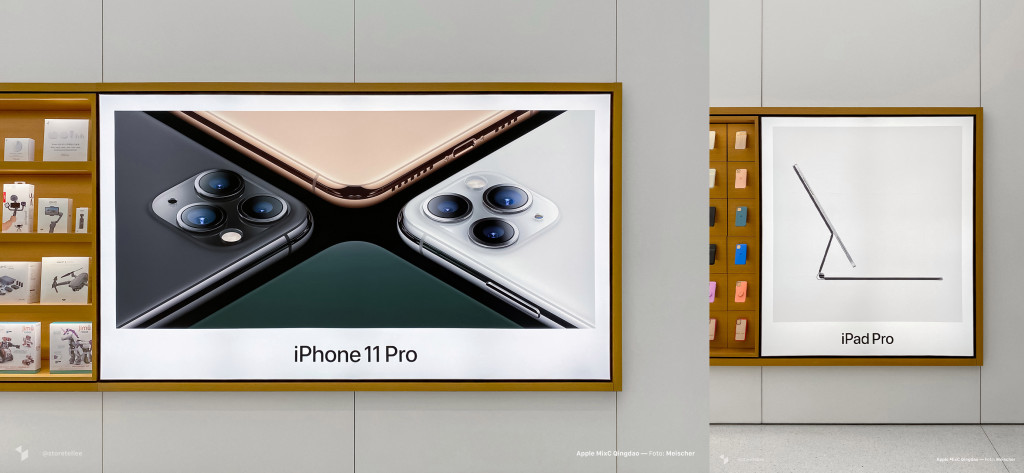
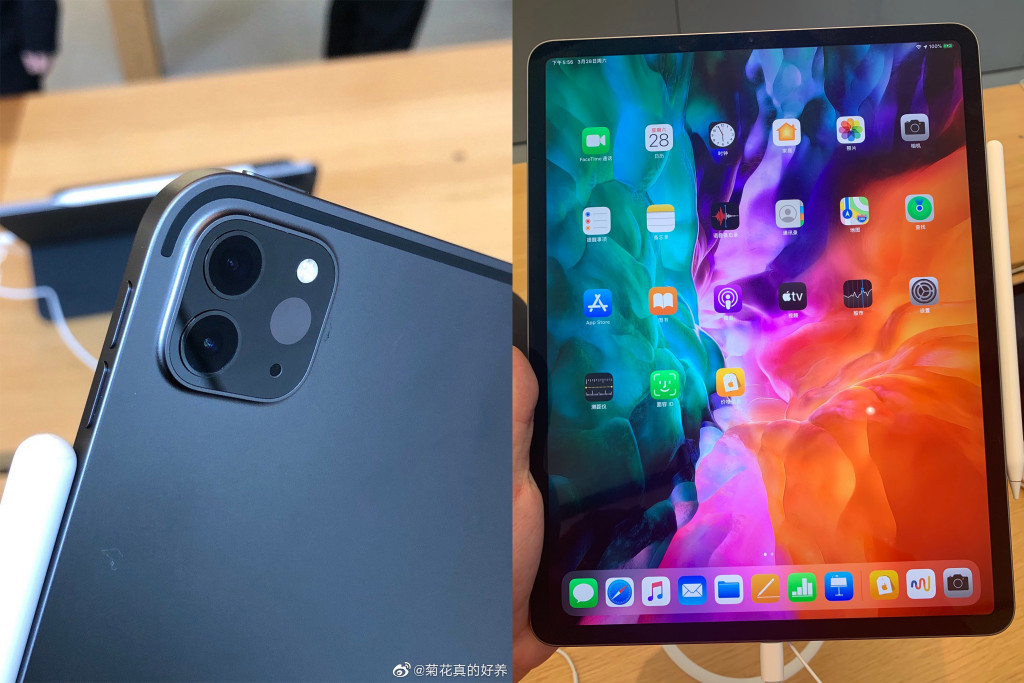
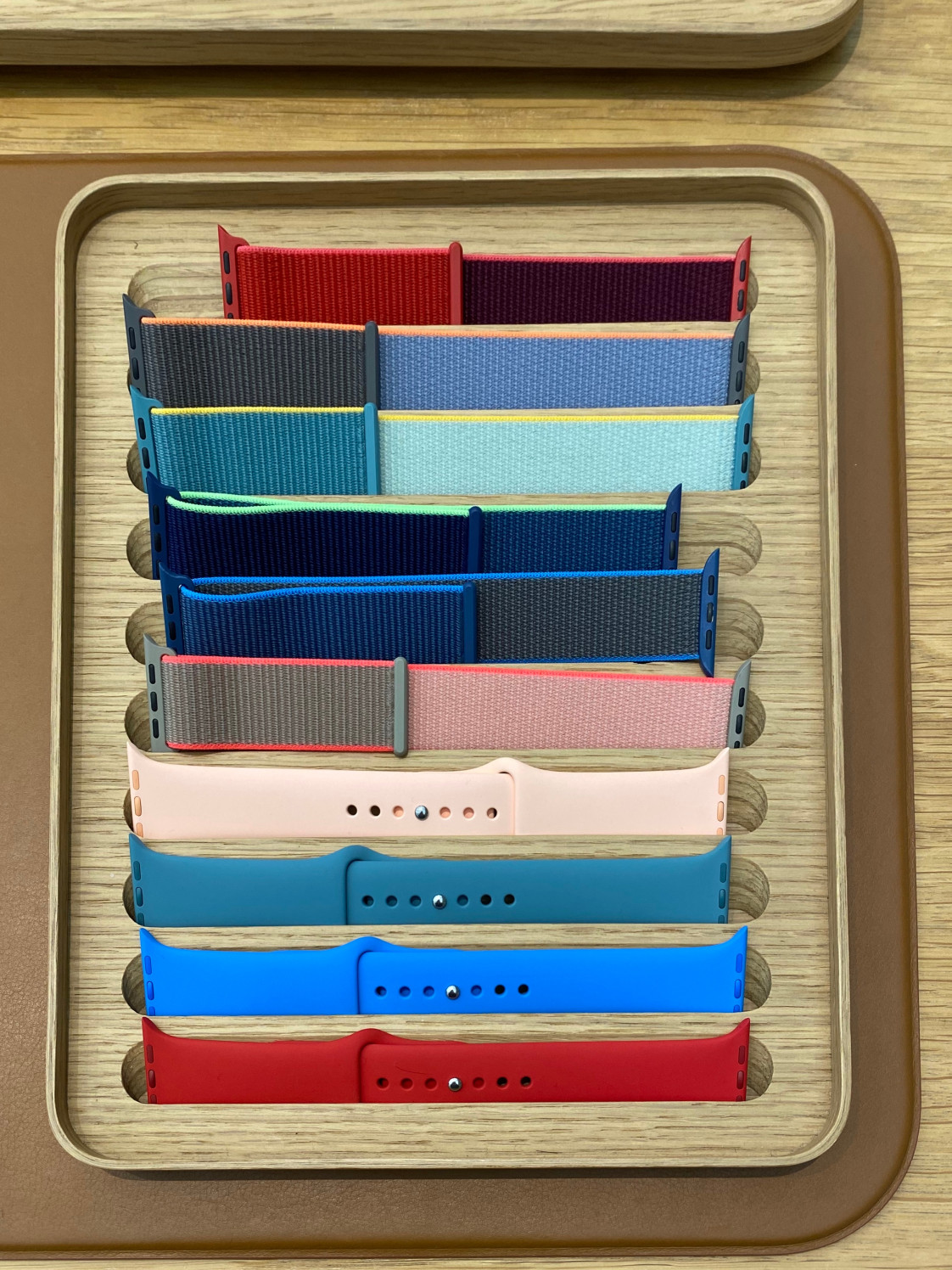
China’s Apple Stores were refreshed with the spring product lineup on Saturday morning following displays at Apple Authorized Resellers on the 25th. Stock of the latest iPad Pro, MacBook Air, Apple Watch bands, iPhone cases, and iPad accessories has been gradually rolling out. Stores received a fresh set of graphic panels with artwork mirroring the new imagery on Apple’s website.
While the new Magic Keyboard for iPad Pro isn’t available to try yet — that arrives in May — more stores now also have the new Mac Pro on display. At launch, only 12 locations in Greater China received demos. A similar expanded rollout should follow in the U.S. when stores reopen.
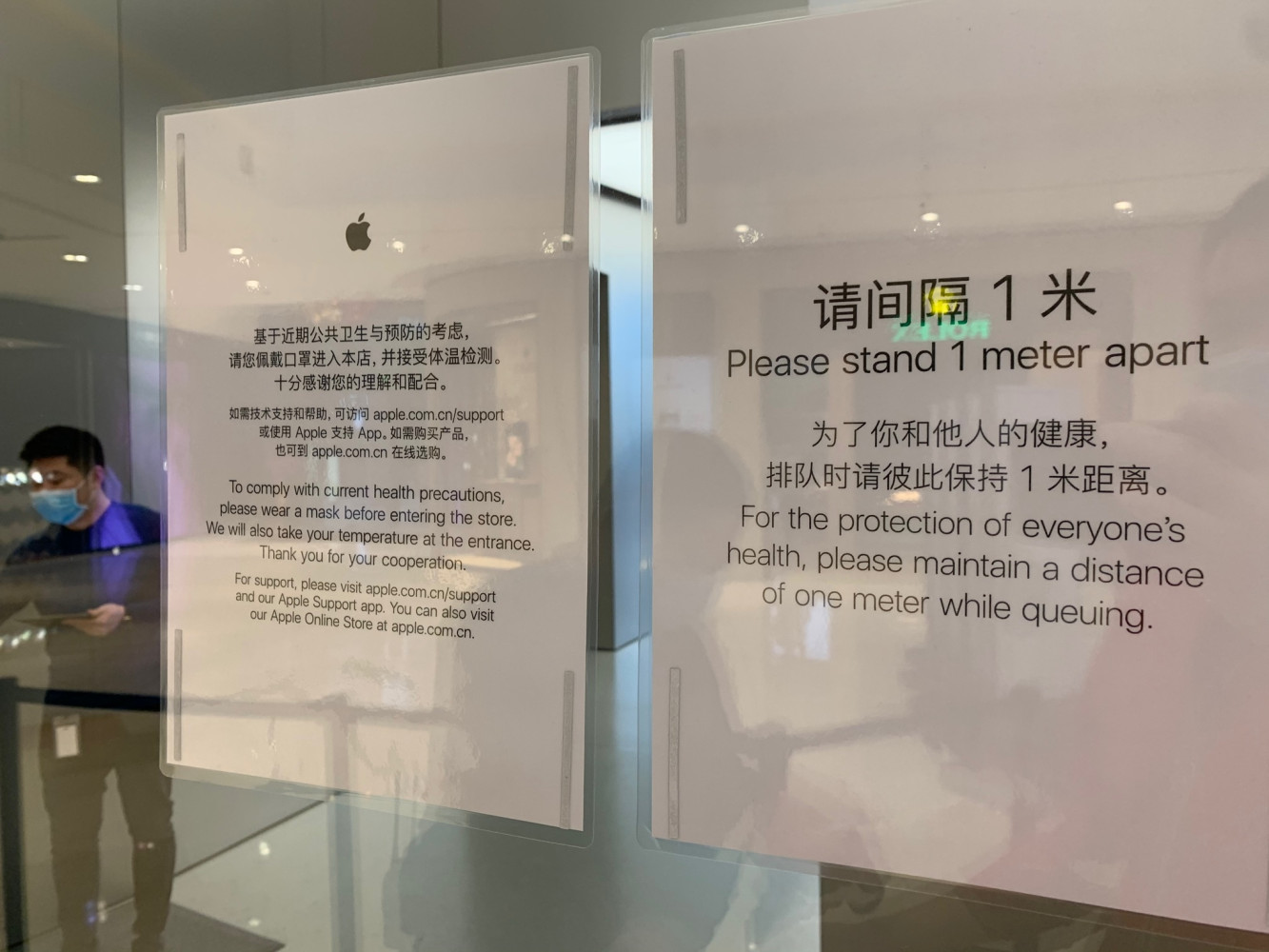
Customers are cautiously returning to malls and public spaces in China. Apple has been widely lauded for its proactive response to COVID-19 at retail stores, where business as usual is anything but. Every precaution has been taken for the safety of retail staff and customers. Some locations have multiple entrance lanes divided by stanchions to distinguish shoppers from those with a Genius Bar appointment. Capacity in stores has been greatly reduced and marks have been placed on the ground to encourage social distancing.
Masks and temperature checks are required to enter. In some municipalities, a QR code must be scanned on the way in and out.
In mainland China and Hong Kong, Today at Apple programming is still on hold. Two stores in Taipei and two in Macau are currently the only locations in the world offering sessions, all with reduced seating. These efforts to battle coronavirus are often makeshift — signage is improvised and easels are repurposed for hand sanitizer — but the precedent is industry leading.
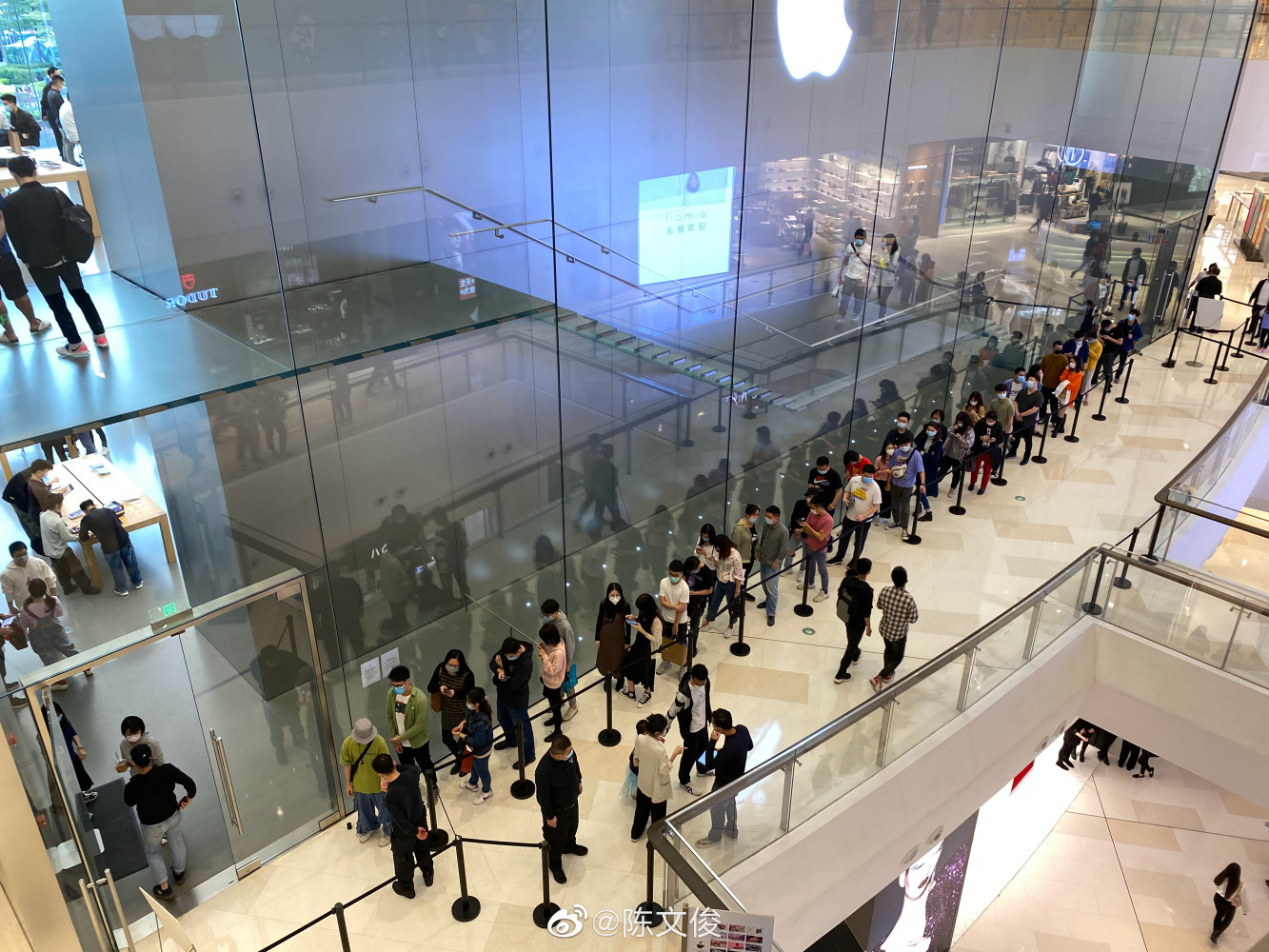
When Apple announced the closure of all stores outside of Greater China, countless brands followed. When March 27th reopening dates were made indefinite, the industry listened again. The social distancing policies enacted at Apple Stores in China could provide a template for retailers across America to reopen when the time is right.
There’s a long road ahead before your local Apple Store returns to the gathering place it’s envisioned to be. But a few signs of progress on the opposite side of the world give some promise that there is an end to this uncertainty.
Source: 9to5mac









